Mags
Community Team
-
Joined
-
Last visited
Everything posted by Mags
-
From the album: Mag's 2017
-
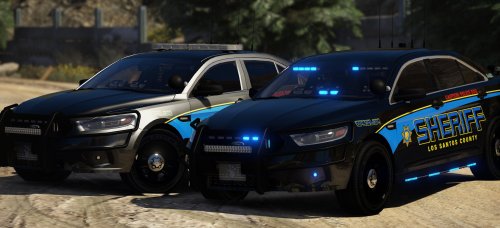
 You plan on releasing that Dunwoo... I mean los santos skin?
 -
I'm glad people are starting to bring back the classics!
-
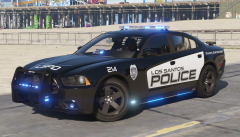 Side runners for the win
 -
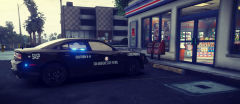
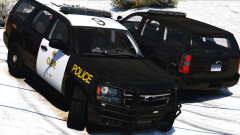 I like the ghost graphics!
 -
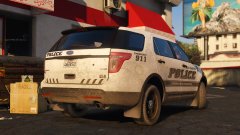
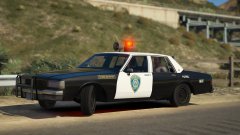 Old school!
 -
-
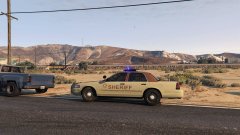 It's simple and I like it
 -
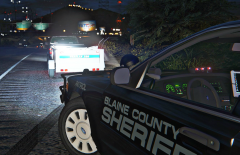
From the album: Mag's 2017
BLAINE COUNTY SHERIFF'S OFFICE DEPUTY MEET-AND-GREET!! ATTENTION CITIZENS !! Deputies will be out nightly on US Route 13 conducting meet and greet with citizens! So if you want to be like the pickup truck above with the trailer meeting and greeting with deputies please go 32 miles over the speed limit almost loosing control, and you will get to meet one of our very own! You will also get a souvenir to take home with you! Signed, Your Friendly county sheriff -
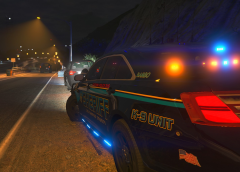 yes
yes -
This topic has been moved to the appropriate forum. Please post in the correct location in the future.
-
From the album: Mag's 2017
-
-
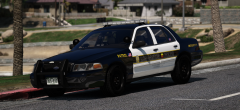 Very nice love the wheels
 -
-
-
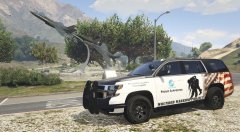 Very cool
 -
No problem!
-
Well what I do is I go to the main GTA V folder and copy it to a different location.
-
Be sure when you get it back always make a backup of all your files to bypass the headache!
-
Well glad you got it worked out!
-
Yes one of the requirements you have to be a homeowner
-
There has been "talk around the ford family. Don't know if they will actually bring it back.
-
You might be surprised of a possible come back
-
no more like kelly clarkson