Mags
Community Team
-
Joined
-
Last visited
Everything posted by Mags
-
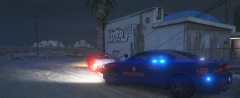
From the album: MAGS GTA V RANDOM
-
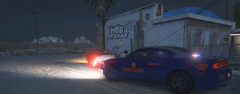
From the album: MAGS GTA V RANDOM
-
From the album: MAGS GTA V RANDOM
-
From the album: MAGS GTA V RANDOM
-
From the album: MAGS GTA V RANDOM
-
From the album: MAGS GTA V RANDOM
-
From the album: MAGS GTA V RANDOM
-
From the album: MAGS GTA V RANDOM
-
From the album: MAGS GTA V RANDOM
-

From the album: MAGS GTA V RANDOM
-
From the album: MAGS GTA V RANDOM
-
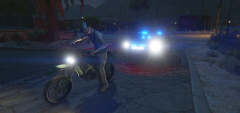
From the album: MAGS GTA V RANDOM
-
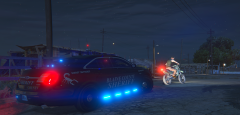
From the album: MAGS GTA V RANDOM
-
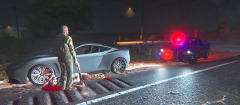
From the album: MAGS GTA V RANDOM
-
From the album: MAGS GTA V RANDOM
-
Also you have to make sure that you replace the skin in the correct patchday Like @Kallus Rourke stated the FLAG_HAS_LIVERY. If you go in the trainer, and the number under livery isn't changing that means you need to had that line to the vehicle. Sometimes modders will put skins in the ytd file that isn't mapped to the vehicle so make sure that you replace the skin with the right file.
-
 Nice shots!
 -
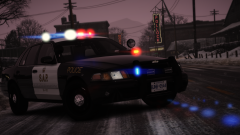 Awesome Pics! Love the slicktop!
 -
This topic has been moved to the appropriate forum. Please post in the correct location in the future.
-
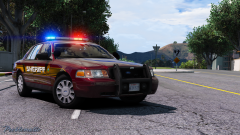 Something about the red skins get me excited! I guess because they are different. Great Job
 -
-
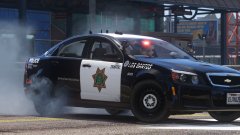 Super Sexy!
 -
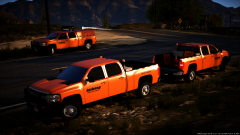 Can't wait for this!
 -
-