
acc
Members
-
Joined
-
Last visited
Everything posted by acc
-
 somehow the left backdoor handle is not mapped like the other 3 door handles. kinda odd. now I got 3 black and one white handle.
- 427 comments
- 75 reviews
-
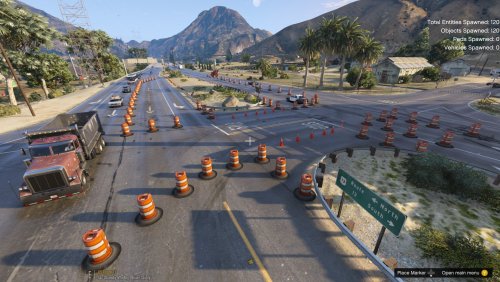 I'd add some construction vehicles, materials and workers, if possible. Looks a bit empty how it is.
- 10 comments
- 1 review
-
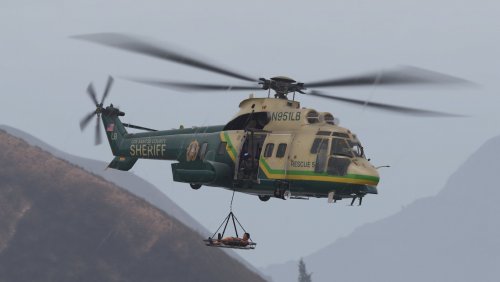 lovely bird, very well done. is there actually a mod where you can do rescue missions with it?
- 21 comments
- 4 reviews
-
-

- 1
-
-
-
-
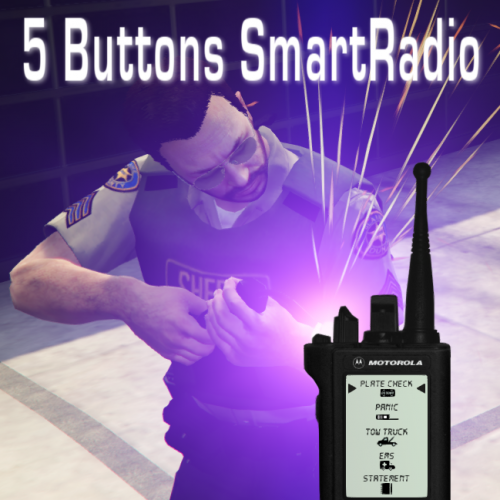 You're welcome. If you or someone else wants another specific background/color just let me know and I'll include it in the next release :)
- 7 comments
- 5 reviews
-
Thanks, I see some people prefer a brighter background, so I'll add one for the next update (and maybe some other options/colors too)
- 7 comments
- 5 reviews
-
-
- 1
-
-
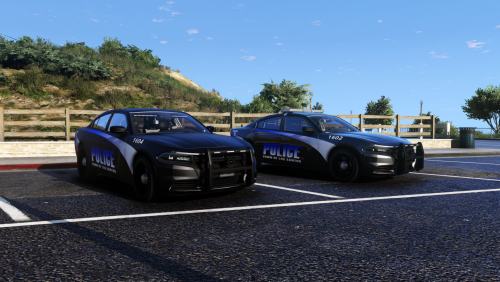 It's not the first vehicle I add to my game and I simply use the meta entry that comes with the pack. And I simply wrote my opinion, never said he has to change the livery.
- 26 comments
- 8 reviews
-
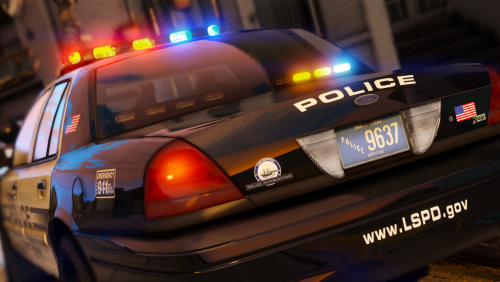
something must be messed up. when I go stage 3 on ELS the traffic is still ignoring me. also you're using POLICE handling (which is more like a CVPI than a charger) instead of POLICE2 (the GTA fake police charger). except that I wish windows could brak and bullet holes appear when the car gets shot. but in general nice looking car, except the liverie is not my taste.
- 26 comments
- 8 reviews
-
From the album: San Andreas Sheriff & Police Designs (WIP)
-
It adds no buttons, it adds button slots. Means it displays up to 5 buttons on each page instead of only 3.
- 7 comments
- 5 reviews
-
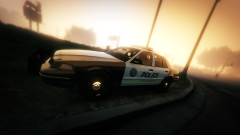
From the album: San Andreas Sheriff & Police Designs (WIP)
-
5 Buttons SmartRadio v0.2 Description Increases the display and adds two more button slots to Police SmartRadio Requirements Police SmartRadio by Albo1125 (Link) Installation Backup your Police SmartRadio files Make sure you have Police SmartRadio installed Copy the content of the Grand Theft Auto V folder into your Grand Theft Auto V folder Done! Extras Installation Make sure you have the installation steps above completed Pick the Background (Background.png) in the Extras folder you want to use Copy the Background.png file and replace Grand Theft Auto V/Plugins/LSPDFR/PoliceSmartRadio/Display/Background.png Done! Credits Files created by Albo1125 Modified by acc Copyright Published under the terms of Police SmartRadio by Albo1125 Redistribution not allowed Offer You want a special background and/or color? Just let me know and I will include it as Extra Pack in the next release.
- 7 comments
- 5 reviews
-
-
- 4
-
-
 Absolutely great addition for realism. Havn't had any glitch or bug with it - Full points.
- 135 comments
- 22 reviews
-
-
- 1
-
-
-
-
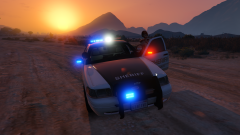
From the album: San Andreas Sheriff & Police Designs (WIP)
-
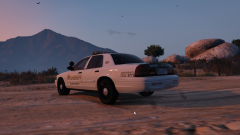
From the album: San Andreas Sheriff & Police Designs (WIP)
-
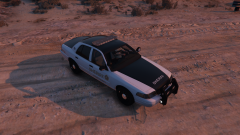
From the album: San Andreas Sheriff & Police Designs (WIP)
-
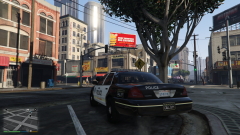
From the album: San Andreas Sheriff & Police Designs (WIP)
-
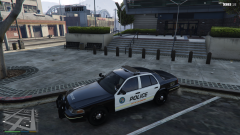
From the album: San Andreas Sheriff & Police Designs (WIP)
-
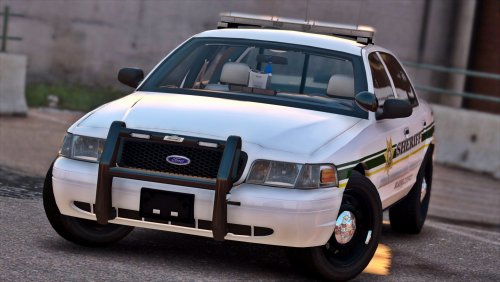 When pieces of the cars come off they are entire car models. Did I do something wrong or is this a bug?
- 29 comments
- 22 reviews
-
 A video with the differences would be cool. Or at least a few screens :) Does that also fix the issue with the bright Metro signs?
- 68 comments
- 9 reviews
-
 Great Models, definetly in my top 10. The Dirt-Overlay can look a bit weird sometimes (sharp edges in some spots), but in general great.
- 32 comments
- 34 reviews