



acc
-
Joined
-
Last visited
Everything posted by acc
-
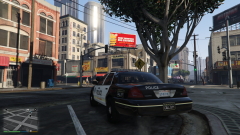
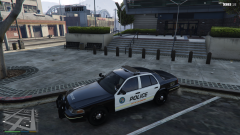
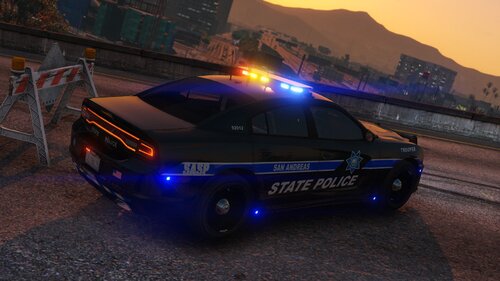 Great model, skin and light setup. Sadly the lightbar disappears when you walk a few feet away. If that would be fixed I'd give it 5 stars.
- 14 comments
- 4 reviews
-
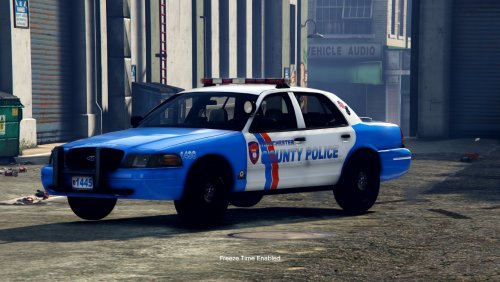 I checked the ytd-file for "generic_mud", but it isn't in there. I also updated to v1.1. Sadly the lightbar on the CVPI is still completely blacking out when the car is getting dirty.
- 14 comments
- 4 reviews
-
great vehicle. I found another bug: when the car gets dirty the light bar becomes completely black, so you can't see the lights anymore. usually I fix that (because a lot of vehicles have that issue) by making the dirt texture for the lightbar transparent, but I couldn't find it in openIV. would be great if you could fix that for the next update too or tell me which texture is used for the lightbar dirt. btw I had issues too with social club. it's because they changed the privacy stuff and you have to login again and accept them. that somehow is bugged when you try to do that when starting the game via rage plugin hook. hope that helps you. thanks for your time and work :)
- 14 comments
- 4 reviews
-
-

- 1
-
-
 <Item> <modelName>pdx11</modelName> <colors> <Item> <indices content="char_array"> 134 134 156 156 </indices> <liveries> <Item value="true" /> <Item value="false" /> <Item value="false" /> <Item value="false" /> <Item value="false" /> <Item value="false" /> <Item value="false" /> <Item value="false" /> </liveries> </Item> <Item> <indices content="char_array"> 134 134 156 156 </indices> <liveries> <Item value="false" /> <Item value="true" /> <Item value="false" /> <Item value="false" /> <Item value="false" /> <Item value="false" /> <Item value="false" /> <Item value="false" /> </liveries> </Item> <Item> <indices content="char_array"> 134 134 156 156 </indices> <liveries> <Item value="false" /> <Item value="false" /> <Item value="false" /> <Item value="false" /> <Item value="true" /> <Item value="false" /> <Item value="false" /> <Item value="false" /> </liveries> </Item> <Item> <indices content="char_array"> 134 134 156 156 </indices> <liveries> <Item value="false" /> <Item value="false" /> <Item value="true" /> <Item value="false" /> <Item value="false" /> <Item value="false" /> <Item value="false" /> <Item value="false" /> </liveries> </Item> <Item> <indices content="char_array"> 134 134 156 156 </indices> <liveries> <Item value="false" /> <Item value="false" /> <Item value="false" /> <Item value="true" /> <Item value="false" /> <Item value="false" /> <Item value="false" /> <Item value="false" /> </liveries> </Item> </colors> <kits> <Item>157_massacaro2_modkit</Item> </kits> <windowsWithExposedEdges /> <plateProbabilities> <Probabilities /> </plateProbabilities> <lightSettings value="1" /> <sirenSettings value="1" /> </Item> make sure to edit the model name from pdx11 to whatever you use. Credits to @Albo1125 for the XML.
- 26 comments
- 8 reviews
-
I have the same issue (using the addon files). The vehicles.meta is looking fine. No idea why it's not working correctly. Edit1: Switched to POLICE3 meta entry, still same result. Edit2: It's the carvariations.meta entry that causes it. Switched it out and now it works. Sadly the LODs of both vehicles are a mess (red hood, weird huge rectangles floating in mid air) :(
- 26 comments
- 8 reviews
-
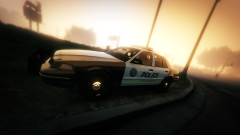
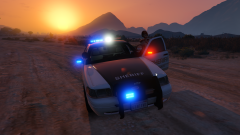
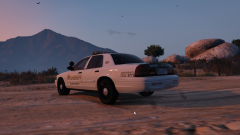
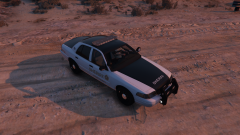
A few Designs I'm working on to create one or more Packs
-
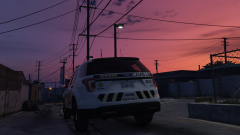
From the album: San Andreas Sheriff & Police Designs (WIP)
-
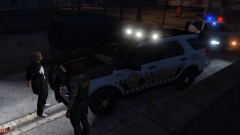
From the album: San Andreas Sheriff & Police Designs (WIP)
-
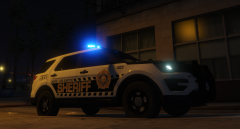
From the album: San Andreas Sheriff & Police Designs (WIP)
-
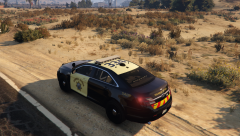
From the album: San Andreas Sheriff & Police Designs (WIP)
-
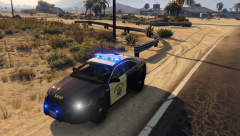
From the album: San Andreas Sheriff & Police Designs (WIP)
-
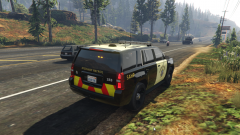
From the album: San Andreas Sheriff & Police Designs (WIP)
-
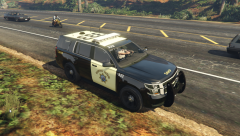
From the album: San Andreas Sheriff & Police Designs (WIP)
-
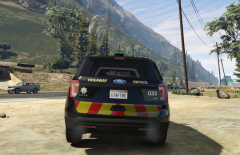
From the album: San Andreas Sheriff & Police Designs (WIP)
-
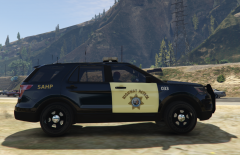
From the album: San Andreas Sheriff & Police Designs (WIP)
-
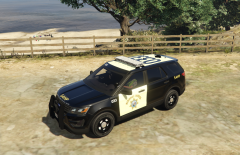
From the album: San Andreas Sheriff & Police Designs (WIP)
-
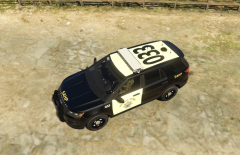
From the album: San Andreas Sheriff & Police Designs (WIP)
-
-
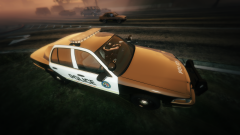
.thumb.jpg.bfad1c193dd40b9d539eefd7c5187a5a.jpg) sadly the extras don't work as intended, only 5 and 6 can be toggled on and off via trainer and the lspdfr police garage. all other extras spawn in randomly when you spawn the car and can be toggled off, but not toggled on. if someone has found a fix for this, please hit me up.
sadly the extras don't work as intended, only 5 and 6 can be toggled on and off via trainer and the lspdfr police garage. all other extras spawn in randomly when you spawn the car and can be toggled off, but not toggled on. if someone has found a fix for this, please hit me up.- 157 comments
- 46 reviews
-
 nope, looking great
 -
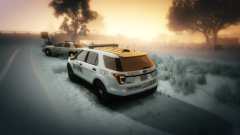
From the album: San Andreas Sheriff & Police Designs (WIP)
-
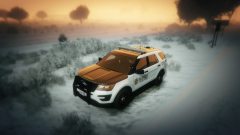
From the album: San Andreas Sheriff & Police Designs (WIP)
-
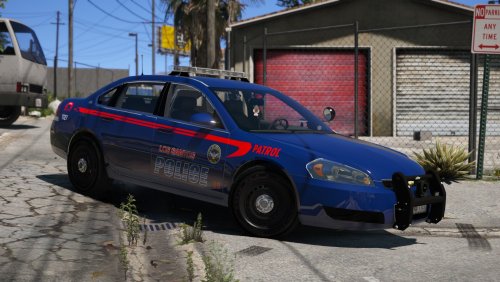 Little bug report: I just tested the crown vic (the one with the lightbar) and it seems the front windshield is missing the breaking feature. I simply can shoot trough it. But all other windows break just fine :D
- 21 comments
- 35 reviews
-
-


.thumb.jpg.bfad1c193dd40b9d539eefd7c5187a5a.jpg)

