0taku
Friends of LSPDFR
-
Joined
Everything posted by 0taku
-
then it must have been a freedom
-
-
of-course you would Sharp, of-course you would
-
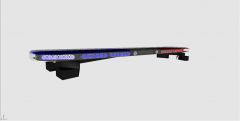 Very nice, Keep it up
 -
Very nice skins,
-
Cant be a freedom because its LED you must be talking about the Edge, unless you try to get to name for the inside lightbar
-
well for once im glad I live in Australia,
-
I'd sing that, and dont you mean a kickstarter
-
As far as I know, I think that there is only one...but I cant seam to find it right now sorry
-
uh that not as large as I thought it was, also very nice lights
-
how many kb dose that 3d girll add?
-
Imagen pulling that over
-
I would suggest useing the 'spoiler' filter for each of the different departments
-
its a clan mod
-
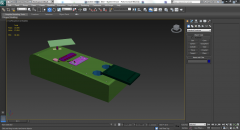 Nice Job, keep it up Hoffers
 -
this isn't nothing new, well maybe the taking of drugs, but everything else is the same old GTA stuff
-
I just checked and its a RX2700 my bad
-
dame you beat me, but yeah hes right join the clan to get the good cars
-
there is a rather low quality one over at GPM
-
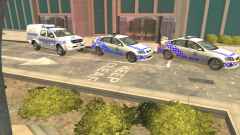 aren't those the old ones. and on a side note 'QUEENSLANDER!!' (why because)
 -
well this stuff happens, will all new it wouldn't last forever, still sad news though
-
-
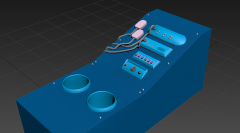 both the L0 and L1
 -
Same here mate, same here
-
this looks like it at-lest going to add maybe 700kb to the file size of a car