
NuttyRabbit
Members
-
Joined
-
Last visited
Everything posted by NuttyRabbit
-
@inspectior I advise you to just verify your game files through steam or whatever platform you bought the game on and wait for an update to lspdfr for the new game version, they should announce on this site when its available then update accordingly.im sure you have another game to play while you wait. @inspectiorlucky enough for you they have just updated lspdfr+rph all you need to do is verify the game to get your game to the lastest update and download the new lspdfr update, do take note of the scripthook V message.e

-
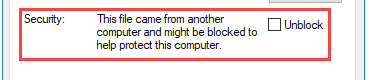
Just to confirm, you went to the gta 5 root folder and right clicked all the files that show in the error and ticked the box labeled "Unblock" then hit apply and ok. If you did do this and it still does not work, Its best to just wait for an update to LSPDFR/RPH and scripthook if needed as I believe thats the best thing for you instead of trying the hit or miss of reverting your game.
-
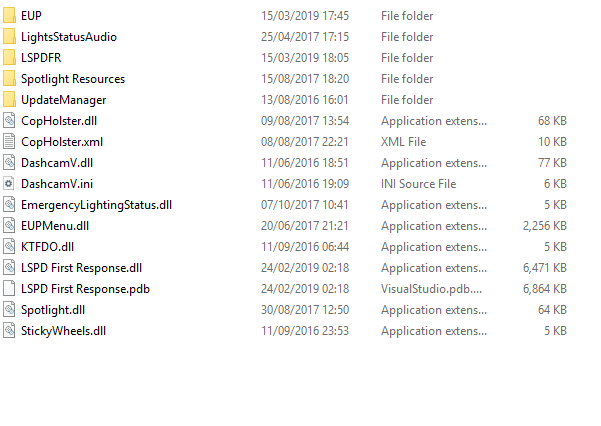
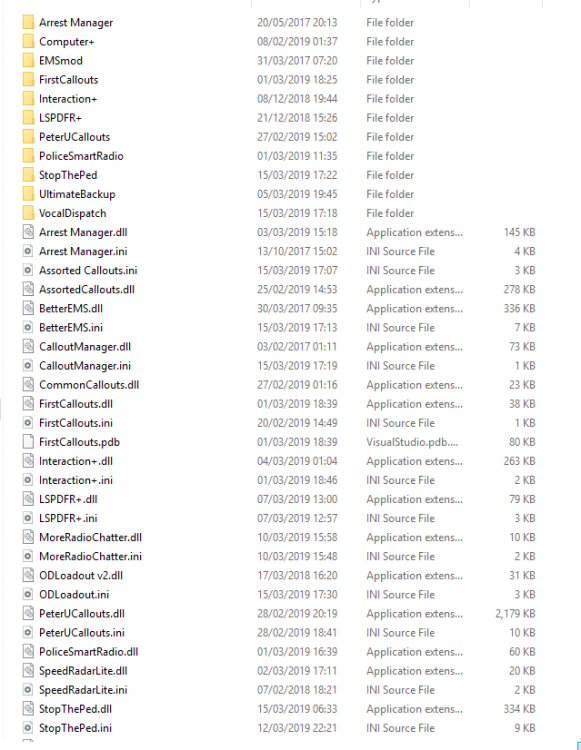
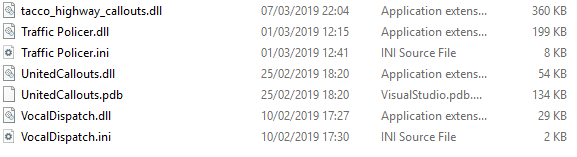
Hi when I start gta up with rage plugin hook the game loads for a bit then crashes heres my log heres the crash log let me know if u need anything else thanks for your help!
-
cheers for that!
-
I toatally agree??.. I think
-
yea Im waiting for script hook v to update too before i can play 😫
-
thanks lol yea gonna need some practice to avoid all the peds 😂 if u could post your force feedback settings as well that would be a great help!
-
LSPDFR 0.4 Is gonna be great just read through the dev logs and it sounds really good cant wait!
-
I have a logitech g29 with H-Shifter but never tried it with lspdfr im gonna set it up and give it a try!