


fearnothing1121
Members
-
Joined
-
Last visited
-
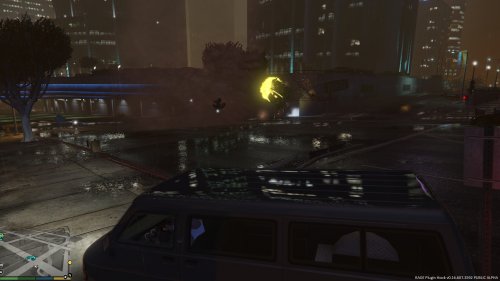 Is there a callout associated with this?
 -
-
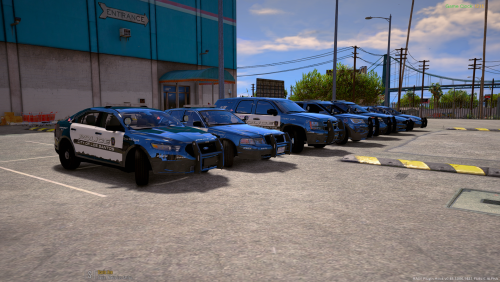 Just thought id let you know, the lights are causing issues on my end, it causes the extras (ram bar, spotlight etc) to cut in and out then the lights are going.
- 779 comments
- 187 reviews
-
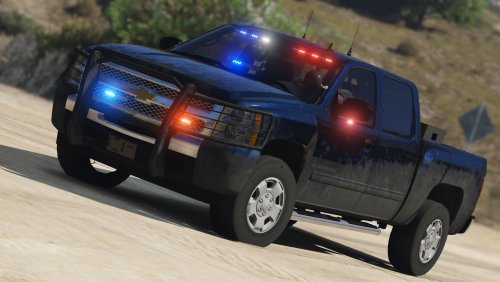 Just a question, How do I install the skins, and if i installed it right, how do i access them?
- 122 comments
- 29 reviews
-
-
 Anyone else having issues with it not working? All J does is turn the siren off.
- 2,699 comments
- 240 reviews
-
-

- 1
-
-
-
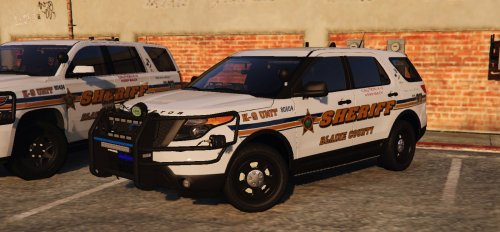 Having a bit of an issue, when running these squads, I notice that I cant get the light bars etc to work, just the tail lights flash. Complete noob here, any suggestions?
- 80 comments
- 27 reviews
