trover20
Members
-
Joined
-
Last visited
Everything posted by trover20
-
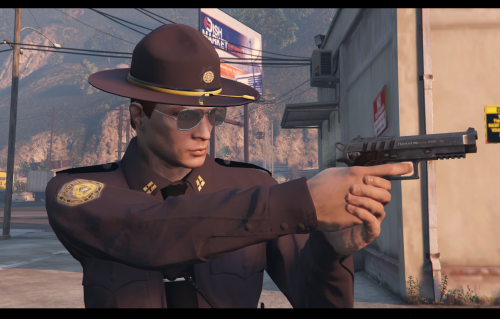 Just downloaded the skins honestly look great no blurry patches and very easy install if you want a SAHP or BCSO re skin I very much recommend this one
- 4 comments
- 1 review
-
-

- 1
-
-
Cars are not loading into my game, I have updated my update.rpf yet I still have no idea what it could be. Any help would be greatly appreciated!
-
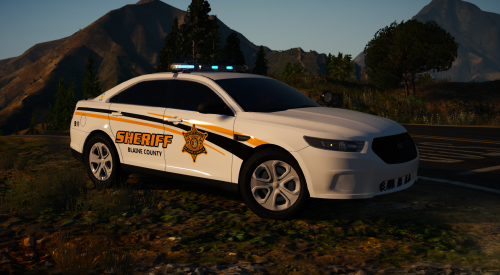 This pack is clean, the cars recommend fit perfectly, and its fits the county well!! Amazing pack honestly
- 30 comments
- 16 reviews
-
Thank you so much for this!!!!!!!!
-
Tried to play today however when I loaded in none of the ELS vehicles were working. I could hit J and it would go up the stages but none of the lights would ahow expect the break lights. Anyone else having trouble with this?
-
Yup the authors fixed it in an update today, just load up OpenIV and let it update it should work
-
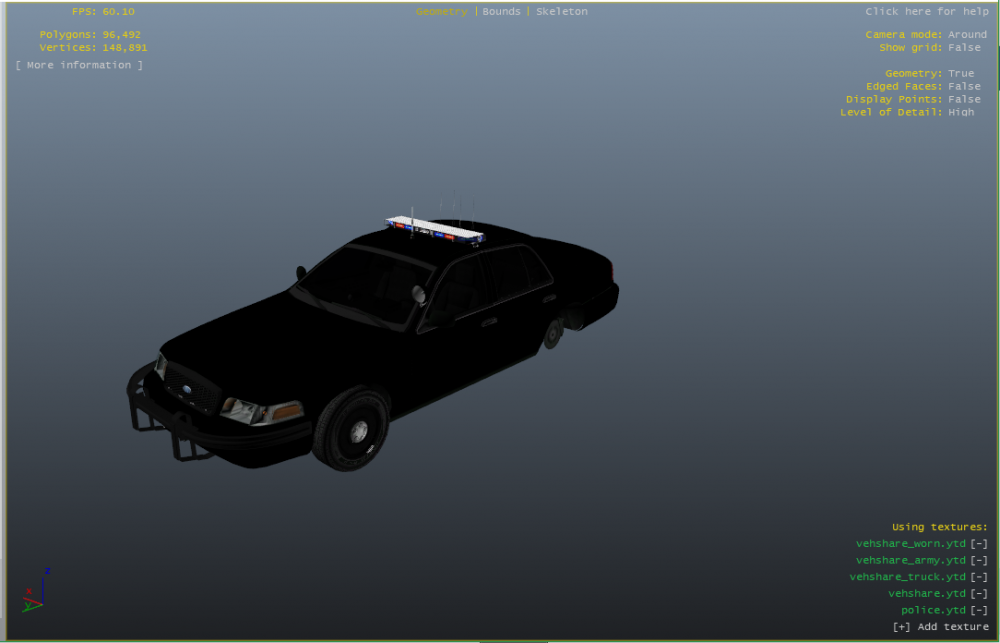
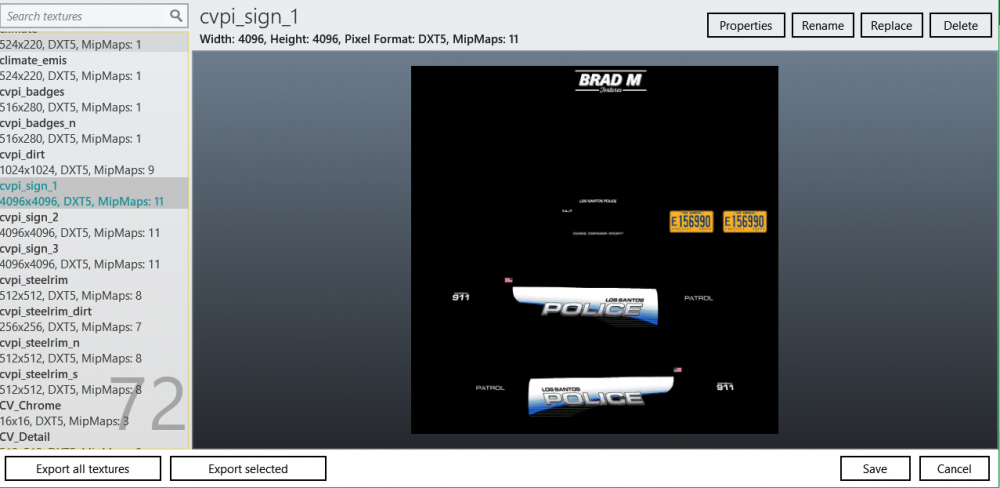
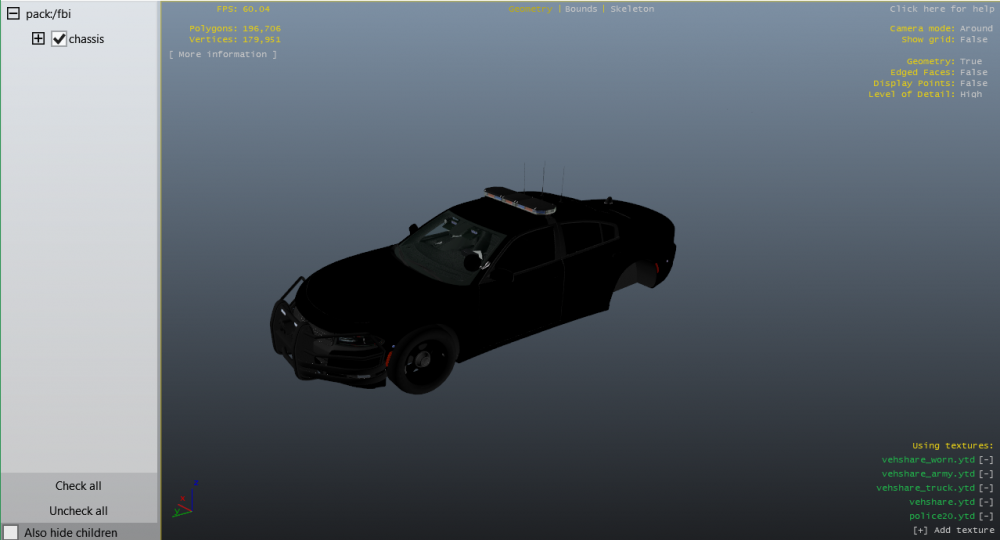
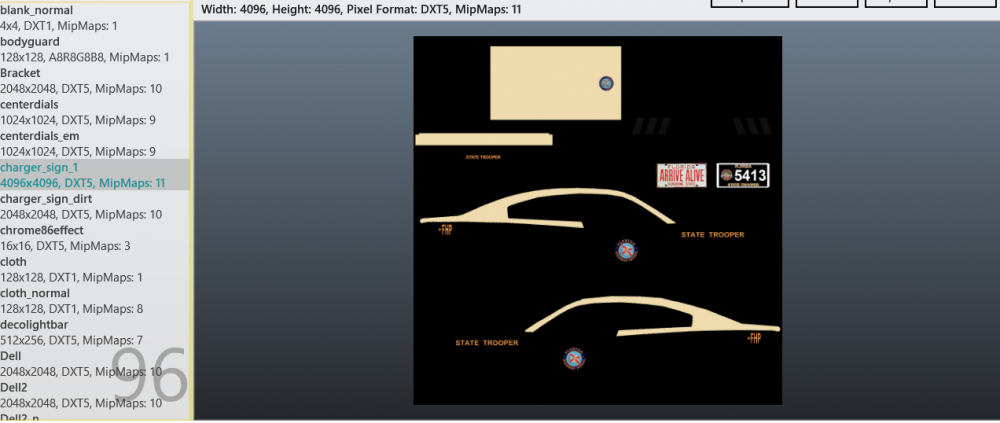
Today once Open IV updated I attempted to change the .ytd skins for vehicles, something that worked just last night, yet they are all black. All other skins seem to be working except for the livery, I also have three different types of liverys and none are working. I am attaching pictures of the Model viewer and subsequent .ytd files to show that there are liverys, they just aren't being applied. In game its fine just in the Model Viewer its not showing.
-
-
For some reason whenever I call for backup with B on keyboard no one comes, no EMS or helicopter either. I do not know why it suddenly stopped but any help is appreciated.