
BumbleBee4218
Members
-
Joined
Everything posted by BumbleBee4218
-
 those weld marks are superb
 -
-
 could i use this in a vehicle pack i am making?
 -
 did you literally just scale that Arjent up to make it fit?
 -
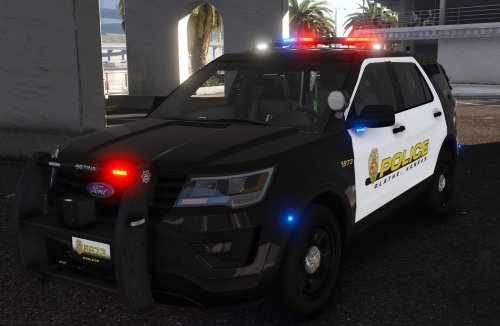
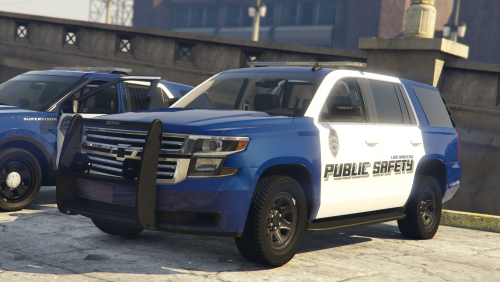 Included is a 2016 FPIU 2021 FPIU 2020 Tahoe All vehicles have 3 stages, lightbar itself has alternating colors on both sides, kinda interesting. Installation- C:\Program Files\Rockstar Games\Grand Theft Auto V\mods\update\x64\dlcpacks\patchday26ng\dlc.rpf\x64\levels\gta5\vehicles.rpf\ ELS install C:\Program Files\Rockstar Games\Grand Theft Auto V\ELS\packdefault
 -
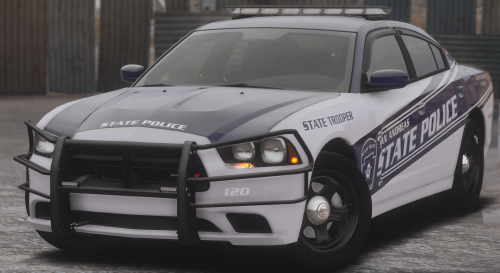
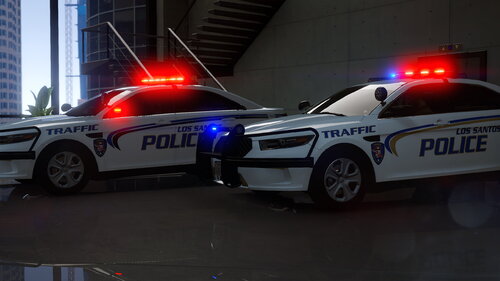 Thank you to MondoGaming for requesting this pack. Included is: 2018 LSPD Slicktop Charger-2Liveries---Police 2018 LSPD Lightbar Charger-2Liveries---Police2 2016 LSPD FPIU-2Liveries---Police3 2016 LSPD FPIS-2Liveries---Police4 2018 Sheriff Lightbar Charger-1Livery---Sheriff 2016 Sheriff Lightbar FPIU-1Livery---Sheriff2 Side note: for working Speedometers and not flippy cars, Please install meta: read the readme. Showcase Video and Mondo's Channel-
 -
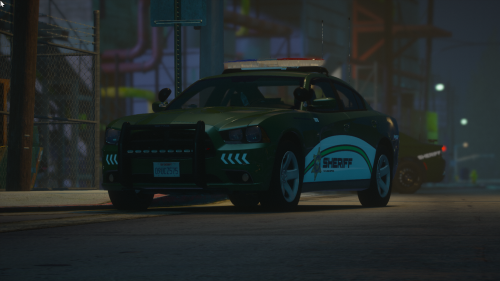
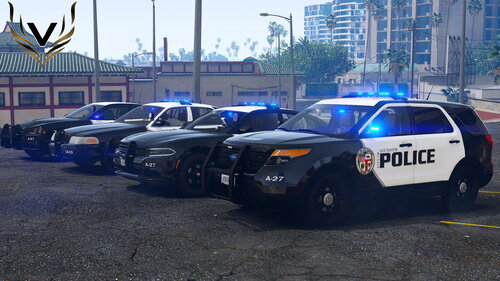 Vehicles Included: 2018 Charger 2014 Charger 2011 Crown Victoria 2013 Ford Explorer Installation and How to spawn in the read me.
- 9 reviews
-
-

-

- 11
-