Pengi
Members
-
Joined
Everything posted by Pengi
-
 It's a joke. The model is not ripped. Model purchased by Hilth0, converted by Hilth0, LCCOP and edited by GTAxB0ss blah blah more of that in the release.
 -
 As somebody who lives just south of that area, has seen them many times. And has access to a picture which I have given you, my argument is plenty valid. Also, I will not supply you with parts. LEARN to make your own. I can supply you with knowledge, not spoonfeed you a lightbar
 -
It's a good attempt but unfortunately not accurate in the least bit... '' target='_blank'>> '' target='_blank'>> The lightbar should have an indented cell. Not a 6 over 6 in the middle. Also has other forms of takedowns that need to be added
-
such rip. much wow
-
From the album: Pengi's Models and Stuff
Coming soon exclusive to other website.See my profile for info. More: -
 much rip. such sad
 -
It isn't necessarily polies. Most RC20's come from GTA_Default materials. Export it unlocked, reimport it into zmodeler, find the gta_default materials and fix it.
-
Possibly one of my favorite shows...RIP Chicago Code.
-
-
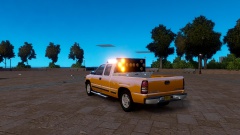 Looks good, and similar to this. I had planned on doing a CalTrans truck way back when, excited to see how this turns out.
 -
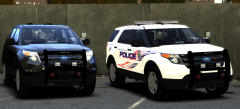 Much rip such wow
 -
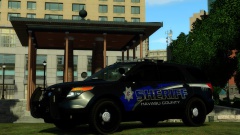 Everything looks amazing except the utility. Those headlight textures make me cringe. Aside from that, great work Jason
 -
That's definitely not ALL they are getting from you -__- or me...lol
-
Did you convert yours? Practice what you preach.
-
 The Fordy Tahoe?0_o
 -
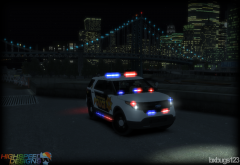 Much equipment such wow
 -
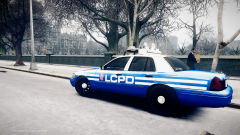 Lol noooo. The highrise lightbar depicted in Deco's pack is on par to the real life thing. Not whatever that picture is.
 -
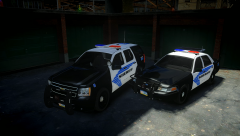 Wish you would release it with the skin
 -
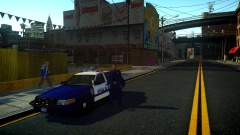 Tim, you make me moist ;)
 -
Unfortunately, skin is by TheHurk. However I have a release coming soon where the skin is by me, hopefully will knock some socks off xD
-
From the album: Pengi's Models and Stuff
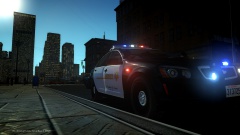
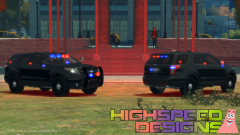
A Liberty City Police Officer is seen here in their yearly PR photoshoot. This year the Liberty Police showcases one of several new additions to the fleet which will include Vics, Chargers, Utilities and much more. All equipped with ALPR to fight an increase in auto-theft! First of several(maybe many) cars to made into another pack. Hopefully intended for MP Use. Thoughts are appreciated. More pictures: -
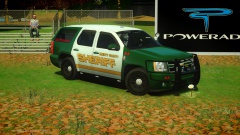 Looks good Nick!
 -
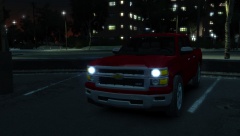 Interesting that you obtain a 2014 silverado shortly after one gets released... #pattern anyone?
 -
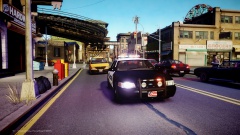 Whoever made that car seems like a cool guy
 -
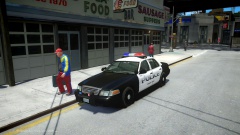 I was considering that. Depending on what others say, I may go with the 98's or maybe do two versions.