
Commissioner Harris
Members
-
Joined
-
Last visited
Everything posted by Commissioner Harris
-
-
-
-
-
-
-
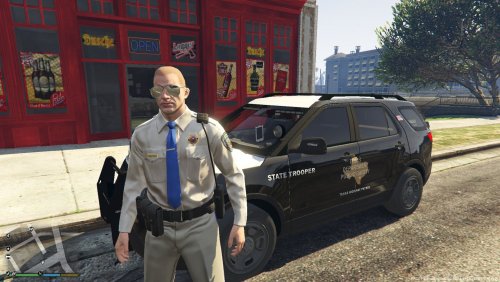 I'm just saying for it to be proper it wasnt centered also, with the flag the field points to the front, but yes that is proper, and my K9 truck was the only skin I had that wasnt installed on my server and I had in open IV
 -
**facepalm** isnt even properly centered also, flags are pointed wrong direction blue field faces towards the front of the vehicle
-
 ooofff love me a midmount arrff arrfff!!!!
 -
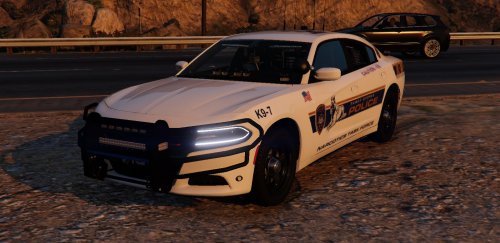 I seen the picture of this before and it looked bad ass one question though is there a R/B option or is it all Blues?
- 7 comments
- 4 reviews
-
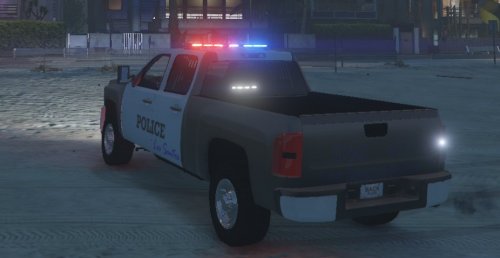 if its ELS wheres the ELS file?
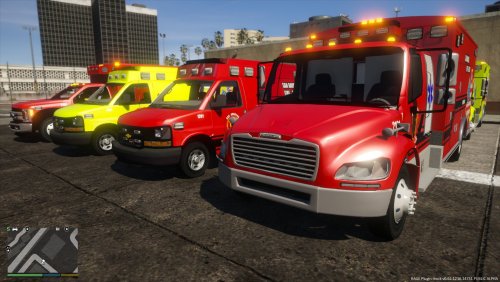 Anyway of a link to each ambo?The skins I'm developing/plan to release


.thumb.png.f6e3ab5c1cf1e17e17d72f3e17ac4172.png)
.png.63c831dc862d18e4b56b16b571e76948.png)
.png.7709ceb2b92b97798fe03bd0b3bb7747.png)
.png.a113e917413627968eac04170ddf26f3.png)
.png.0fe5d651a258c475c94ff377a8da173e.png)
.png.572682b07afad31aefd6955849940092.png)
.png.68eaae40d25418ab0d597381db318929.png)
.png.f509a92514f91ac0cc920a8506eceae4.png)
.png.c12388a82493e59ee8eeeab77e7c7d13.png)
.png.50da9033c162c532299caaefc273226a.png)