
Logans
Members
-
Joined
-
Last visited
Everything posted by Logans
-
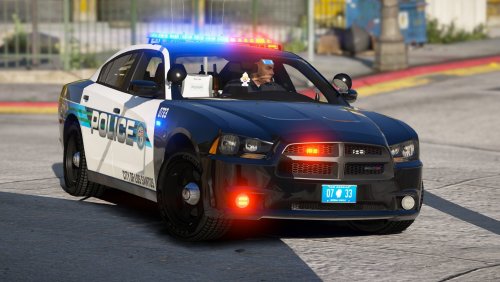
 Hopefully you're referring to the slick top charger. Can you clarify somewhere that it's not the 2018 charger, please? Super disappointing to see that base in the slick top spot.
- 66 comments
- 26 reviews
-
-

- 1
-
-
-
-
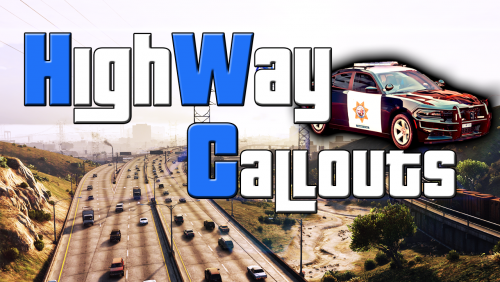 I love playing State and Highway Patrol, this seems a little too early and featureless to download just yet, but if you implement what you have planned it'll be solid. I like where you're going, everyone has to start somewhere.
 -
-
-
-
-
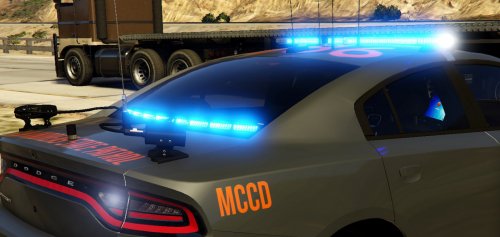
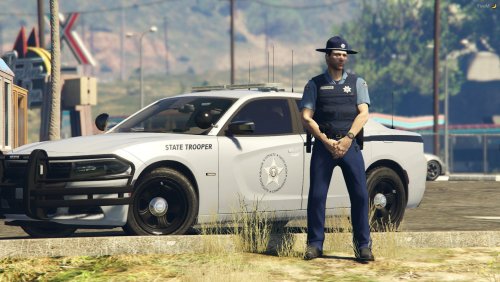 I've only been to Oregon once and I never saw any of their Troopers, but this pack looks incredible. Simple yet stunning. The author also left the ability to change the color of the livery if you so wish. Definitely appreciate that if you're not feeling the grey.
- 18 comments
- 2 reviews
-
 Review updated. No longer 4 stars, now 5. Love the car. Would be nice to see some other vehicles with the same lighting setup, perhaps a '16 FPIU if you ever decide to turn this into a pack.
- 175 comments
- 25 reviews
-
I've tried a few different thing to fix this with the updated version. It looks fine in OpenIV but breaks in game. Is this an issue with the updated upload or is something going horribly wrong for me?
- 175 comments
- 25 reviews
-
-
Edit since the update: The car is a solid 5/5 now. The author fixed what needed to be fix and I think the car is as good as it is going to get. The only thing it lacks is side lighting but that's a huge personal preference. Either way, the car is great. I really like the base 2018 model and I'm glad people are starting to release more cars with it.
- 175 comments
- 25 reviews
-
-
- 1
-
-
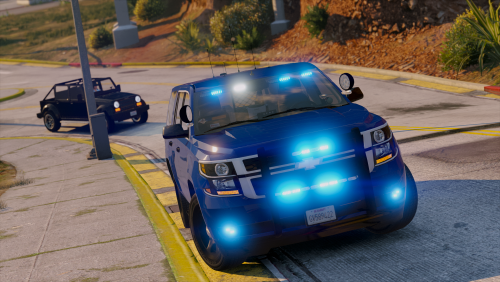
You may want to add an additional VCF or include instructions to add red light environmental lighting. By default, it only gives off blue lighting. I definitely prefer the blue and as soon as I get in game and see if everything works I will probably give a 5 star review.
- 175 comments
- 25 reviews
-
-
- 1
-
-
-
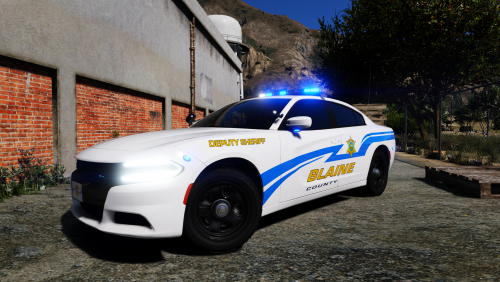 What type of cookie would you like? Never mind that, I'll get you a whole batch of every kind of cookie they have to offer. This is awesome.
- 1 comment
- 1 review
-
 The FPIS doesn't really interest me that much, but that Charger.. might just be the best Charger I've seen released. The use of the traffic adviser ELS setting is miraculous. Perfectly put together. I'm also a huge Valor fan, points for you there too. I love lights running along the sides of a Charger. More points. All blues. Even more points. One complaint: The take downs point under the car, I don't really need to see down there 🙂
- 75 comments
- 19 reviews
-
-
- 1
-
-
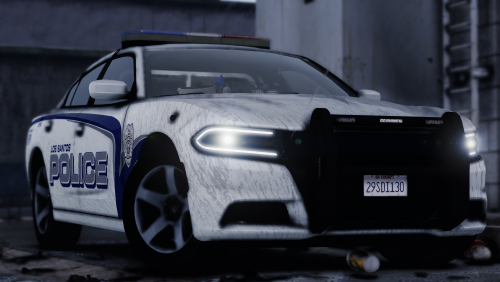 I only use Sheriff liveries in my game but this is incredible. You might have convinced me to install some LSPD stuff. This is amazing.
- 6 comments
- 5 reviews
-
-
- 1
-
-
-
-
-
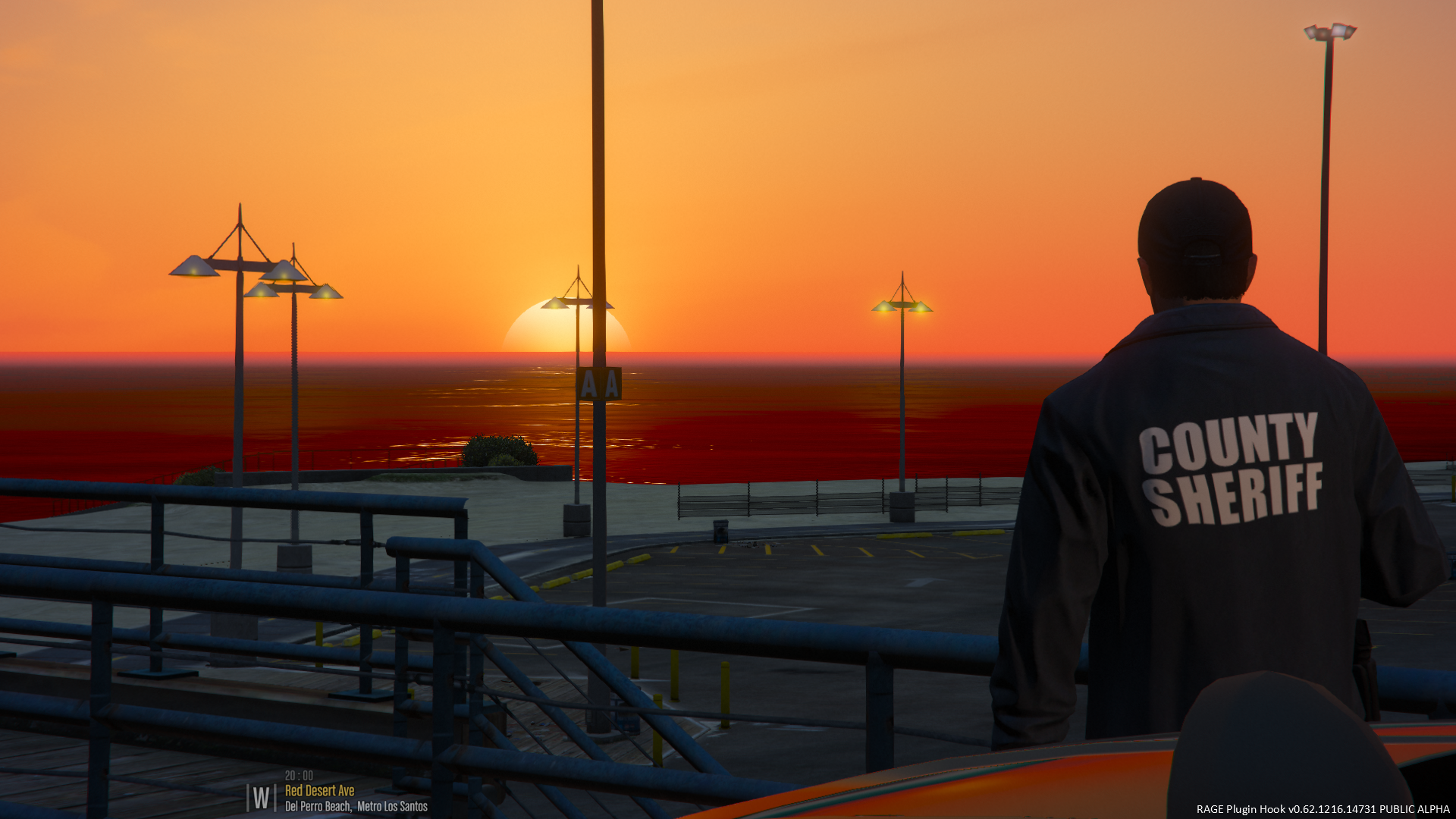
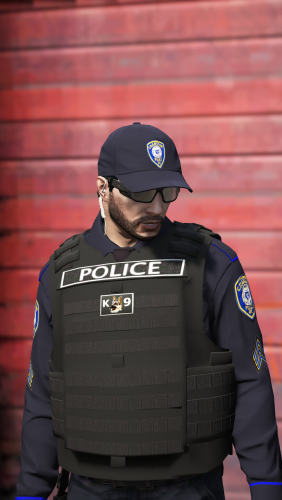 Looks amazing with the new sheriff vest. Any idea on a black baseball cap that I can get anywhere that signifies it's sheriff? Also, this setup may have been slightly inspired by your screenshots. I even put in the one duty belt with a taser that works with EUP I could find but it has a stupid M9 Beretta holstered that you can't get rid of, had to take it out.
- 158 comments
- 21 reviews
-
I cannot wait to see more vests from you, the sheriff vests you just added would be incredible without the K9 thing. Hope to see more updates.
- 158 comments
- 21 reviews
-
-