



Maine's Own
Members
-
Joined
-
Last visited
Everything posted by Maine's Own
-
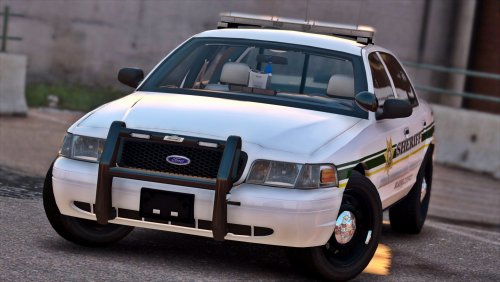 When it comes to ELS cars, I have not come across anything better yet, and this BC livery is really good.
- 29 comments
- 22 reviews
-
-

- 1
-
-
 Now, I know this is kinda old, but wth. Got to say, I created an account just to be able to praise these cars. I was looking for a decent car set (or more) that did not use the ELS because I just find it too complicated to use and it's a bit over the top for my personal needs. But I still wanted great looks and good lighting. So here we go, I guess it can't get any better than this, it's just perfection. Thank you!
- 779 comments
- 187 reviews
-
 Now, I know this is kinda old, but wth. Got to say, I created an account just to be able to praise these cars. I was looking for a decent car set (or more) that did not use the ELS because I just find it too complicated to use and it's a bit over the top for my personal needs. But I still wanted great looks and good lighting. So here we go, I guess it can't get any better than this, it's just perfection. Thank you!
- 445 comments
- 108 reviews

