


Spectre32A
Members
-
Joined
-
Last visited
Everything posted by Spectre32A
-
.thumb.jpg.335a5c2afffd469b763c8cb47d7219f9.jpg) So only the april 2020 pack has vehicles and the others are liveries. I would just include that in the descriptions just so folks know what they are downloading. I was under the impression that these were actual vehicles. The april pack is fuggin awesome!! im still trying to find the port police and where the DLC might be. Maybe you mixed them up?
So only the april 2020 pack has vehicles and the others are liveries. I would just include that in the descriptions just so folks know what they are downloading. I was under the impression that these were actual vehicles. The april pack is fuggin awesome!! im still trying to find the port police and where the DLC might be. Maybe you mixed them up? -
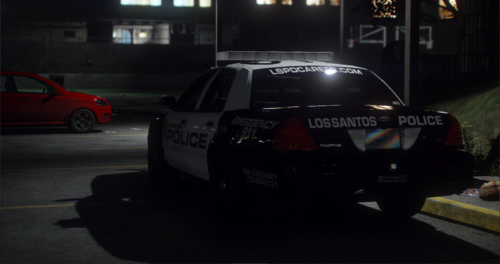 I think the Ghost graphic tahoe also has an issue with the spot light hovering next to the vehicle
- 239 comments
- 24 reviews
-
-

- 1
-
-
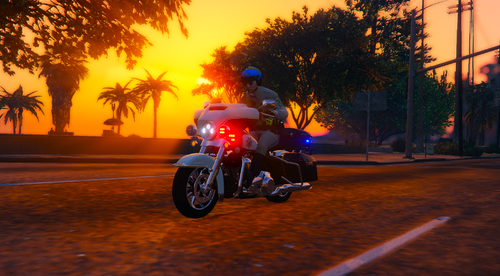 Amazing!! will you be doing the BMW version as well?
 -
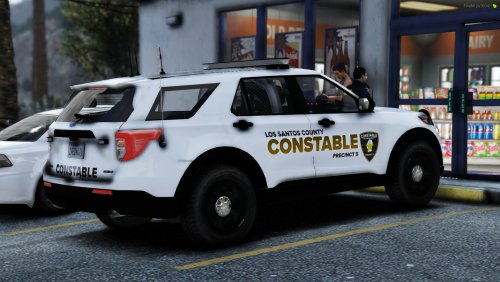 where did you get that tahoe?😍
 -
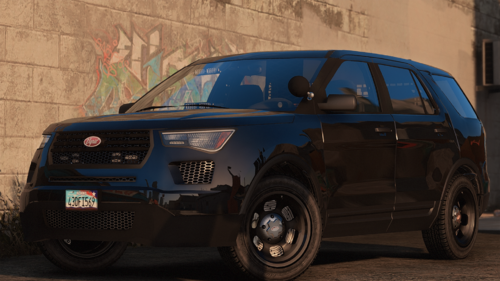 Ill tinker around with it and see what i can figure out. I ran into the issue when i installed your vehicle so it probably is something i fumbled up during the install. Thanks for your help!! Great vehicle by the way!!
- 7 comments
- 1 review
-
Yup i installed the one provided with you vehicle ( in the post ) and its still throwing those errors.
- 7 comments
- 1 review
-
For some reason i am getting a DLS crash with the added XML for this vehicle. DLS loads fine until i spawn the vehicle and then once spawned DLS will crash. LOADED DLS v1.4.1.0 [11/13/2022 8:44:11 AM.264] Dynamic Lighting System: VCF IMPORT ERROR (police): An item with the same key has already been added. [11/13/2022 8:44:11 AM.485] Dynamic Lighting System: TAGROUP IMPORT ERROR (ssso_pattern1): There is an error in XML document (3, 2). [11/13/2022 8:44:11 AM.486] Dynamic Lighting System: TAGROUP IMPORT ERROR (ssso_pattern2): There is an error in XML document (3, 2). [11/13/2022 8:44:12 AM.812] Dynamic Lighting System: [11/13/2022 8:44:12 AM.812] Dynamic Lighting System: ============================== [11/13/2022 8:44:12 AM.812] Dynamic Lighting System: UNHANDLED EXCEPTION DURING GAME FIBER TICK [11/13/2022 8:44:12 AM.812] Dynamic Lighting System: ------------------------------ [11/13/2022 8:44:12 AM.812] Dynamic Lighting System: Origin: Game fiber "DLS - Special Modes AI Manager". [11/13/2022 8:44:12 AM.812] Dynamic Lighting System: ------------------------------ [11/13/2022 8:44:12 AM.812] Dynamic Lighting System: Exception type: System.IndexOutOfRangeException [11/13/2022 8:44:12 AM.812] Dynamic Lighting System: Exception message: Index was outside the bounds of the array. This is what i am getting.
- 7 comments
- 1 review
-
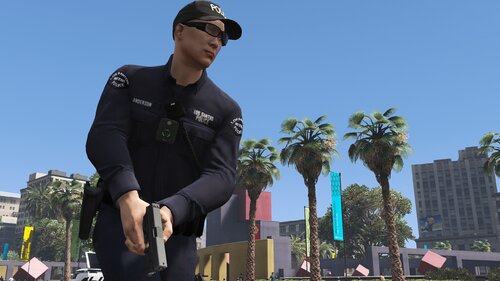 Is it safe to assume that this will not work with the 9.4 and above versions of EUP?
- 944 comments
- 23 reviews
-
-
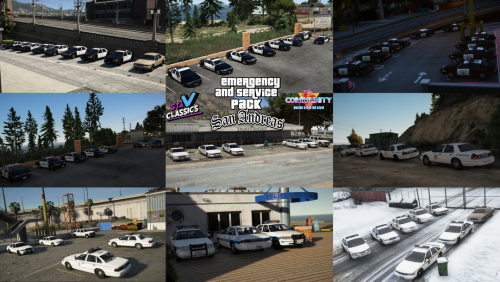 Do the traffic advisors work in conjunction with the lightbar for the highway patrol vehicles? I cannot get them to work it seems.
- 32 comments
- 3 reviews
-
-
Is there any motorcycles you could add at a later time or with an update? this pack is amazing and has everything!!
- 32 comments
- 3 reviews
-
It should. I think thats what DLS is for. I only use DLS for non ELS vehicles.
- 32 comments
- 3 reviews
-
-
- 1
-
-
Look brother, Anyone whos been apart of this community for any reasonable amount of time should understand the pressures devs and creators have. theres a ton of ungrateful individuals here, a line up of people who couldn't mod a rock who criticize work of devs and mod creators and those who feel like they should get more and more not realizing the hard work and effort that goes into QUALITY content thats put out for FREE on websites such as LSPDR and alike. I have held on to just about every pack you have put out because in my book, you were among the top creators such as JCOOKGRIME, The echowolf team, BlueGhost and others to name a few. You and i have had a few conversations in the past and to be fair, i can understand ( to a degree ) your reasons for responding in the way you did and such. To say that they are unforgivable is unreasonable and unfair. Again, theres a level of pressure on you guys. As such, your apology is accepted and i hope that you can continue to put out quality packs and vehicles for those of us in the community who understand in part the hard work and effort you put into your work. Lessons have been learned and all we can do now is move forward! Welcome back brother
-
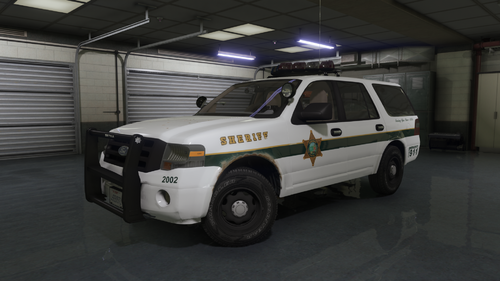 🤣🤣 Awesome wallpaper!!
 -
-
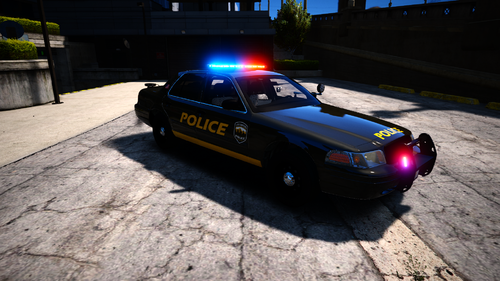 For EUP i can see the file for that. im not seeing the file for vehicles.
 -
Is there a way to have the NPCs use these vehicles in game as opposed to me using a raptor and the NPCs respond in a granger?
-
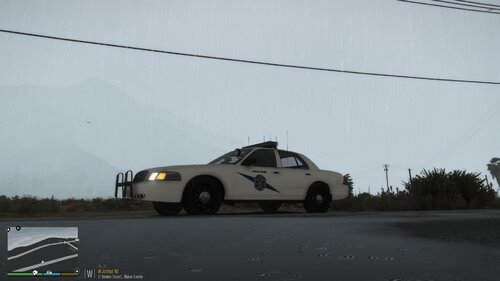 Thats awesome!! i live in washington as well in everett. Im looking forward to the full pack. Great job man!!
- 22 comments
- 3 reviews
-
-
- 1
-
-
Apologies it was late and i had just gotten off work. The light pattern is very much on point with the way WSP has their lighting patterns. Blue on the edges of the light bar and minimal red. Traffic stop mode is all solid blue lighting with alternating red lighting on the front of the light bar with the traffic advisor lit up. And yes i was asking if newer model vehicles would be done for future packs.
- 22 comments
- 3 reviews
-
Will they be newer model WSP vehicles. Ive been trying to find a pack or cars that have the light bar set up you have on these vehicles. they are SPOT ON!!
- 22 comments
- 3 reviews
-
-
- 1
-
-
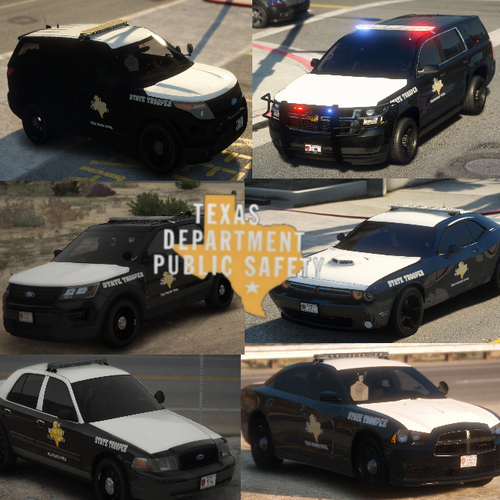 Will you be doing a Washington state patrol in the future by any chance?
 -
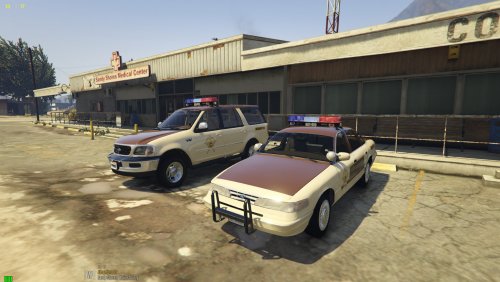 Awesome. The lights work!! could you take a look at the motorcycle. The lighting is all dark and i cannot change it with the trainer.
- 92 comments
- 4 reviews
-
Yup i sure did and im still not getting the lights to rotate correctly. And then the motor bike, all the lighting is dark. I use simple trainer to usually solve that problem but ive not had any luck. Ive actually been trying to get everything to work for the past couple of hours now. This pack looks amazing!!
- 92 comments
- 4 reviews
-
-
- 1
-
-
So id like to use these vehicles as replacement vehicles. The lights do not rotate properly. Is that a carcol issue?
- 92 comments
- 4 reviews
.thumb.jpg.335a5c2afffd469b763c8cb47d7219f9.jpg)





