



Trooper Pippy
Members
-
Joined
-
Last visited
Everything posted by Trooper Pippy
-
 If there's gonna be an Expedition included it will surely pip my pip to the max! ;)
 -
 So many nice packs... so little time. Once I'm done having fun with the RCMP pack this is going right into my game. Great stuff!
- 43 comments
- 10 reviews
-
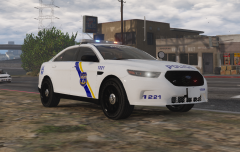
From the album: Pip's Patrol Screenshots
2015 Ford Police Interceptor Sedan -
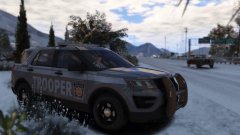 :)
:) -
.png.2ad3c3bfa92ddc5b6c0ce2063fef38f8.png)
From the album: Pip's Patrol Screenshots
2015 Chevy Tahoe - Pip. -
Excited!
-
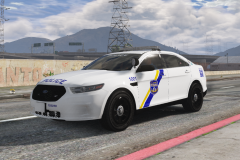
From the album: Pip's Patrol Screenshots
Pip. West Philly represent! -
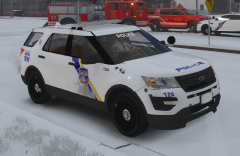
From the album: Pip's Patrol Screenshots
Pip. ;( -
-
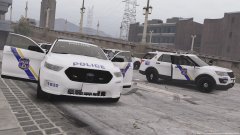 1712 and 14 used to be '07, '09 Impalas, now they're both FPIU's. It's sad to see the cars you're used to go. :'(
 -
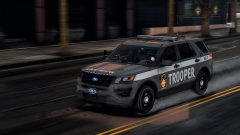 Troop K seems to be pretty much all the older cars ;(
 -
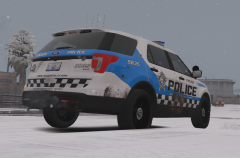 Thanks!
 -
From the album: Pip's Patrol Screenshots
-
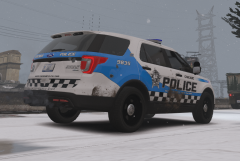
From the album: Pip's Patrol Screenshots
Pip. -
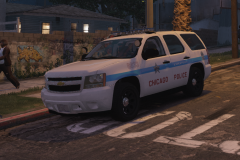
From the album: Pip's Patrol Screenshots
Pip. -
 This caught me off guard... but in a good way! This is going in my game ASAP!
- 58 comments
- 37 reviews
-
-

- 2
-
-
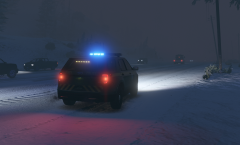 *Sigh* Title got cut out... Oh well, I think y'all get the gist of what I meant. ;)
 -
From the album: Pip's Patrol Screenshots
-
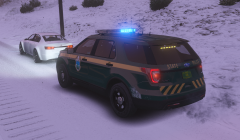
From the album: Pip's Patrol Screenshots
Pip. -
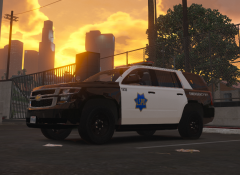
From the album: Pip's Patrol Screenshots
Pip. -
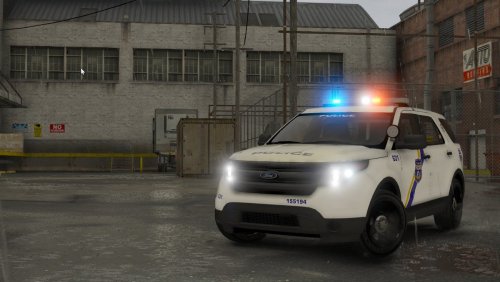 I don't ask this to rush you or anything but any word on when or if the FPIU will be added?
- 47 comments
- 13 reviews
-
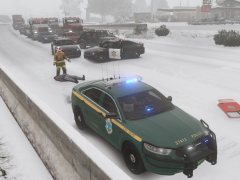
From the album: Pip's Patrol Screenshots
Pip. -
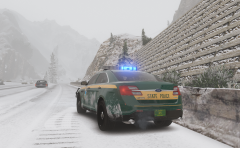
From the album: Pip's Patrol Screenshots
Pip. -
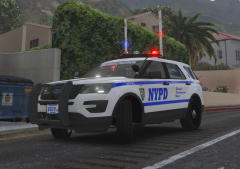
From the album: Pip's Patrol Screenshots
Pip. My hi-risers are better than your hi-risers! -
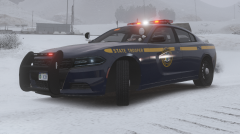 That's awesome, man! NYSP is where it's at. Stay safe!

.png.2ad3c3bfa92ddc5b6c0ce2063fef38f8.png)
