



Trooper Pippy
Members
-
Joined
-
Last visited
Everything posted by Trooper Pippy
-
-
-
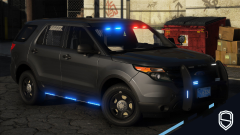 Los Santos Pohlice Depawtment
 -
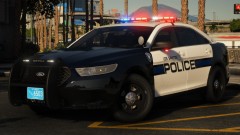 I'd be lying if I said I wasnt really excited for this!
 -
-
 I'm having the same issue Verenikin is having with the game crashing when trying to run someone's information. It happens every time and I've tried as much as using an older version of computer+ with no luck. 😞
- 1,743 comments
- 172 reviews
-
.png.a7d810a08ed36fa423a60dfe23364e7f.png) Sex
Sex -
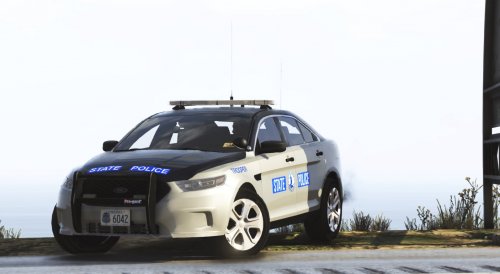 Great looking pack, been waiting a while for the release. Is there a way you can upload a version of the pack where the vehicles aren't a dlc? I had intentions to use a couple of the cars and then switch them out when I was done.
- 36 comments
- 4 reviews
-
-
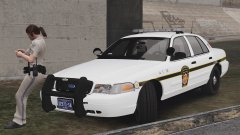 No way
 -
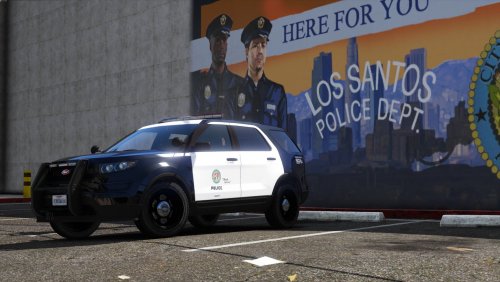 This is really nice! Definitely Pip approved! Any possible chance we can see other lore vehicles of this quality? 😄
- 23 comments
- 3 reviews
-
-
-
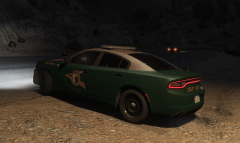
From the album: Pip's Patrol Screenshots
Pip. -
From the album: Pip's Patrol Screenshots
Pip. Big shoutout to Slendis for his amazing work on this pack! -
-
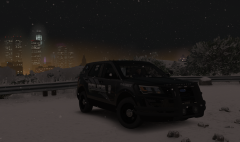
From the album: Pip's Patrol Screenshots
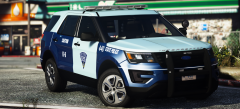
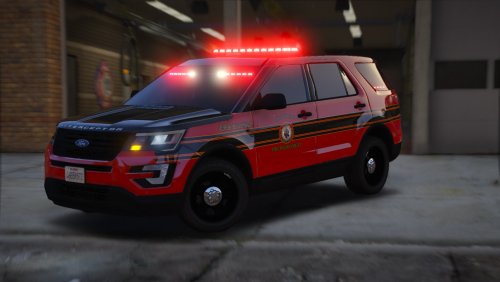
Pip. Shoutout to Maurice97 for the lovely FPIU! -
.thumb.png.f8f51d0f8db4a7188715b93cc8e21ded.png) Also forgot to add a spotlight. Though it seems like a lot of people now a days do. Looks like a nice car tho :)
Also forgot to add a spotlight. Though it seems like a lot of people now a days do. Looks like a nice car tho :)- 8 comments
- 1 review
-
-

- 1
-
-
 oiiii, pip approves! 🙂
 -
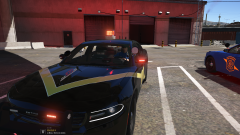 Thank you OfficerFive0, very cool!
 -
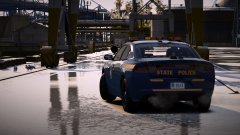 That's fantastic and all if you're in these cars but if you're going to point out inaccuracies to better the models then you should really consider doing it in a nicer manner. I'm pretty anti-PC irl but when you're trying to help others, your tone should match your intentions... "Hi, there are a few inaccuracies with these cars. I happen to work with the NYSP and here is what needs fixing." That's the real way to get things done, for future reference.
 -
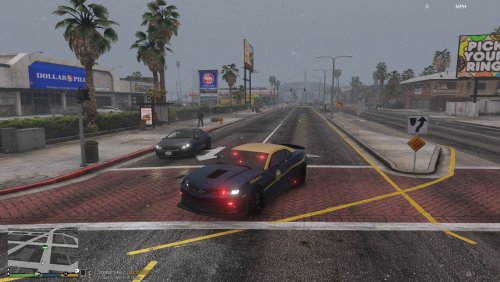 Looks nice! Might download it when I get home.
 -
I’m terribly sorry but when I see you commenting on New York related mods and all I see are comments about what’s wrong with the model, and they’re all worded the way you’ve worded them in your comment earlier I see that as complaining rather than a constructive comment. I’ll retract my statement as it was rude and insensitive however that is how I saw it perspective wise at the time of commenting. Have a nice night. 👍🏻
-
me name frgamer, stop making cars from my state wrong!!111!
-
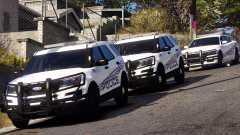 Yes please! ❤️


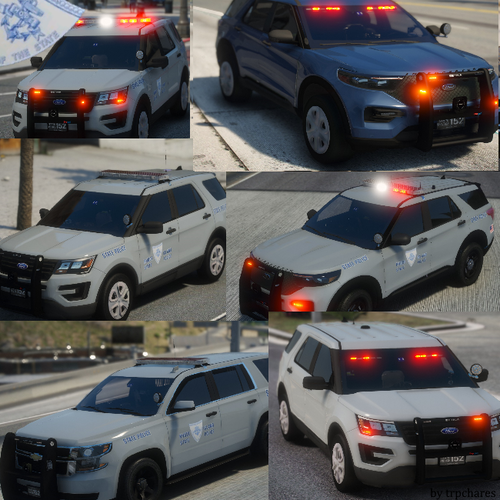
.png.a7d810a08ed36fa423a60dfe23364e7f.png)


.thumb.png.f8f51d0f8db4a7188715b93cc8e21ded.png)
