




LibertyDesigns
Members
-
Joined
Everything posted by LibertyDesigns
-
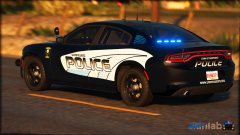
From the album: Eye Candy
-
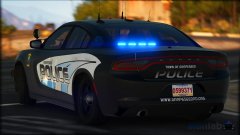
From the album: Eye Candy
-
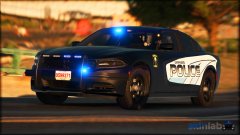
From the album: Eye Candy
-
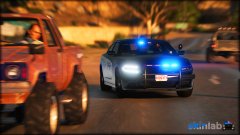
From the album: Eye Candy
-
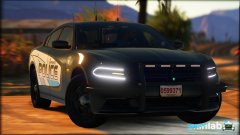
From the album: Eye Candy
-

From the album: Eye Candy
-
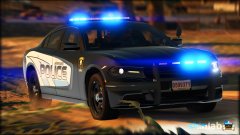
From the album: Eye Candy
-
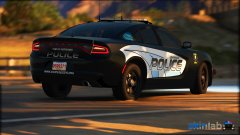
From the album: Eye Candy
-

From the album: Eye Candy
-
-
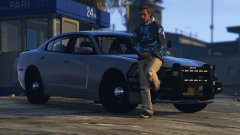
From the album: Eye Candy
-
-
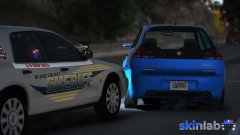
From the album: Eye Candy
-
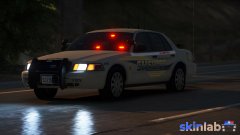
From the album: Eye Candy
-

From the album: Eye Candy
-
From the album: Eye Candy
-
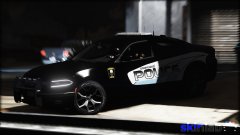
From the album: Eye Candy
-
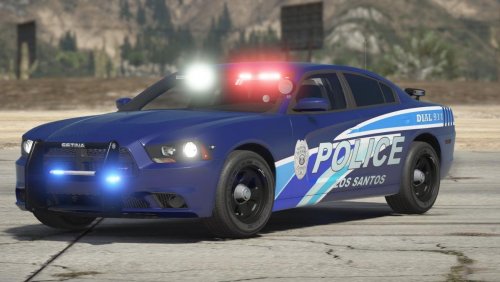 *jaw drops*
 -
-
-
To be honest you're gonna have a better result with that. It's nice to have a fresh install. You'll find you gain a lot of frames back.
-
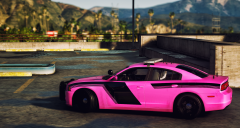 Looks to be the 14 charger from t0y's Fort Worth pack
 -
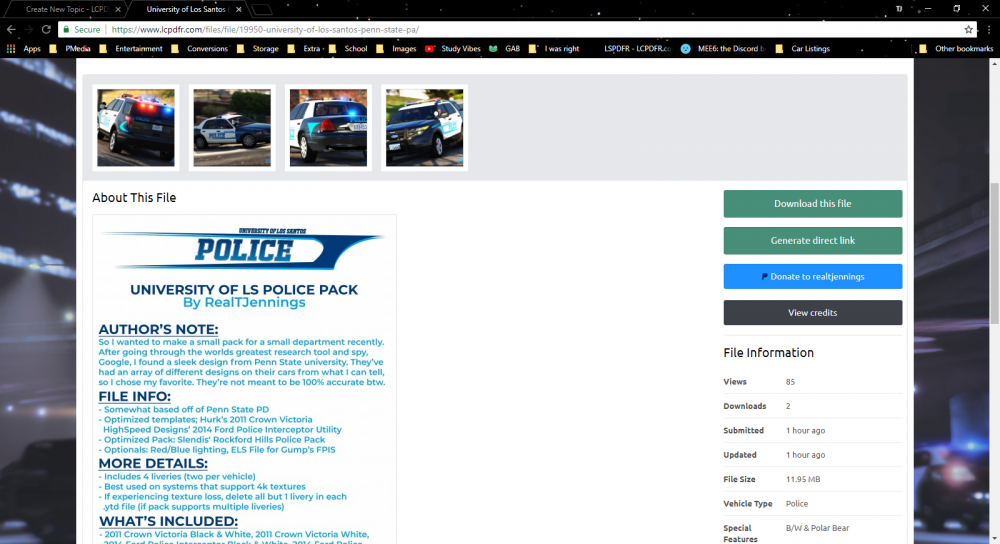
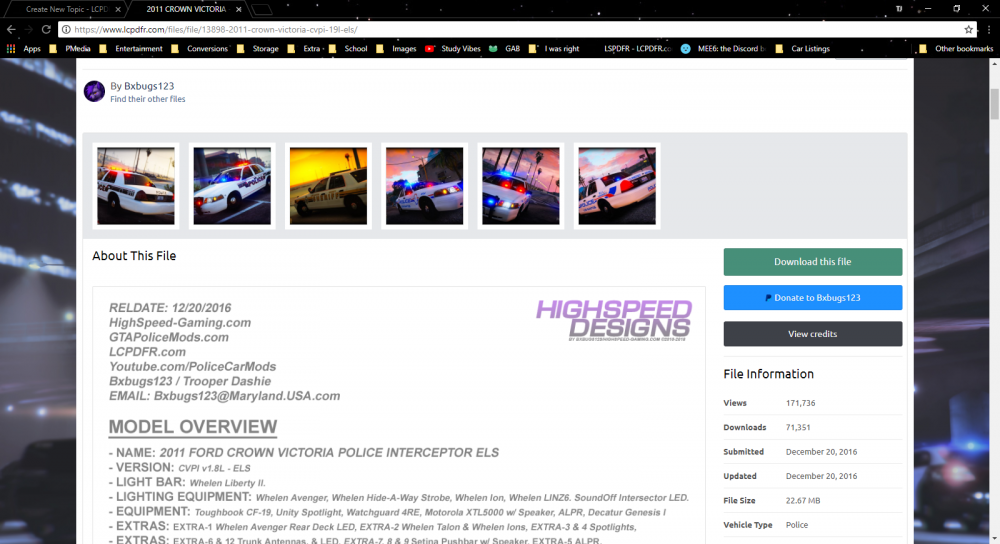
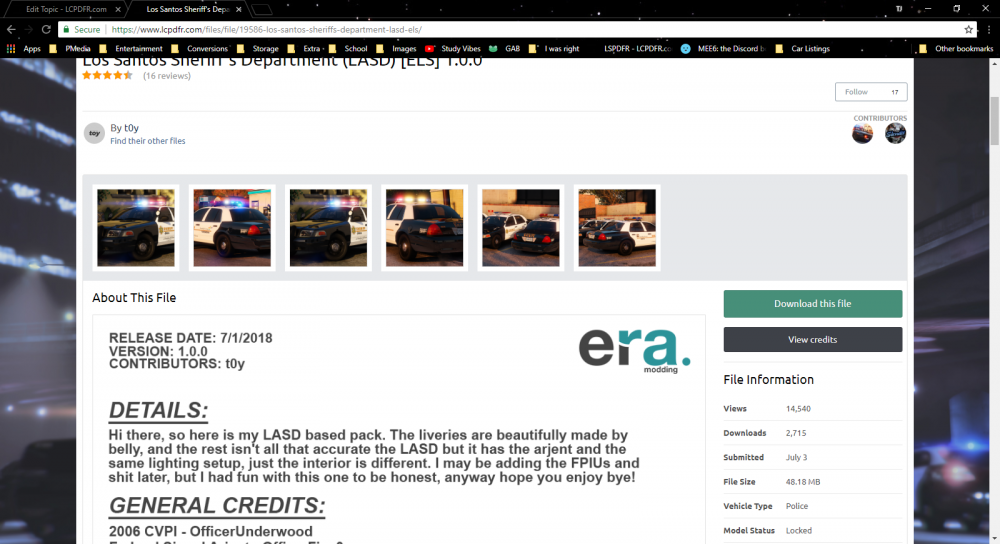
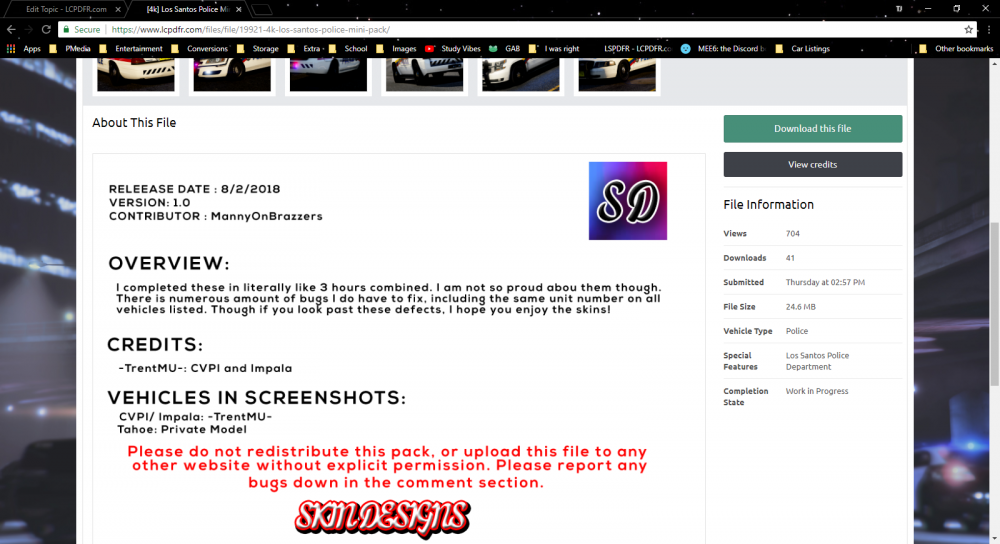
So just curious as to why this is. When I upload my custom description design (image) as an attachment to my file download, it's roughly 4500x7000 pixels. When I put it in the description box it shrinks it down to 483xSomething else. When I try to make it larger than 483 pixels wide, it says 483 is the minimum. So when my description looks like this: And then I see others who use a similar method to this with theirs much larger: I find myself confused as to how they did it. Any method to make mine larger so it's a bit more readable? Any response is helpful.
-
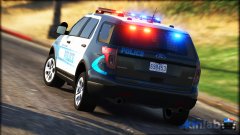
From the album: Eye Candy
-





