LibertyDesigns
Members
-
Joined
Everything posted by LibertyDesigns
-
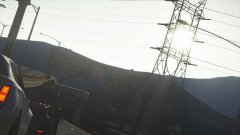
From the album: Eye Candy
-
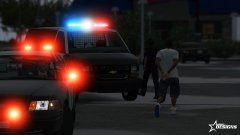
From the album: Eye Candy
-
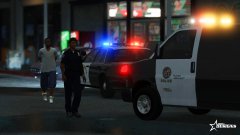
From the album: Eye Candy
-
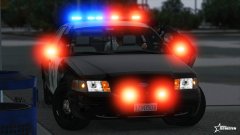
From the album: Eye Candy
-
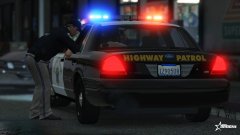
From the album: Eye Candy
-
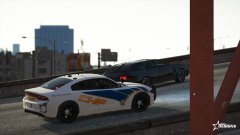
From the album: Eye Candy
-
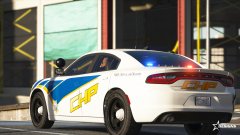
From the album: Eye Candy
-
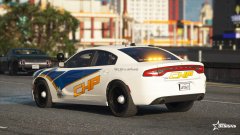
From the album: Eye Candy
-
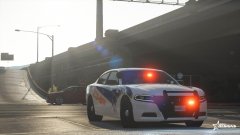
From the album: Eye Candy
-
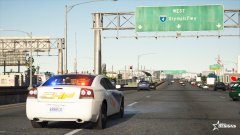
From the album: Eye Candy
-
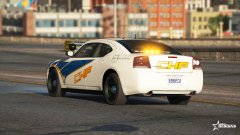
From the album: Eye Candy
-
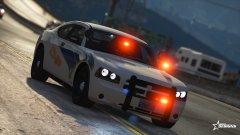
From the album: Eye Candy
-
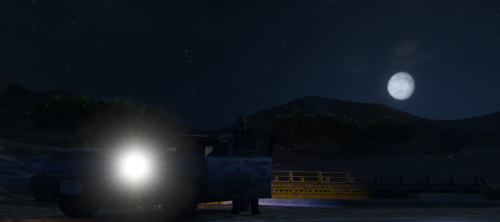 I'm just confused by the abnormally long and weird title and the amount of empty space in the description.
 -
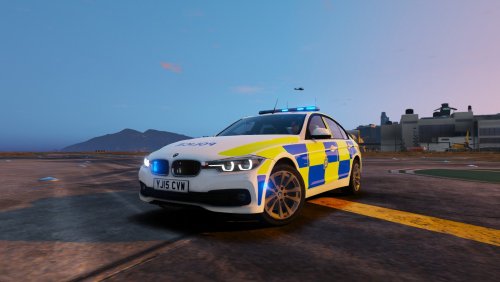 Understandable. Thanks for the clarification!
 -
Did you install the .xml files that came with the vehicle? Looks like that may be your issue
-
Download and install the latest RageNative UI https://github.com/alexguirre/RAGENativeUI/releases
-
Have you looked at Siren Mastery?
-
Did you also check all the extras to see if that may be the problem?
-
It looks like unless she included a replacement model for that sign, you're not going to be able to change it to physically say NYPD. Simply changing the texture will put whatever is on the new texture on that model still with Los Santos Police modeled on it. It'd look pretty messy and non legit. It's possible, but it just wouldn't look right.
-
You guys need to understand ELS only works if you install the VCFs that are included in all ELS vehicle downloads. After installing the models, you then need to find the .xml file in the download, then go to GTAV>ELS>pack_default then drag & drop the xml file into that folder. After that, if it asks you to replace anything, allow it to do so. But, as said above, please read included readme files in downloads as they explain all of this.
-
It's just how addons work. Some i've noticed do pop the name up, others don't. As far as I know, it's more than likely a meta issue. It hasn't ever bothered me much so I haven't looked into it.
-
do you have the dinput8.dll in your root directory?
-
ELS really has nothing to do with the texture's title. Looks good, though.
-
-