



Zenitae
Members
-
Joined
-
Last visited
Everything posted by Zenitae
-
Hi Duckie, welcome to the community! I hope your stay is enjoyable and you catch lots of bad guys! 😄
-
Hi there! A big welcome to the community, thank you for your dedication and service! I hope your stay is enjoyable, and you can catch plenty of bad guys 😄 Zen
-
Hi Xonyne88, Welcome to the forums! If you need anything, feel free to reach out to the community :) Good luck catching bad guy! Zen
-
Hi Lobster, welcome to the community and the gaming PC world! There's no such thing as a silly question, you can bet your bottom dollar that someone, somewhere, has the same question! Have fun 😄
-
Hey Fjord, welcome to the community! Thank you for your service. Have catching bad guys! Zen
-
 I absolutely love this plugin. It's simple in regard to functionality but it works so well. I've completely replaced my old setup for vehicles (I was using a combination of two other plugins) with just this. The controller controls are very friendly to use too! 😉 In all seriousness, brilliant work Holexion.
- 262 comments
- 21 reviews
-
-

- 1
-
-
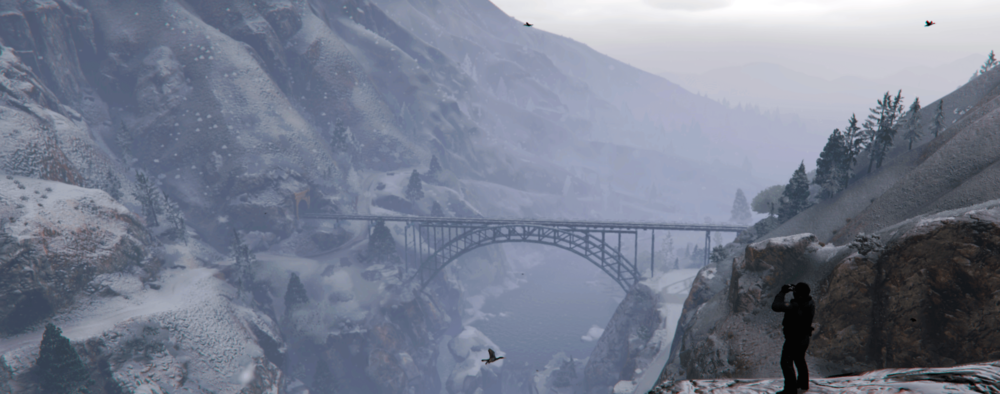
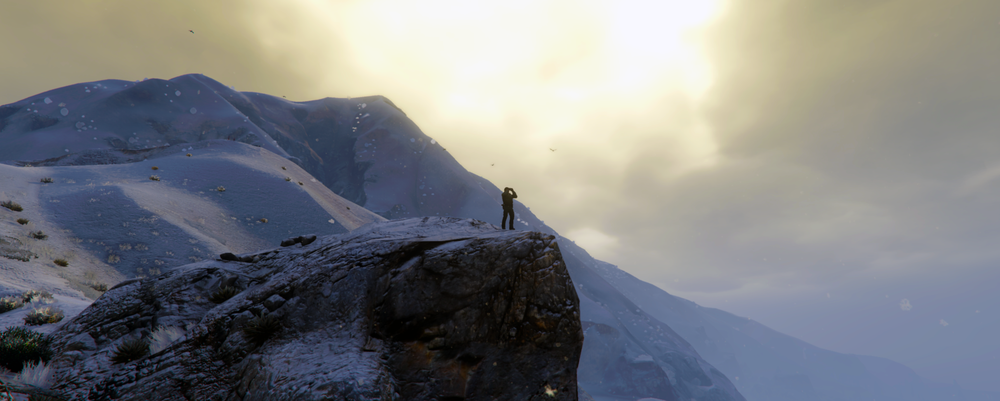
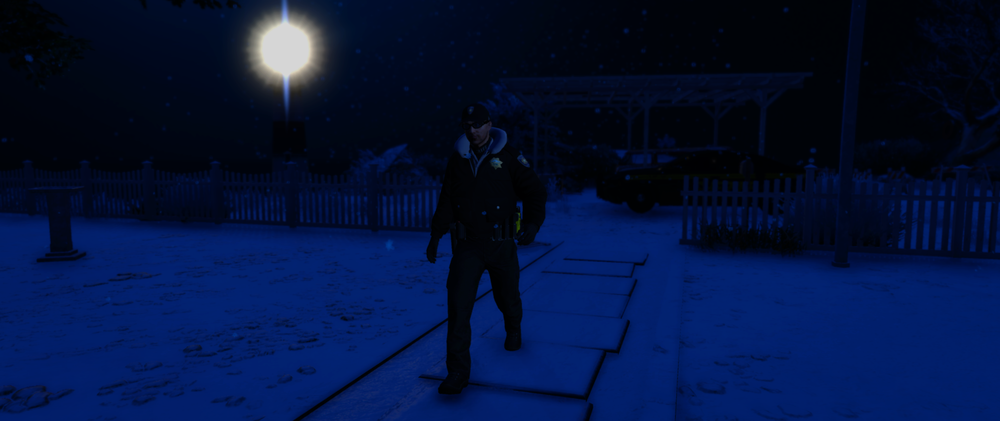
Park Ranger Lookout A lone Park Ranger is on the lookout for trouble after a series of hikers went missing , following a recent snow storm. =====
-
"Our brains ache, in the merciless iced east winds that knive us . . . Wearied we keep awake because the night is silent . . ."
-
Hi there, Try adding your RagePluginHook and GTAV.exe to your antivirus and firewall exceptions. If you still can't load the game, verify your game files to make sure nothing is missing from your base files. Adios, Zen
-
Hi there Isi! Welcome to the forums, and best of luck patrolling the mean streets of LS! Best wishes, Zen
-
There's always a crash log, it's a text file called RagePluginHook inside of your main GTA V folder. Please post that 🙂 As for your mods, rename your mods folder to _mods and try again. If it works, then you've probably got a faulty mod installation. Regards, Zen
-
Are you using the latest versions of RPH and LSPDFR? The latest updates should be compatible with the new Rockstar update. If that doesn't work, try spawning in-game first before launching RPH. Regards, Zen
-
Hi there, It's worth noting that, according to your latest log, you're using outdated versions of RPH, LSPDFR and also GTA V. Unless you update all of those, you're going to suffer crashing and errors frequently - it's pointless trying to provide support for things which aren't the latest versions, regardless of whether you've hit a "sweet spot". Many issues have been fixed since then. Regards, Zen
-
IF you installed NVR to mods, then install it to mods and vice versa 🙂 Zen
-
Make sure you're running the Uninstall OIV from your pc, not from the download .zip file 🙂 Also, it's worth noting that NVR is apparently outdated according to the authors, with a new version coming in 2020. Thanks, Zen
-
Have you tried adding GTA V and RPH to your antivirus exceptions list, plus your firewall exceptions too? Thanks, Zen
-
Hi Florin! Welcome to the community, and best of luck in the academy! Enjoy putting bad guys away, even if it just a game 😉 Arrivederci, Zen
-
Look for version 1.6.3, it's a .zip folder called RageNativeUI.zip 🙂 https://github.com/alexguirre/RAGENativeUI/releases
-
Looks like an issue with Interaction+ using assets from RageNativeUI. I'd recommend reinstalling Interaction+ and making sure you have [the latest] RageNativeUI installed in your main GTA V directory 🙂 Thanks, Zen
-
Gotta be quicker next time! 😉 The main thing is that someone helped 😄 P.S, welcome to our Discord 🙂
-
Hi there, StopThePed is still supported, it's just no longer on this website - the author has moved his content to his own personal website. I'm not sure if I can give you his site address on the forums, but Googling "BejoIjo Plugins" should bring you to his Wixsite. Also, please post your RagePluginHook log. It's hard to tell what the issue is from that screenshot alone. You can find the log inside of your GTA V folder, it's a text file called RagePluginHook; it has a .log extension if you can see those. Thanks, Zen
-
Please post your RagePluginHook log. It's a text file inside of your main GTA folder, called RagePluginHook. It has a .log extension if you can see those. Thanks, Zen
-
Hi, I hope I'm not too late. If you go into your NVR download folder, go into Optional Addons. There's an uninstaller inside of that 🙂 You can launch that and it'll remove NVR from your game... no reinstall needed! Zen
-
Hi there, You may find this topic helpful: And this one too: I hope this helps 🙂 Zen
-
CheepCallouts isn't supported by LSPDFR 0.4+, you'll need to remove it until the author updates it to work with 0.4, if they ever do. It may be worth checking your other plugins for compatibility too. Thanks, Zen


