



Puschi999
Members
-
Joined
-
Last visited
Everything posted by Puschi999
-
 I was delighted to be able to finish with you! terrific work! full Points 👍
- 66 comments
- 26 reviews
-
-

- 1
-
-
-
gehe mal auf Google und gebe mal fiveM GTA V ein, das ist das was du brauchst um mit deinem kumpel gleichzeitig auf einer map zu spielen. ist der nicht offizielle online Modus (legal)
-
ihr spielt es gerne zusammen und würdet es gerne zusammen spielen??? Offline geht das nicht, ihr könnt es in fiveM zusammen spielen, also ihr beide auf einer karte.
-
-
https://www.lcpdfr.com/files/file/8437-herocop-beta-05b-k9-partner-dragging-bodies-store-hold-ups-flashlight-and-more/ page 4 in scripts / plugin section ...
-
.png.ec5f62dd61a78efa402b9863edf9884f.png)
From the album: various PD/CS/SP
-
.png.0faeb3cdf22b78da14948696de22d9d4.png)
From the album: various PD/CS/SP
-
.png.9d49bb233965e58709a185402bb6474d.png)
From the album: various PD/CS/SP
-
.png.0e9e85153f45ad7e6f7f04ff7b53c2ca.png)
From the album: various PD/CS/SP
-
.png.cf919828704e28c40ad5fd42c601813d.png)
From the album: various PD/CS/SP
-
.png.8d80089d32a5d7a9d8a1cc84207e6b89.png)
From the album: various PD/CS/SP
-
 Wehrmacht denn sowas, little german word game 😅✌️
 -
From the album: various PD/CS/SP
-
From the album: various PD/CS/SP
-
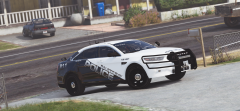
From the album: various PD/CS/SP
-
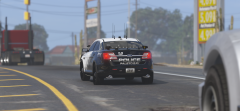
From the album: various PD/CS/SP
-
.thumb.png.487077734fe2669eb27613d9d115c172.png) The johnstown Police stood model for the texture, you can see on the plate and the coat of arms in the PD logo! everything Pennsylvania, just with a few extensions that does not exist. cool that you like it, who knows the PD live. I know it only from pictures of googel with me in Germany 😅
The johnstown Police stood model for the texture, you can see on the plate and the coat of arms in the PD logo! everything Pennsylvania, just with a few extensions that does not exist. cool that you like it, who knows the PD live. I know it only from pictures of googel with me in Germany 😅- 4 comments
- 2 reviews
-
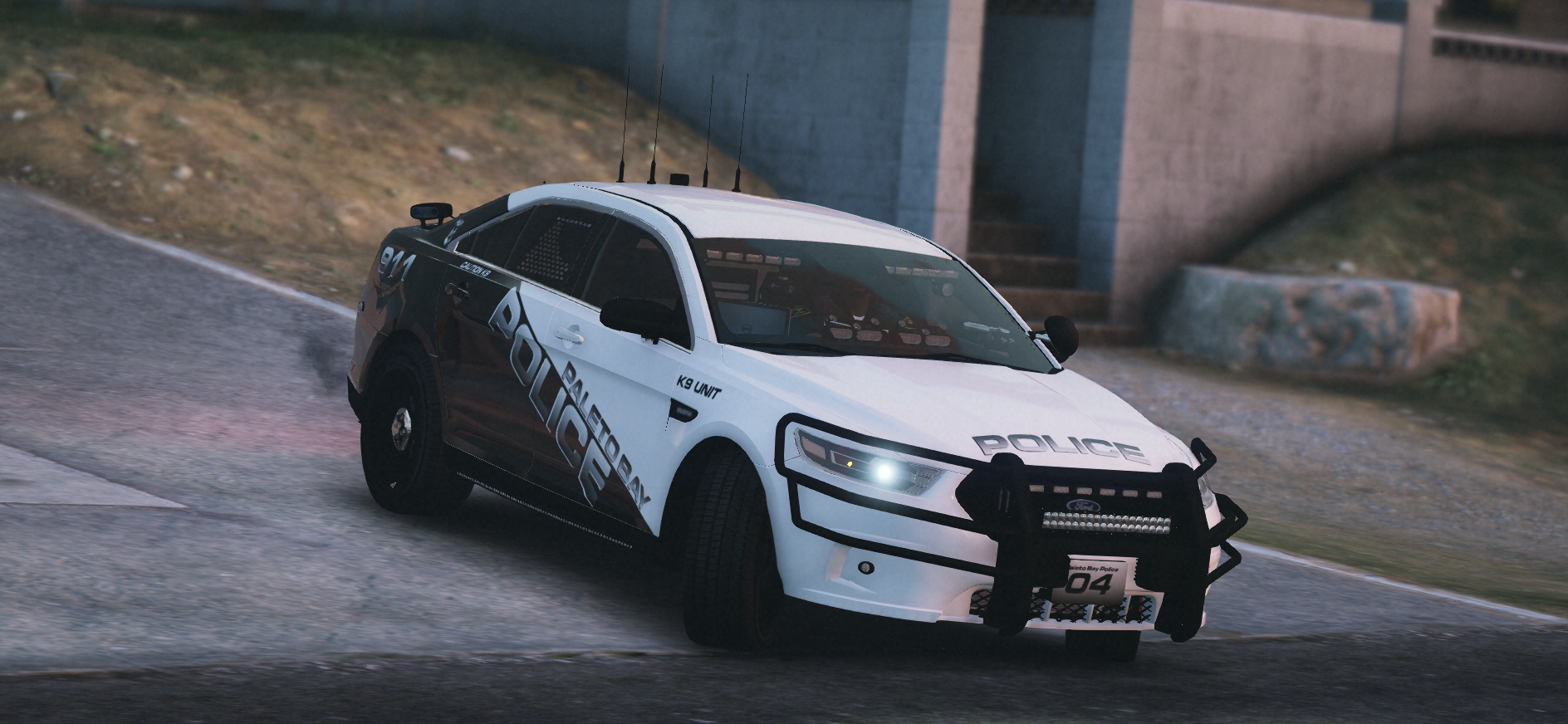
.thumb.png.6de4e0d89924fbf72fc9fd313c463e59.png) Hi Guys,Welcome to the Sandy Shores Police Department in the Special Unit Narcotics Task Force. This mini package consists of a vehicle texture including matching EUP texture with some variations. I confidently limited the package to a vehicle because I only play it as a singel person in my game without backup from the same department.The texture is trimmed to perfectionism! The download contains more texture variation than the photos show. leave a like or a rating there, if you like my work! Credits are included in the download file.
Hi Guys,Welcome to the Sandy Shores Police Department in the Special Unit Narcotics Task Force. This mini package consists of a vehicle texture including matching EUP texture with some variations. I confidently limited the package to a vehicle because I only play it as a singel person in my game without backup from the same department.The texture is trimmed to perfectionism! The download contains more texture variation than the photos show. leave a like or a rating there, if you like my work! Credits are included in the download file.- 2 comments
- 1 review
-
Hi Guys,Welcome to the Sandy Shores Police Department in the Special Unit Narcotics Task Force. This mini package consists of a vehicle texture including matching EUP texture with some variations. I confidently limited the package to a vehicle because I only play it as a singel person in my game without backup from the same department.The texture is trimmed to perfectionism! each pixel is drawn in perfection including the enclosed window texture and even the computer screen background in the vehicle, for all ego perspectives players among us!leave a like or a rating there, if you like my work! Credits are included in the download file. The Vehicle for perfekt match,
- 4 comments
- 2 reviews
-
-
- 4
-
-
http://www.gta-mod-center.com/forum/index.php?/files/file/839-lspd-mega-pack/ @JohnWhite
-
genau alle Standard einsatzfahrzeug bzw. jedes Fahrzeug im ganzen spiel hat einen eigenden Namen. wenn du sie ersetzen willst, ist es nicht so wichtig gegen welches Auto du sie ersetzt, kann man alles anpassen (fahrverhalten usw), aber der Dateiname und der Install. Ort müssen stimmen ansonsten nimmt er deine neu eingefügte Datei nicht als bevorzugte. in dem mods Ordner in openIV, die sachen die du veränderst sind nur primäre Dateien sozusagen. alle Standard Fahrzeuge von Rockstar bleiben im Hintergrund erhalten, eig. alles was du da drinne veränderst ist sofort entfernbar wenn du den mods Ordner einfach löscht. der mods ordner ist sozusagen eine Kopie der orginale die du beliebig verändern kannst ohne an den Orginaldateien herumzuspielen und er sagt deinem spiel das er die dadrinne vorhandenen Dateien mit allen Veränderungen primär nutzen soll anstelle der Orginalen. hier eine liste der standartfahrzeuge und deren openIV Namen, Police Stanier = police Police Buffalo = police2 Police Interceptor = police3 Police Transporter = policet Police Bike = policeb Unmarked Stanier (Highway Cops) = police4 Sheriff Stanier = sheriff Sheriff SUV = sheriff2 Park Ranger SUV = pranger FBI Buffalo = fbi FBI SUV = fbi2 Yankton Police Limo. = policeold1 Yankton Police SUV = policeold2 ja genau, wie die Autoren der Fahrzeuge ihre Fahrzeuge nennen die du herunterlädst, hat nichts damit zutuhen wo du sie hininstallieren musst. Die Slottnamen die diese Fahrzeuge haben sind nur Beispiele oder der Ort wo er sie in seinem spiel halt hat! Ein patchday steht immer für ein update, er besitzt ja auch meistens nur wenig Inhalt. du installierst alle Fahrzeuge immer im letzten patchday, alle anderen sind veraltet und als die installationsanleitungen von den geschrieben wurden war ebend in deinem fall der p14 der aktuelle. ich spiele selber mit PS4 Controler und Tastatur nur als Zusatz, ich schaue nochmal die richtige tastenkombi wenn ich zeit habe
-
sorry, hat mir garnicht gemeldet, dass du geantwortet hast! https://www.lcpdfr.com/files/file/9357-radiance-v/ wenn du das installierst (sehr einfach) wird dein blaulich auch sehr hell leuchten und zwar unabhängig davon ob ELS oder nicht! du musst die ELS Dateien nicht aktivieren! wenn du ein Auto installierst (richtiger platz in openIV vorausgesetzt) musst du ihm ja ein namen geben. nehmen wir als Beispiel den lspd buffalo im spiel, dieses Fahrzeug hat in openIV die Bezeichnung "police2" wenn du diesen wagen ersetzen willst, sagen wir mal durch einen chevy tahoe, und du lädst dir hier einen ELS tahoe runter und du entpackst und öffnest die Datei dann kann es sein das der Autor dieses Fahrzeug ihm nach dem slotplatz des Sheriff suv (sheriff2) benannt hat. dann musst du alle Datei die zum Fahrzeug gehören in police2 umbenennen und auch der ELS Datei den neuen namen Police 2 geben. den native Trainer nutze ich selber nicht, dazu kann ich nicht viel sagen, aber die besten gta Trainer findest du auf gta5mods.com 😉
-
.png.03cca16f1d60e1145ebd563dd1cce2e6.png)
From the album: various PD/CS/SP
-
.png.e53d845e9ea115812b118dc88054b9c5.png)
From the album: various PD/CS/SP


.thumb.png.6a32e8f3e9b5ec3a2f359ae3823e0f7a.png)
.png.ec5f62dd61a78efa402b9863edf9884f.png)
.png.0faeb3cdf22b78da14948696de22d9d4.png)
.png.9d49bb233965e58709a185402bb6474d.png)
.png.0e9e85153f45ad7e6f7f04ff7b53c2ca.png)
.png.cf919828704e28c40ad5fd42c601813d.png)
.png.8d80089d32a5d7a9d8a1cc84207e6b89.png)
.thumb.png.487077734fe2669eb27613d9d115c172.png)
.thumb.png.6de4e0d89924fbf72fc9fd313c463e59.png)
.png.03cca16f1d60e1145ebd563dd1cce2e6.png)
.png.e53d845e9ea115812b118dc88054b9c5.png)