


stinkace2
Members
-
Joined
-
Last visited
Everything posted by stinkace2
-
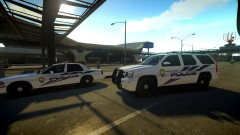
From the album: GTA IV
Tarpon Springs Police units Skin and Tahoe made by Fartknockr -
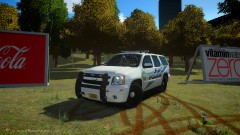
From the album: GTA IV
Tarpon Springs K-9 Tahoe Skin and Tahoe made by Fartknockr -
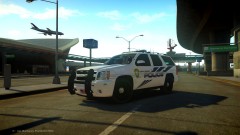
From the album: GTA IV
New Tarpon Springs Tahoe Skin and Tahoe made by Fartknockr Thanks man! Great job! -
 haha I wish it was that easy, theres a little more to it
 -
yeah ive seen that one before i was looking to see if there was one with mirror lights and grill lights
-
yeah i used that to make it lol
-
does anyone know if there is a car similiar to this car sorry if I posted this wrong Ive searched the downloads a little thanks guys
-
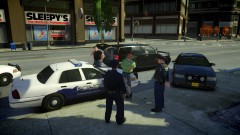 i got it from tim98(deco) it probably wont be released, its a old mod of his
 -
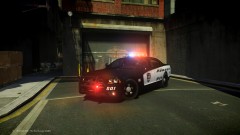
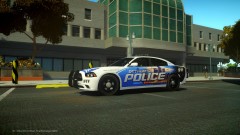
From the album: GTA IV
Dodge Charger Demo vehicle Skin Made by ME (stinkace2) Car Made by JokerMods -
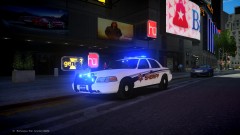 looks great man, is that one of the new cars coming out?
 -
now go into your visualsettings.dat and change car.defaultlight.emissive.on start with 200 and go up from there till you get a value you like
-
From the album: GTA IV
Officers got a call for a burglary in the area, will two officers responded to the house, another found a person matching the suspects description. Officers seen here questioning the individual. -
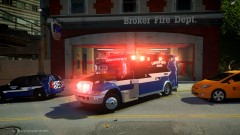
From the album: GTA IV
Responding code 3 skin made by bonehead -
Not sure what value to change there are guides just google it
-
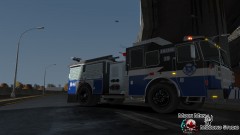 Looks good man
 -
Try messing with your time cyc
-
A LOT of time and work Start off by finding a ENB you like and editing certain things to make better Then go from there
-
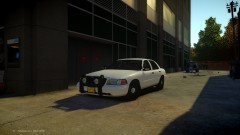
From the album: GTA IV
Old pack Tim put togther will not be released -
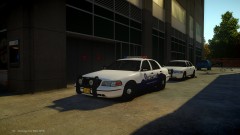
From the album: GTA IV
Old pack Tim put togther will not be released -
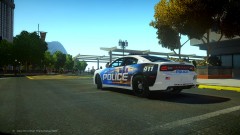 haha yea, I dont know if I will finish this or not just something i did when I was bored
 -
thanks man I just flipped the one side around on the template, if that makes sense good job on yours too I didnt relies you made one too
-
From the album: GTA IV
Detroit Police skin I made real quick, I think it turned out really good. Let me know what you think -
From the album: GTA IV
Detroit Police skin I made real quick, I think it turned out really good. Let me know what you think -
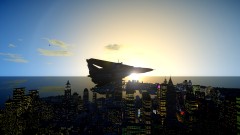
From the album: GTA IV
Sunset over Liberty City with a F-14 flyover to make sure the city is secure -
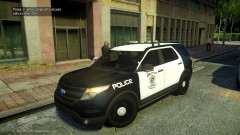
From the album: GTA IV
tim98 (deco) new SLR lightbar on a Ford utility suv beta


