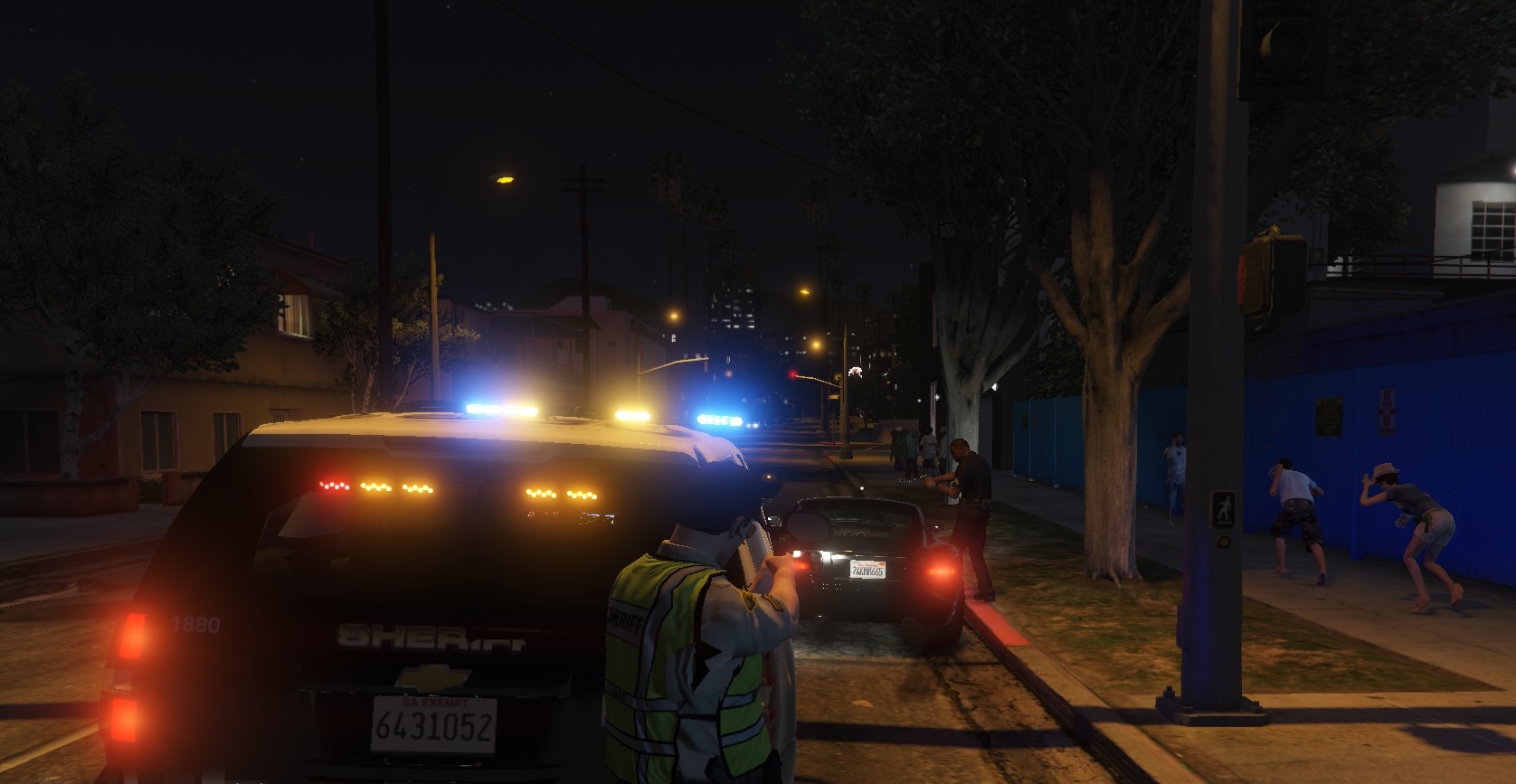
I found a way to edit the vehicles.meta file and change the first person pov camera x y z axis. Using OpenIV search for your vehicles.meta file, MAKE A BACKUP, then enable Edit Mode and right click the file, selecting Edit. Once the text edit window opens, search for the model name you want to edit, in my case it was Police2 that i needed a better view out the front window. Each vehicle model is separated by an <Item> class, it looks like this for example: <Item> <modelName>police2</modelName> Scroll through all the police2 (or the model your trying to edit) model meta data until you find <PovCameraOffset, in my example it looks like; <PovCameraOffset x="0.000000" y="-0.150000" z="0.665000" /> These are the camera X Y Z coordinates, X moves the camera left and right, Y moves forward and back, and Z moves up and down. Use small adjustments! In my case i only needed to move the placement from: Original: <PovCameraOffset x="0.000000" y="-0.150000" z="0.665000" /> **notice the y is negative here** to this: <PovCameraOffset x="0.000000" y="0.100000" z="0.620000" /> for example ( x="0.000000" y="0.600000" z="0.400000" ) was inside the dash board!
I know there are more settings in this area of the meta file that I don't yet understand, so if anyone has any other pointers related to the interior camera please include them in a reply.I hope this helps all you fellow amateur modders out there!