



GameOverYouSuck
Members
-
Joined
-
Last visited
Reputation Activity
-
 GameOverYouSuck reacted to Asuna in What do you want to see more of in LCPDFR?It is currently compatible from 1.0.2.0 all the way up to 1.0.7.0 you know....
-
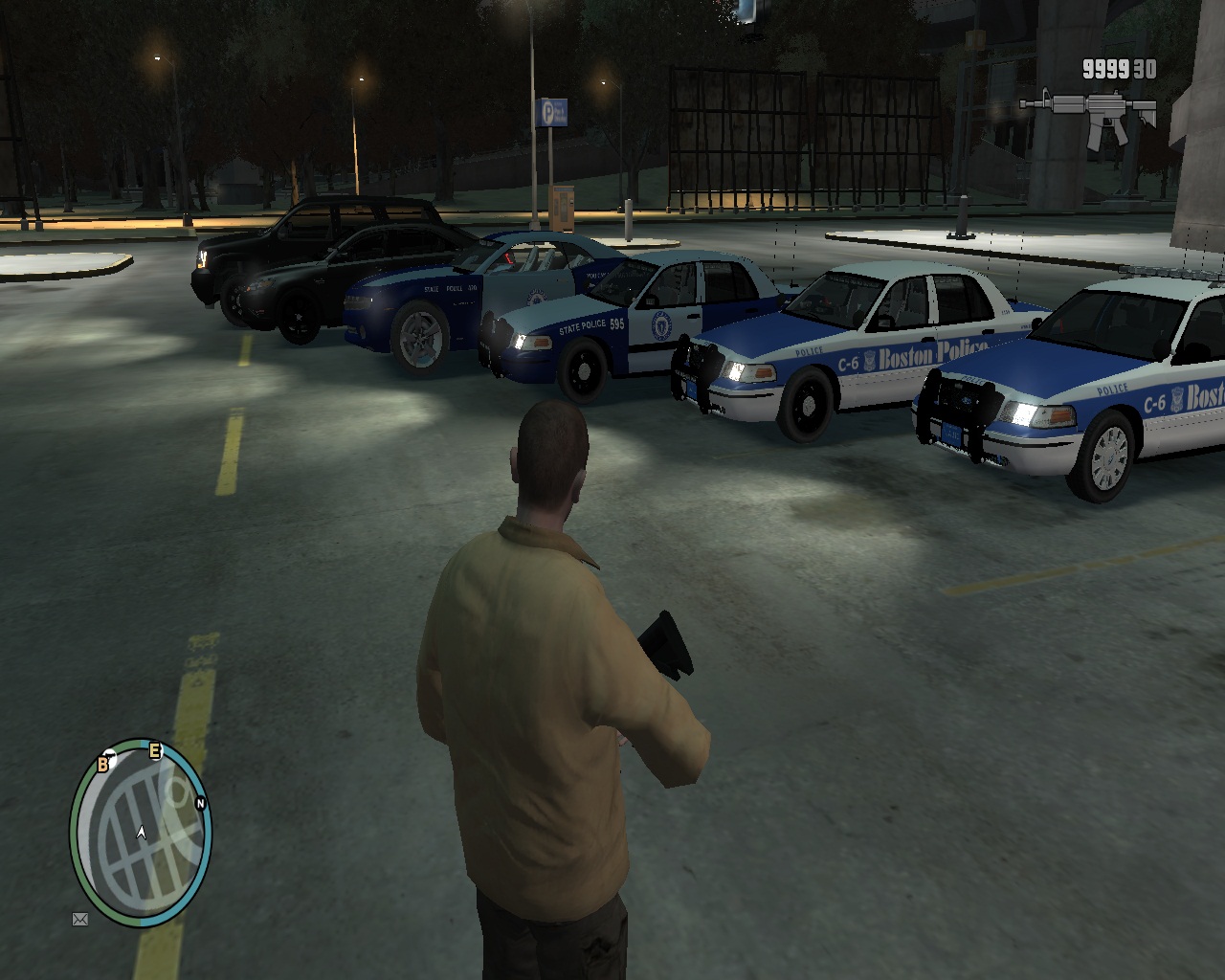
Looks pretty good, but the lighting pattern onr the car is supposed to be all blue. Do you have a link for the skin and know who made it?
-
I made a bpd skin if you want it.
-
GameOverYouSuck reacted to LCSOShakedown in Hints & Tips ThreadSometimes your backup is more dangerous than the suspect. I can't count the number of times I've been in a foot pursuit and backup units crashed into me.
-
GameOverYouSuck reacted to Slimory in I'm New so help me.maybe try "I'm new so PLEASE help me" that's a good start, now, be specific on what your wanting to start, vehicles, weapon's, engine sound's, weapon sound's?
-
GameOverYouSuck reacted to seriGR in i tried to install cars and it crashed my game? how to install cars?FIRST YOU HAVE TO BACKUP THE FILES THAT ARE YOU GOING TO MOD!
