



Jordan Wolffe Grey
Members
-
Joined
-
Last visited
Everything posted by Jordan Wolffe Grey
-
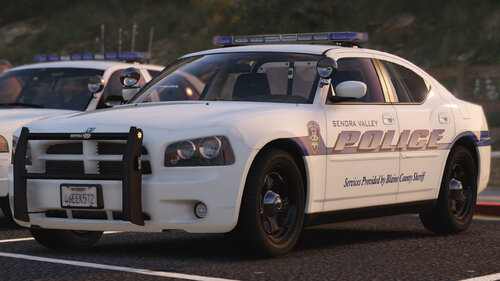
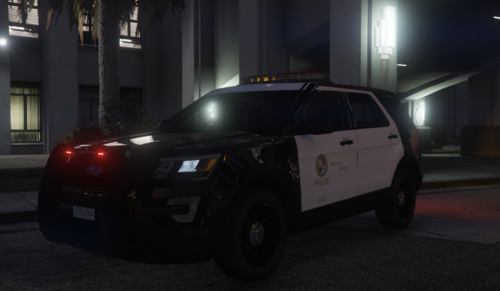 calling the NYPD and many State Police agencies low budget is wild lmao. Your "couple officers" need a reality check.
- 22 comments
- 3 reviews
-
 You can rename any vehicle in the game (when it comes to replacing cars) - just make sure that the ELS file name reflects what you put for the new name. Also, depending on what car you replace, the handling line might be unusable in game.
- 39 comments
- 16 reviews
-
I downloaded this pack shortly after it was released, and to this day I still stand by my comment about how this is one of the greatest packs released. For anyone wanting a sheriff dept. pack I will always recommend this pack. Incredible job!
- 39 comments
- 16 reviews
-
 I love when creators disappear, and everyone gets butthurt that these amazing projects are 'dead' and that it'll 'never be released'. Like you guys don't know what happened. They could be dead or homeless and every time someone has to come along and complain and trash talk. Ive been waiting for this pack for years, and have not once been disrespectful about how long Ive waited. If the creator hasn't said anything in years, then you should just move on instead of being disrespectful.
 -
-
There has been a wig wag mod for MANY years actually. You just had to google gta v wig wag mod. First result.
-
Hello everyone, last night I encountered an issue I've yet been able to fix. When I select RPH to play LSPDFR, the hook loads up, starts the game, but it doesnt hook to the game. RPH just freezes on "Launching game via Steam". The game continues to load as if I launched it normally instead of launching with RPH connected to it. Things Ive already tried: • Windowless Border/Windowed mode • Reinstalling LSPDFR and RPH • Launching GTA V then quickly launching RPH • Scoffline command line • Disabling all Plugins at startup (Only Plugins installed are EUP and LSPDFR) Im genuinely stumped as this is the first issue I've had with this that I can't solve myself, any help or ideas, big or small will be greatly appreciated! -Jordan Grey
-
Heard that Ill check it out, thanks!
-
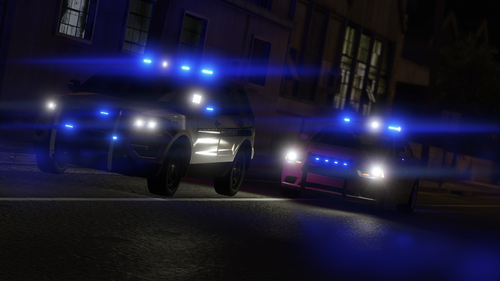 Hello, I am back haha, and I have a bug report sorta, I installed this the right way, and I noticed that the 2013 Explorer doesnt have any brake lights. Like they exist on the model, but there is no actual lighting to them, neither when braking or having lights on at night. Its a small thing, but just wanted to make you aware as its not listed in the Known Issues section!
- 33 comments
- 18 reviews
-
Hello all. I have been having this issue with my ELS lights that I believe is due to NVR, but at 1900Hrs (7PM), they are completely dimmed out, and its really just the light bar texture that is showing. I was wondering if anybody else was having this problem as well? (All other hours of the day my lights are plenty bright btw, its only during this hour in game)
-
I have been using this pack since it was released, and I must say, it is one of my favorite packs I have ever used. Everything from the skins, to the dirt mapping even down to the camber angle of the wheels when they are turned (realistic asffff), this has blown me away. I HIGHLY recommend this pack to anyone looking for some sheriff dept skins. Great work here friend, and it even reminds me of one of my childhood homes (Fall River, MA). *tips hat to you*
- 39 comments
- 16 reviews
-
-

- 1
-
-
.thumb.png.671fe2556e8b8794279af378563456b5.png) Just some helpful feedback, you might want to post another showcase video, because you dont have any sound in this video. Good job working on the smaller audios, instead of just sirens haha!
Just some helpful feedback, you might want to post another showcase video, because you dont have any sound in this video. Good job working on the smaller audios, instead of just sirens haha!- 9 comments
- 2 reviews
-
I have been using this pack, and was wondering what the new update was for? EDIT: My bad, didnt notice the change log at the bottom of the post.
- 39 comments
- 16 reviews
-
-
- 1
-
-
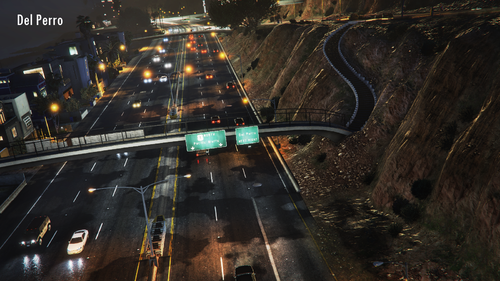 I have always wanted to has realistic speeds in this game. I tried this in CodeWalker long ago, but had no success. I hope this works out well and will be following this!
- 124 comments
- 7 reviews
-
-
- 2
-
-
 So when it comes to modding GTA I try to fix things on my own first, but this is something I cant seem to fix. When I open C+, the menus will most of the time have a flashing effect going on which is kind of annoying. (Side note, I use this with the background on and game unpaused (options for this mod)) I have reinstalled my game multiple times, same thing with this mod over time just because fresh new copies and whatnot, but if anyone knows this fix please let me know! (Its nothing new either, its been a thing for a very long while) 🙂
- 1,743 comments
- 172 reviews
-
This album is going to have all of my 2019 Los Angeles Sheriffs Dept. photos!
-
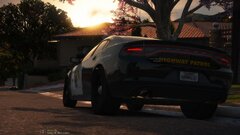 Got another one!
-
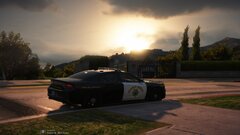 Found one in the Hills!
-
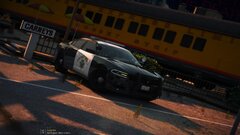 Hes out 10-6 for lunch!
-
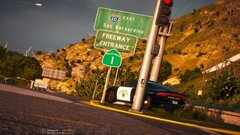 the 1.
-
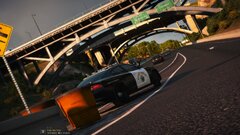 Off ramp 2!
-
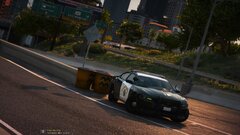 At the off ramp for LA
-
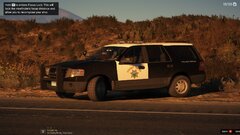 A fellow Highway Boy!
-
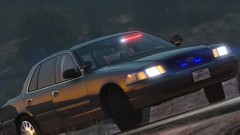 LASD Vic Pic!
-
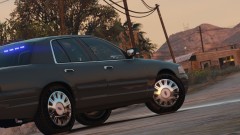 Sexy Vic Pic
-
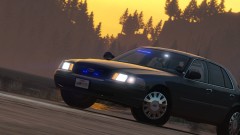 The old Vic. Now we got a Tahoe baby!
-
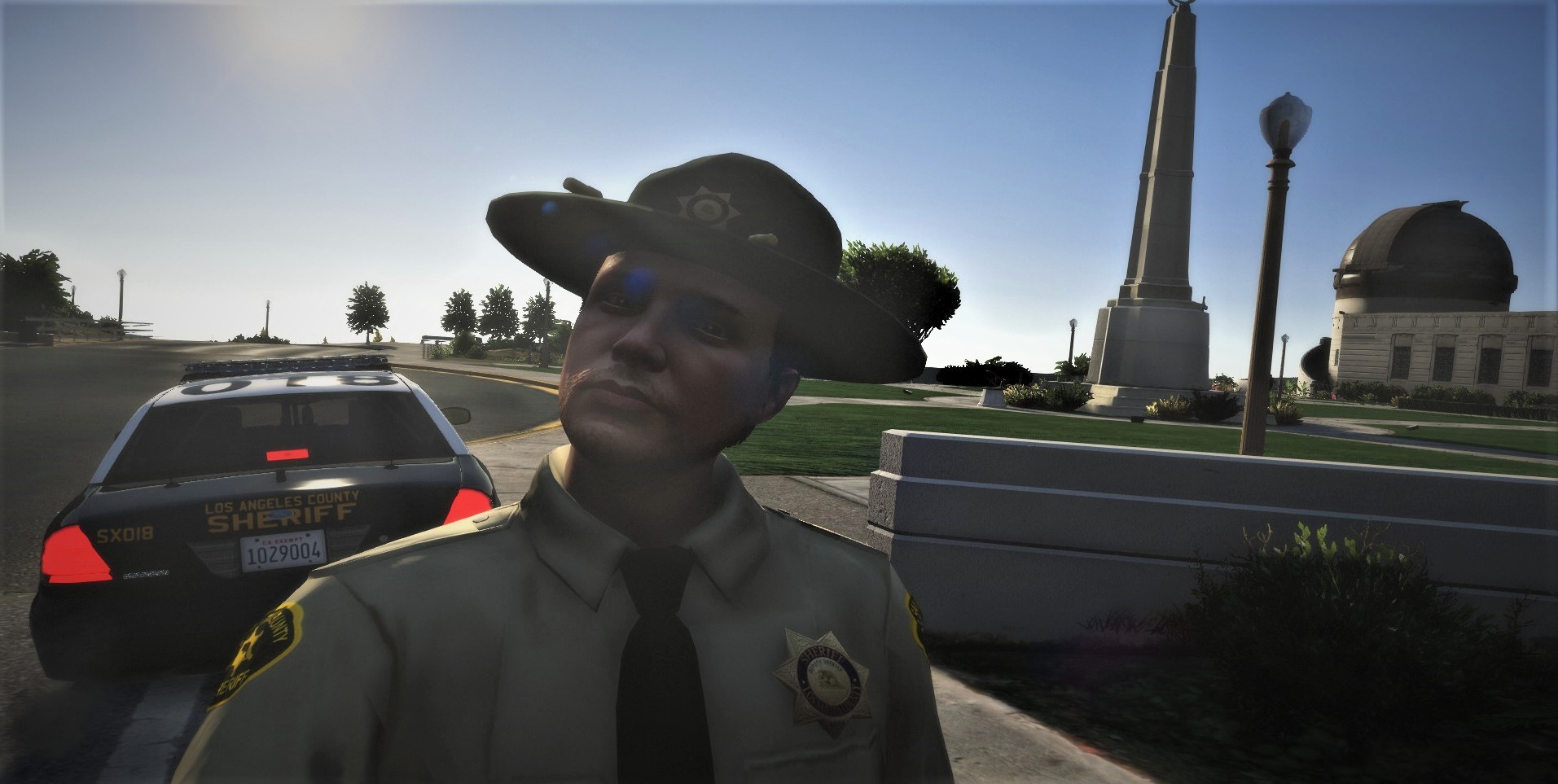
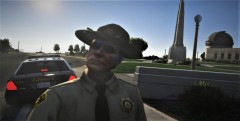 Beautiful July 4th at the Observatory!
-
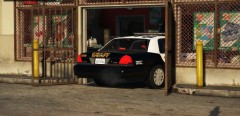 Oof, Dep. Skiwitz hit the gas instead of the brake!
-
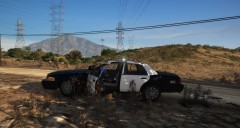 Active threat ending 5
-
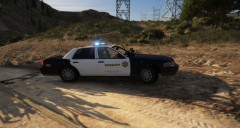 Active threat ending 4
-
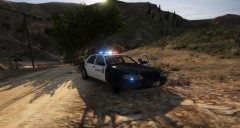 Active threat ending 3
-
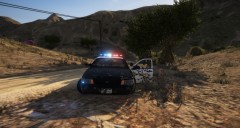 Active threat ending 2
-
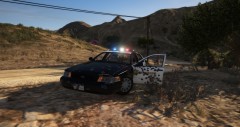 Active Threat Ending 1
-
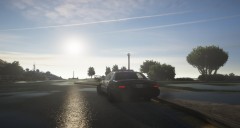 Sexy Saturday with my patrol Vic!
-
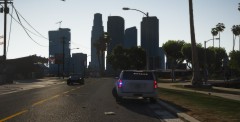 Lil back side and some LA for you!
-
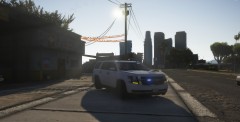 More tahoe!
-
-
From the album: My 2019 LASD Album!
-
From the album: My 2019 LASD Album!
-
From the album: My 2019 LASD Album!
-
From the album: My 2019 LASD Album!
-
From the album: My 2019 LASD Album!
-
From the album: My 2019 LASD Album!
-
From the album: My 2019 LASD Album!
-
This one has my day to day, along with just any off duty pics I take!
-
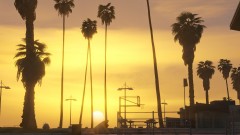 Venice Beach, LA, Cali.
-
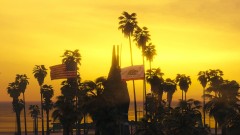 West Coast vibes
-
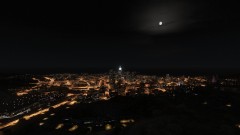 Downtown LA at night!
-
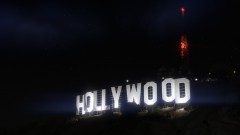 Hollywood sign at night!!
-
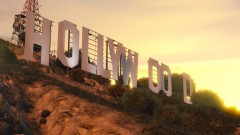 Hollywood sign in the Evening!
-
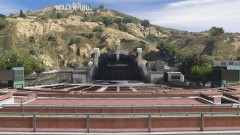 The Amphitheater!
-
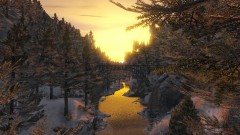 Winter creek!
-
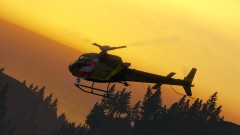 Got one!
-
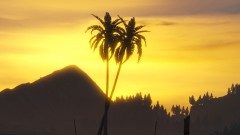 Palms of Peace
-
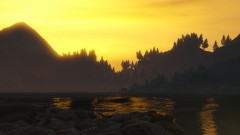 Desert Shores, CA
-
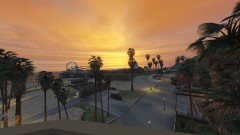 Venice Beach, Los Angeles, CA
-
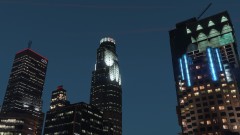 US Bank tower at night!
-
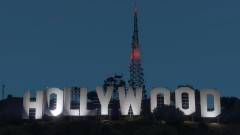 Hollywood sign at dusk
-
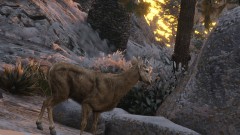 A doe!
-
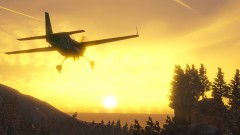 This shot was hard to get but I got it!
-
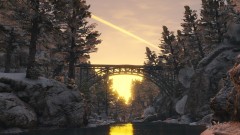 Winter River Run!
-
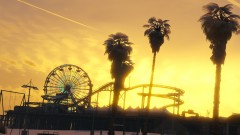 Santa Monica Pier at sunset
-
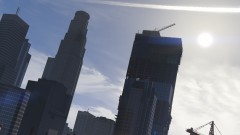 Downtown Los Angeles, CA
-
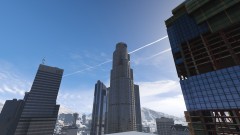 US Bank tower, Los Angeles, CA
-
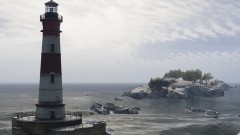 Winter lighthouse shot
-
-
From the album: My 2018-2019 LA Daily Life Album!
© JordanGrey
-
From the album: My 2018-2019 LA Daily Life Album!
© JordanGrey



.thumb.png.671fe2556e8b8794279af378563456b5.png)
