



Wstlndwarrior
Members
-
Joined
-
Last visited
Everything posted by Wstlndwarrior
-
-
-
-
-
-
-
-
 Getting the Proper permissions currently.
 -
 I just wanted to request a readme file be added to the download. For whatever reason when I follow your pathline to place the files It crashes whenever I go on duty.
- 329 comments
- 53 reviews
-
-
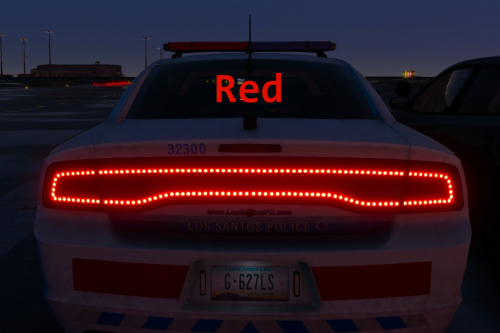 So I think I found a bug. When I replaced the original light file with yours on bxbugs123's charger, It made the lights look great but also made the brake light disappear (or the turn signal light they are one in the same).
- 22 comments
- 4 reviews
-
-
 Can't wait
 -
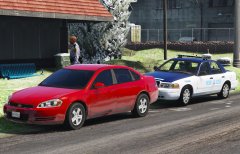 That Impala is spot on though.
 -
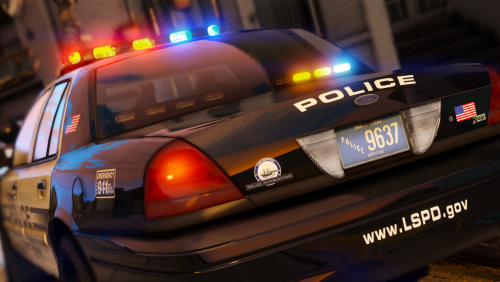 Thanks for the reply. I know you guys do this for free pretty much. Definitely a one of a kind model.
- 32 comments
- 34 reviews
-
This was my issue as well. I had to uninstall because of it. Also there is not a single antenna on the vehicle. So I went back to my old police4.
- 32 comments
- 34 reviews
-
-
 Gotcha Thanks for clarifying!
 -
Is it possible to do the 11 vic with the option for the older whelen edge light bar? I work behind one of their divisions and that style is still readily used. Just curious. Thanks for all you do!
-
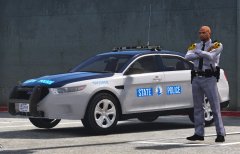 The best I could come up with so far :/
 -
At lest release one of the as a teaser! :)
-
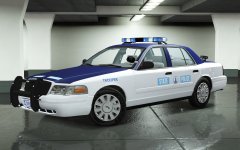 I'll give you a high five!
 -
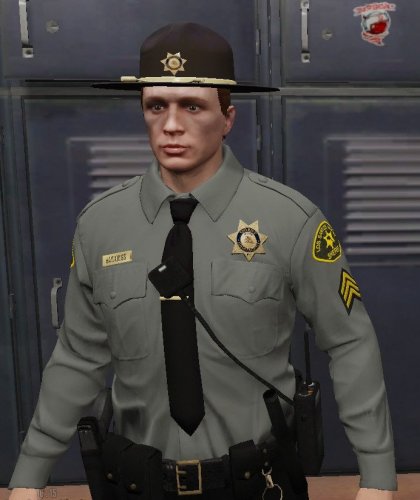 So true story Sir. This whole time I thought the folder that I was dragging and dropping stuff into the "eupme" folder in the mods folder. I had no idea there was another folder called just "eup". User error. However, thank you for your prompt reply and help. That is appreciated. If anyone else is reading this the outfits look great and installation was a breeze. Just as long as your not an idiot like me ha!
- 23 comments
- 5 reviews
-
Correct. I dragged and dropped everything to the correct areas. The files are in there. However when I open the EUP menu nothing has changed.
- 23 comments
- 5 reviews
-
Hello I dragged and dropped everything and backed up my files however, when I loaded up the game nothing changed. I didn't see any different uniforms or colors. Was I supposed to change a line in the EUP ini file or something? You help is greatly appreciated. Can't wait to use the new uniforms!
- 23 comments
- 5 reviews




