



ScreamingFrancis
Members
-
Joined
-
Last visited
Everything posted by ScreamingFrancis
-
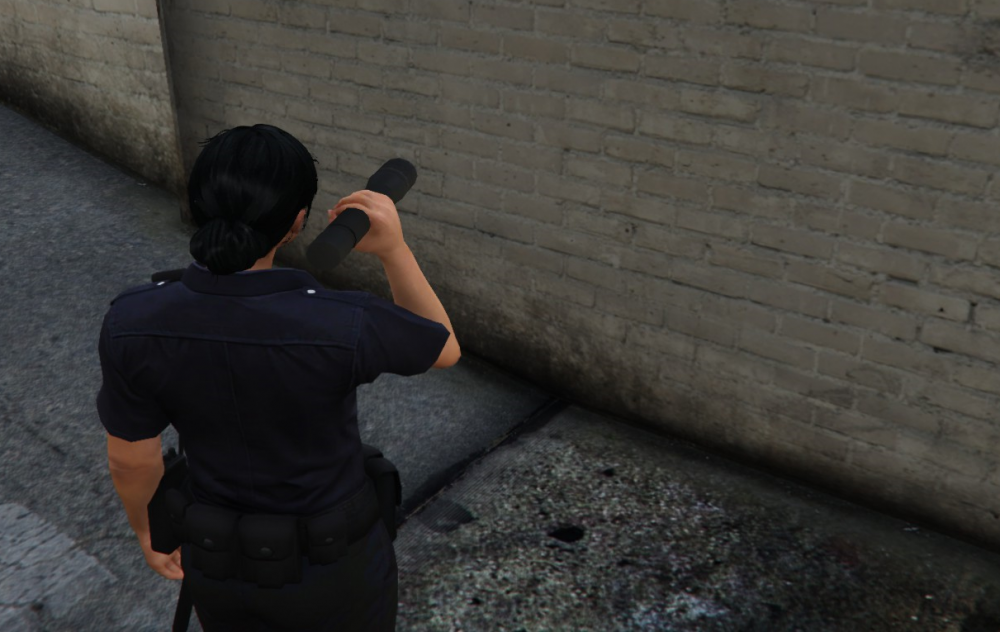
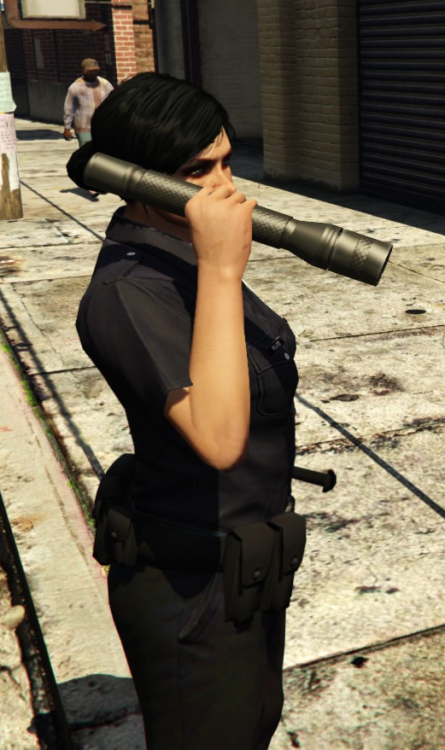
I have been playing 0.4 for a couple of hours and found so many bugs and issues I had to take screenshots. I will list my bug experience so far, don't know if others have pointed them out already, but if that's the case, nice. 1) Wrong textures on all uniforms: blue. black, not clear unfortunately. 2) The dildo-flashlight: seriously, that is way too oversized 3) flashlight doesn't work: doesn't project lights, also, the animations bug out way too often. 4) Some pedestrians disappear after asking their ID 5) Traffic stop ends as soon as I leave my vehicle 6) No callouts, ever 7) other police officers become hostile sometimes That is all for now. I am a bit shocked by the amount of errors I have met, I will try again tomorrow. Sorry to point out so much wrong stuff but... it's there.

-
Exactly. Either they clean it up (but i strongly doubt someone wants to dig over 1000 comments) or it ends here until people show some better vibes
-
Close this thread pls, it's becoming embarassing.
-
Exactly, even around 32nd of February if needed. afai have understood, most of the online-ish activities will be included. Strip clubs and such. Maybe even the clubs. Who knows.
-
lol no Roll back to previous version via RPH, it works fine.
-
 With the passing by of time (and updates), this mod becomes more and more incompatible. Sad, it was something good.
- 102 comments
- 35 reviews
-
I don't understand your problem man. You need to copy the new version and mod it again. Usually, in update.rpf you place files for visual mods such as "RadianceV", "EUP Law and Order" and "Realistic Driving V". Be sure to re-install those, after updating update.rpf Have you tried checking out RagePluginHook crash report?
-
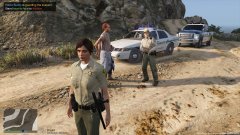
From the album: ScreamingFrancis Patrols
This might be my longest chase ever. This person was reported as DUI and started running through the State. We ended up into LostMC territory and he got a chance to run when the bikers started shooting at us. Eventually he was caught in the wilderness. What a ride though! -
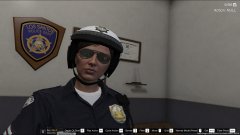
From the album: ScreamingFrancis Patrols
-
That is very unusual. Did you get specific error messages?
-
LMAO Should be out in less than two weeks tho.
-
Check in RPH options when you start it 🙂 There should be a page with a "revert game version" scroll down menu, it has all stored backups and you can revert to them. In this case, you shoul revert 1604.1 to 1604.0. If you don't have any backups you have to wait for SHV update or just play without.
-
The update isn't something serious, nothing new was added. RagePluginHook should have made a backup of old files in case an update was released. If you made the backup, just roll back to previous game version until ScripthookV is updated.
-
oh snap 😞 Nothing new apparently, just a fix. Luckily I didn't have many mods on update.rpf so I didin't lose much. LOL is GTA Online still played? I quitted it some time ago
-
Well, spotify is your best solution lol
-
A 66Mb update was just released on Steam. ScripthookV is not compatible with this update for now, so make sure you revert your game version or prevent this upgrade. update.rpf (if modified) must be replaced too in OpenIV Regards.
-
It is possible that the game gets updated soon, causing another round of crashes for LSPDFR 0.4
-
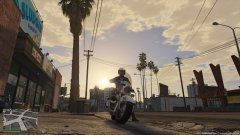
From the album: ScreamingFrancis Patrols
-
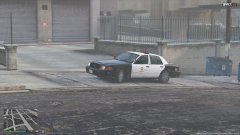
From the album: ScreamingFrancis Patrols
-
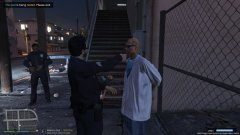
From the album: ScreamingFrancis Patrols
-
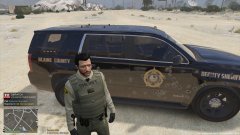
From the album: ScreamingFrancis Patrols
-
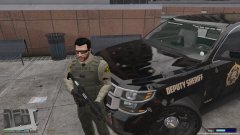
From the album: ScreamingFrancis Patrols
-
Well, EUP does that in some kind of way. I know it won't be included, just the mechanics 🙂
-
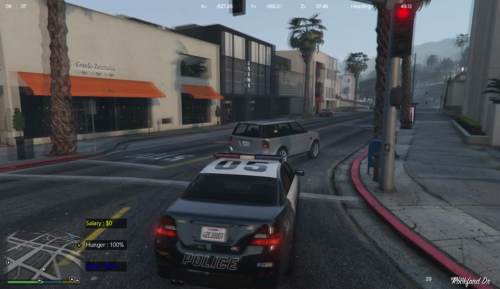 Don't get me wrong sir, this was a much needed mod in LSPDFR and I understand it's just the first stage 🙂 I was just pointing out my experience. Looking forward to see how it evolves!
 -
Needs a lot of work (spelling errors, food falling on the ground, other plugins crashing as a result), but I like the idea.



