shaunmeister
Members
-
Joined
-
Last visited
-
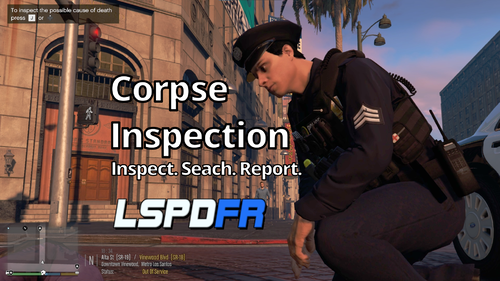 where did you get the flashlight mod so he holds it above the shoulder?
 -
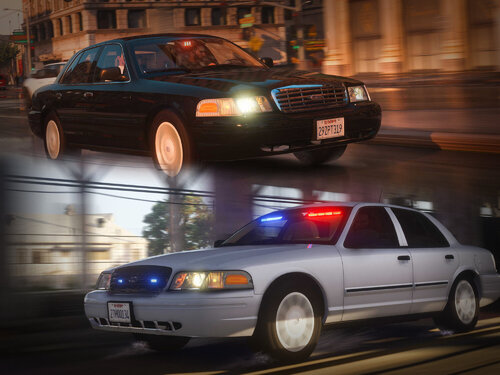 Used this pack as a replacement and it is not working. Policeold2 and police4 are only available and spawn with weird livery and lights don't work correctly either.
- 53 comments
- 10 reviews
-
-
what did you change the audionamehash to?
-
-
 hi i think you including the file police_hi yft from the hubcap version in the steel version so the rims are messed up when i spawn in game, could you please fix this? thanks
- 137 comments
- 22 reviews
-
 my rambar flies off at the slightest touch, is there a fix to this? thanks! i am using it in the fbi slot and i copied and pasted the police 4 section and replaced the fib section in my vehicles.meta
- 208 comments
- 59 reviews
-
-
pleasy pleaseeee what happens if i delete the textures for the lapd hubcaps and replace it with the steelie textures from the previous edition in the YTD file? Will that work?
- 137 comments
- 22 reviews
-
-
Thank you for adding Red/Blues!! Btw, is it possible to change it to steelies in the ytd?
- 208 comments
- 59 reviews
-
-
-