
Forgotten Relic
Members
-
Joined
-
Last visited
Everything posted by Forgotten Relic
-
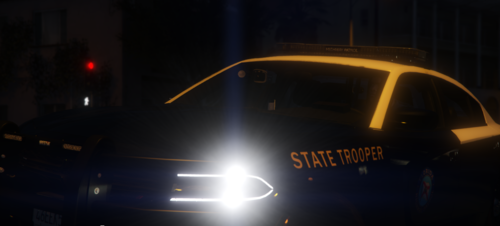 You've nailed most of the fleet from what I can tell. The only others I can think of would be the older slicktop Crown Vic or maybe one of the former FDOT vehicles.
- 138 comments
- 6 reviews
-
Loving it so far, and since the pack isn't fully complete I won't leave a review just yet. LODs seem to be an issue with the lightbars from what I've noticed.
- 138 comments
- 6 reviews
-
-

- 1
-
-
-
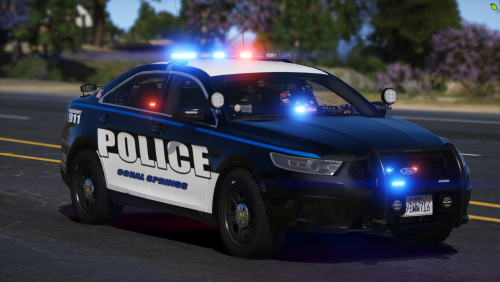 Sorry for the late response, but the LSPD pack from Hah would be a good similar one.
 -
I live in Coral Springs, it's nice to see this finally. Any interest in doing a FPIU and Tahoe one?
-
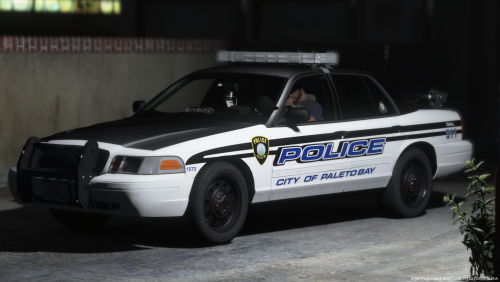 Well done, I love the way they look. Is it based off a particular department or a design you came up with? Either way I couldn't find anything negative that stood out to me - 5 stars.
- 4 comments
- 2 reviews
-
-
- 1
-
-
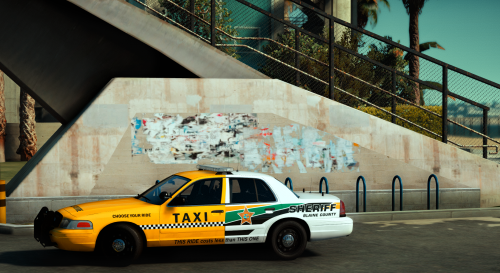 You easily make some of the best textures for these vehicles. Fantastic job recreating CCSO skins, they look great.
- 14 comments
- 8 reviews
-
-
- 3
-
-
Nice work so far, look forward to the updates.
-
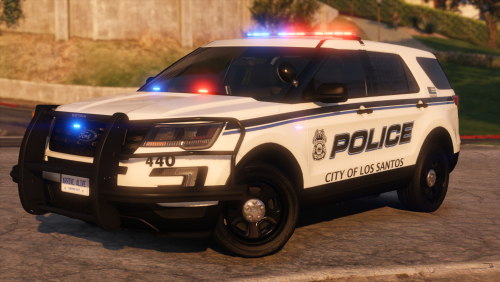 Edit the vehicle.meta, change police3 to police2. Or you could just flip the FPIU/Charger places.
- 47 comments
- 16 reviews
-
-
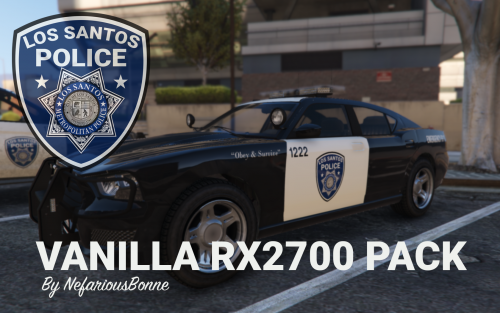 Well done, I'm surprised vanilla vehicles with ELS aren't more of a thing. Any future plans in expanding with Sheriff/Undercover?
- 19 comments
- 5 reviews
-
-
- 1
-
-
-
-
-
-
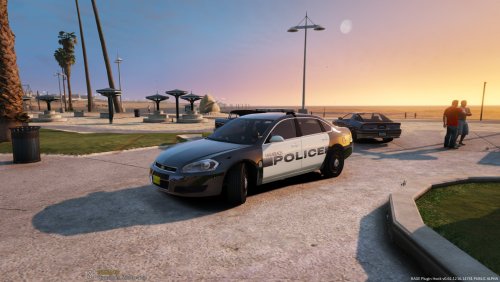 Redownloaded, great work! Blends in perfectly with the rest of my Miami cars/texture. Any interest in doing other South Florida cities? Fort Lauderdale?
- 5 comments
- 2 reviews
-
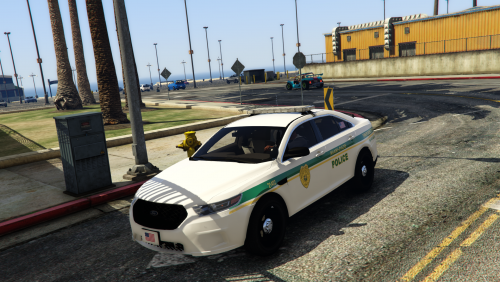 Any chance you can add new textures with Medic's new EMS pack? Would look fantastic!
- 9 comments
- 3 reviews
-
Love seeing my local police textures coming to life, nice work and looking forward to the rest.
- 5 comments
- 2 reviews
-
-
This is fantastic work, accurate and exactly to what MDPD looks like. Great job man!
- 9 comments
- 3 reviews
-
-
- 1
-
-
 This pack has made it's way into my game and is here to STAY! Beautiful vehicles and I'm really enjoying the lightbar, not to mention the awesome textures. 5/5 from me, great job Maurice!
- 60 comments
- 44 reviews
-
-
- 1
-
-
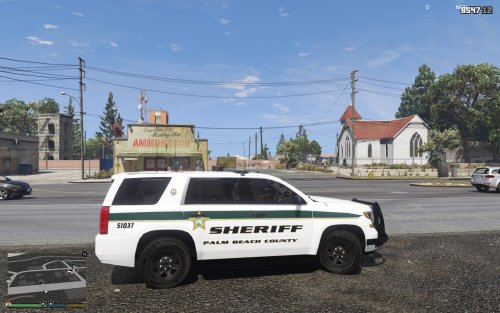 Nice work, been wanting to see some new Florida textures come out. As far as I know PBSO doesn't use Tahoe's very often unless it's a K9 unit but that's irrelevant to what you made. You had the side texture almost identical but missed out on the gold and green stripe, looping up at the end of the SUV. Instead you kept it going as if it was a straight line. The text you used for the vehicle is also incorrect. The closest one I know of is Enter Sansman Bold, try that and see how it looks. I won't review just yet until you make any changes, but awesome job nonetheless. We need some more Florida textures!
 -
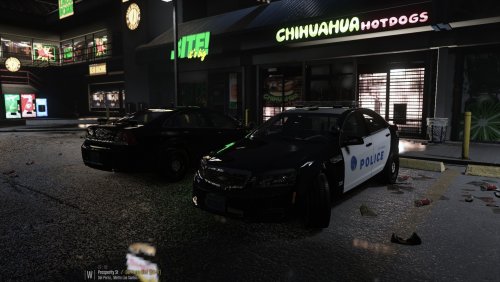 Fantastic Caprice, I've been needing a new undercover in my fbi slot and this fits the bill perfectly. fyi, it appears someone keeps disliking all the reviews for whatever reason.
- 41 comments
- 23 reviews
-
-
- 2
-
-
-
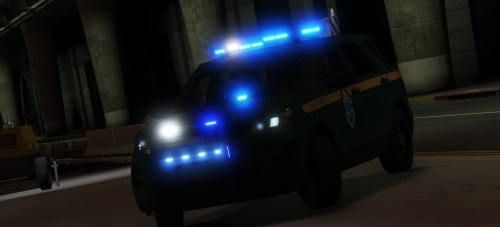 Literally was just searching for a good looking AND new State Trooper vehicle last night. So far so good, all of them look great in game. I'll update my post if I find any bugs or issues, but as of right now they are running fantastic along side my Police and Sheriff fleets. Sweet work Maurice and thank you for the release! Vermont skins are bomb btw.
- 20 comments
- 15 reviews
-
-
- 2
-

.thumb.jpg.49365ce29d4e85cb54f070aae10372d2.jpg)