



Steven2727
Members
-
Joined
-
Last visited
Everything posted by Steven2727
-
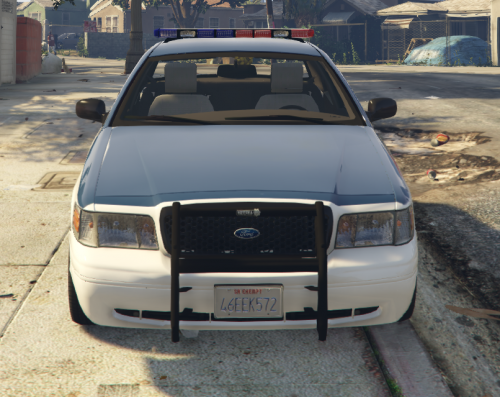 Great to see. I live in NJ. Do you think you can do a Robbinsville NJ pack next? Also it would be great if you can add some more lighting maybe on the grill and back windshield.
- 7 comments
- 6 reviews
-
-
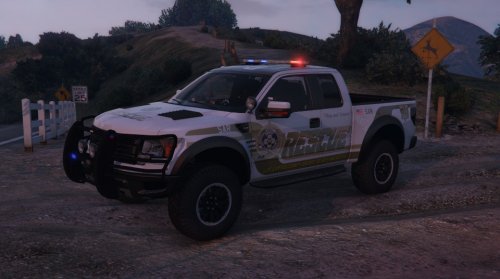 I wish there was ELS for it. Pressing the d-pad button for the lights and siren kinda sucks
- 64 comments
- 13 reviews



