
Tha Mexikan
Members
-
Joined
-
Last visited
Everything posted by Tha Mexikan
-
 great work !!
 -
-
 automatic cutoff dont work i get the 3 shurp when i get out the car but the siern is still going
- 262 comments
- 34 reviews
-
 hey great job it makes it easy to do it this way scanner is great but u have to fine a key bind to it here u jst put the radio on and fine the station and your done again great job A+++
 -
great job on this !!
-
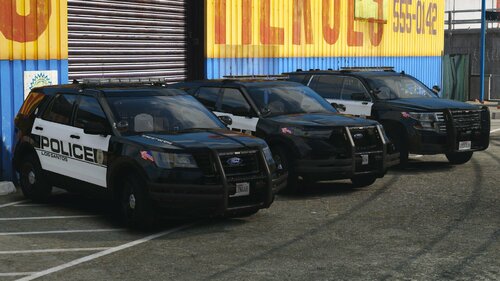 nice looking pack!!!
 -
-
-
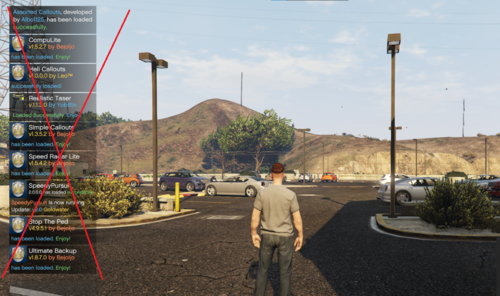 great mod !!!!!!!
 -
great work!!
-
.thumb.png.6a00de2b637a2c81ecf0f8ca9ab60387.png) wow what a great veh love it keep up the great work!!!!!
wow what a great veh love it keep up the great work!!!!! -
-
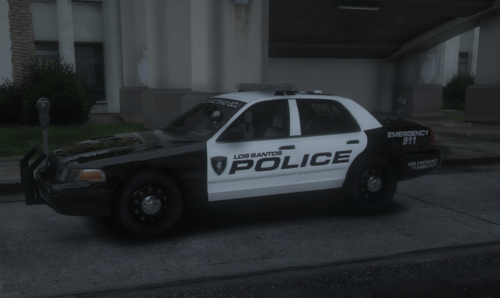 one of the great livery pack out right now!!!!!!!
 -
great pack homieeee
-
when i went to open the file it said invaild
-
it says it invaild u may wanna fix it
-
-
-
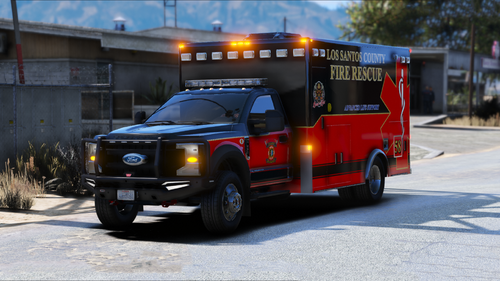 wow a great one are u going to make a firetruk to match it>
 -
-
-
-
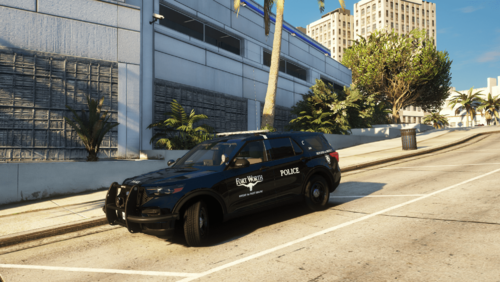 great job on it but when u add the skin it has it police then the fort worth
 -
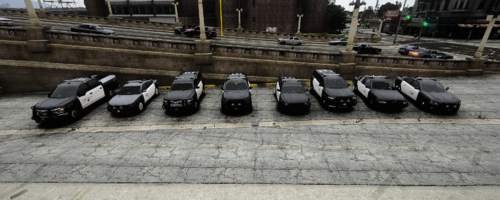 nice texures can u do the ftw firetruck?
 -
 Great mod homieee but diff shortening up the names a bit like benzo said !!!
- 34 comments
- 14 reviews
-
-

- 1
-





.thumb.png.6a00de2b637a2c81ecf0f8ca9ab60387.png)