




MichaelV
Friends of LSPDFR
-
Joined
-
Last visited
Everything posted by MichaelV
-
Do you have a commandline?
-
 Thanks! It means a lot.
 -
Coming Soon to your Download folder. ;)
-
From the album: Michael V.'s WIPs
Coming Soon -
From the album: Michael V.'s WIPs
Coming Soon -
From the album: Michael V.'s WIPs
Coming Soon -
From the album: Michael V.'s WIPs
Coming Soon. -
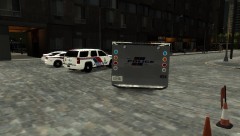
From the album: Michael V.'s WIPs
Coming Soon. -
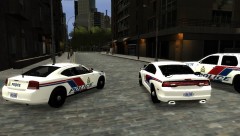
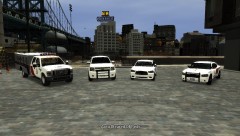
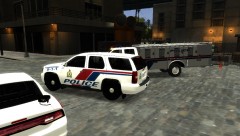
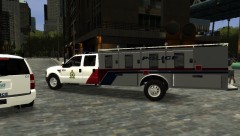
Belleville Police Service Liveries [WIP] 100% Complete! [REL 28/02/13] This pack will include skins from the Belleville Police Service in Ontario, Canada. It will include skins for the: -2006 Charger -2012 Charger [EVI] -2010 Impala [CJ24/EVI] (Not included in Screenshots) -2008 Chevy Tahoe [CJ24/EVI/BXBUGS123] -Ford TCU [00STEVO] Based off of: Screenshots:
-
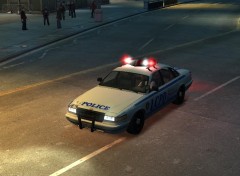 I thought it was the lights.
 -
In another Paint.NET canvas, paste the desired image. Then, choose the Magic Wand tool, click the unwanted background, and press delete. If it doesn't work right, adjust the Tolerance at the top. Then, copy and paste the image into your template.
-
-
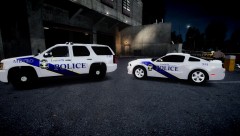 Nice shade of blue!
 -
-
It is made by him. I don't think he released it though.
-
The texture is made by him, I am not sure about the model though.
-
That isn't him. This is.
-
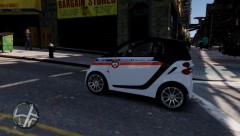 Beautiful Skin!
 -
They come with most models. Just download a model that you want to put a skin on, and it usually has a template within the file.
-
Are you loosing scenery too? That happened to me. It is usually when you install some high poly cars that your game can't handle. The best thing to do is to get rid of those cars and put cars with less poly.
-
-
You have to put the files in the Scripts folder. Also, you must press Alt first.
-
-
Try exporting the Resident, and put it in the PC>Audio>Sfx I do that, just in case.
-
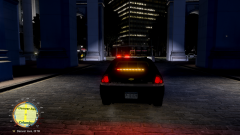 lol. Nice photo.



