
CanadianCabinet
Members
-
Joined
-
Last visited
Everything posted by CanadianCabinet
-
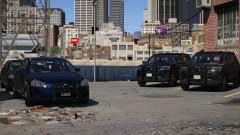 Looking good! Love the Impalas!
 -
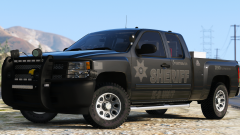 Do you ever plan on releasing any of these? They're just too good to not throw in my game!
 -
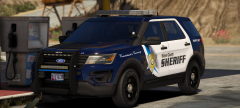 Yes please! How will that light bar thingy work on the rambar?
 -
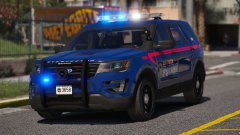 Oooh! Hope we get more then just those three, please? Also, I'm in love with the light blue lights!
 -
.png.8c26bc4be4143b97cb5bd1b9641be1a0.png) Lookin' good!
Lookin' good! -
-
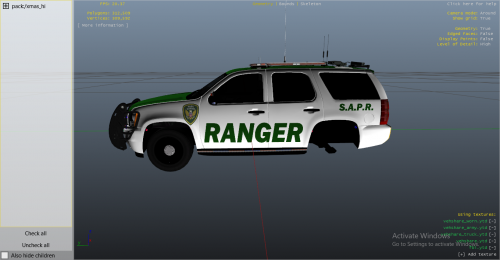 Just released yesterday
 -
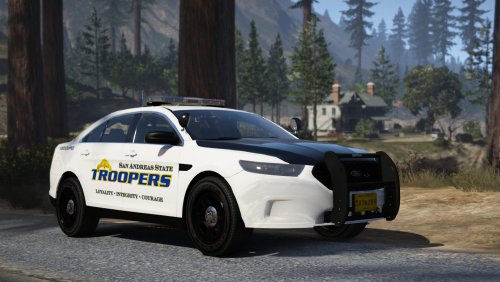 Awesome! Love the extras utilized and all the crap you can add to the truck and expedition! Will we ever get Charger(s), slicktops, and/or Explorers? I know it's asking for a lot, but that'd make this pack a 6/5.
- 50 comments
- 26 reviews
-
-

- 2
-
-
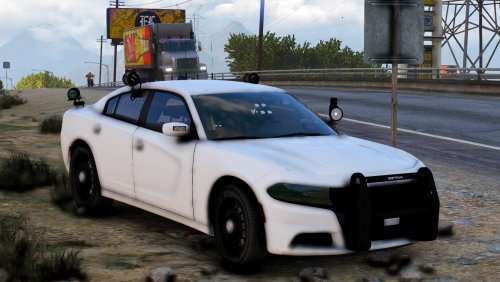 This is one of the coolest Chargers I've seen on here. Awesome looking, but there are some small issues with it: Taillights are incorrect Brake lights appear to not have an actual texture on the car - just coronas (not a problem, just a preference) Takedowns shine backwards High beams don't emit any light at all I love that you used extras and the ability to change the color.
- 11 comments
- 11 reviews
-
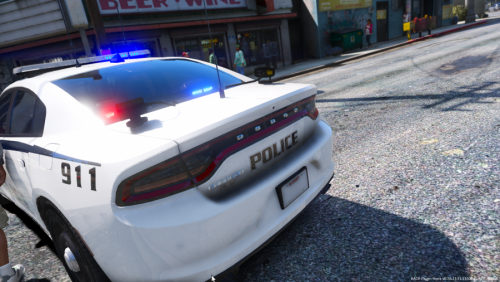 It's a good model, definitely better then your unmarked 2014. There area couple problems though: Blank license plate Tail lights also incorrect, like the '14 charger of yours Brake lights also apply here ^ Apart from that, I think this'll be your best one so far. I love that the lighting changes depending on what siren! Also, the skin is nice except for the exception of the plate issue.
- 3 comments
- 4 reviews
-
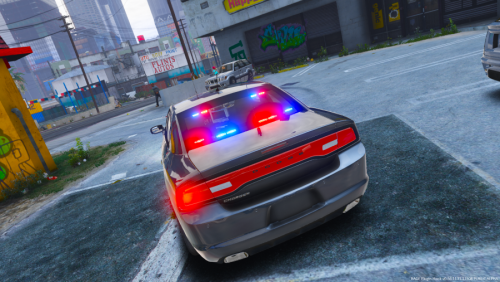 Meh. It's pretty good visually, but there are many issues with it. First, the hat on the dash sometimes flickers gray. Also, the tail and brake lights aren't even anything like a Charger's.
- 24 comments
- 11 reviews
-
 Works for me, I recommend that you put in patchday8 as all my weapons work there.
- 86 comments
- 33 reviews
-
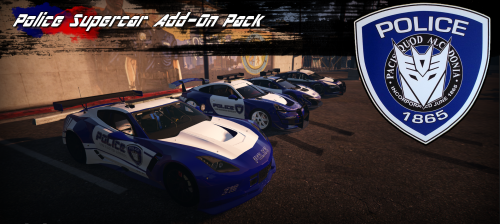 Absolutely awesome. I'm always a fan when it comes to supercars. Will we ever get an ELS version, if it's not too much to ask?
- 31 comments
- 8 reviews
-
-
- 1
-
-
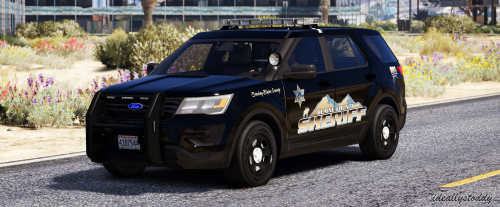 Awesome! Will we ever get a CVPI, specifically from this pack? Everything but the FPIU and 16 Tahoe works with it.
- 14 comments
- 7 reviews
-
-
Is there a way to disable/dim the coronas per vehicle? For example, removing them for sheriff3 and not the others.
-
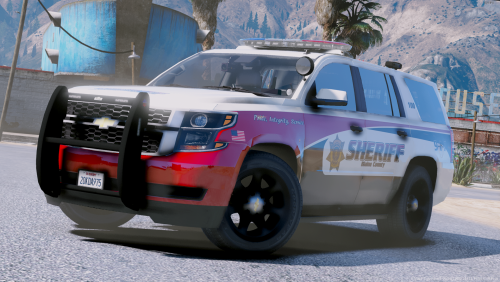 Awesome pack, definitely my new favorite! The only problem is that the Tahoe will dissapear and only leaves the partition. Other than that, great work!
- 20 comments
- 25 reviews
-
Got it to work- happened to mess up my carvariations.meta somehow.
-
I have everything on there off, maybe you need to restart your PC? I'm not sure if that'd make a difference.
-
I can't pull vehicles over whilst driving any of my addon cars (TheHurk CHP to be exact). Any other car works perfectly fine, and they worked until a point as I remember doing so. When I press shift I get the blip, but they won't respond to my siren. This also applies to traffic, as they won't pull off when I'm code 3, but they will with the police of sheriff cars. I just tested another addon car (sheriff3 form WOV) and it worked perfectly fine.
-
I had the same problem. If you're using Windows 10 you'll need to turn off everything related to "gaming" in settings.
-
 For some reason, I can't pull vehicles over when I use your addon pack. It works with other cars, just not addons.
- 954 comments
- 158 reviews
-
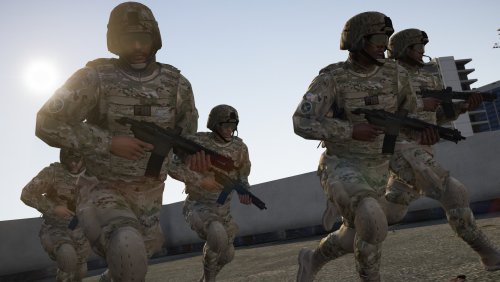 Didn't go far enough into to the pictures, lol. That's the one I use also.
 -
The first one is the carbine rifle and the other is the carbine rifle mk.2. Both from default gta, not a mod http://gta.wikia.com/wiki/Carbine_Rifle http://gta.wikia.com/wiki/Carbine_Rifle_Mk_II
-
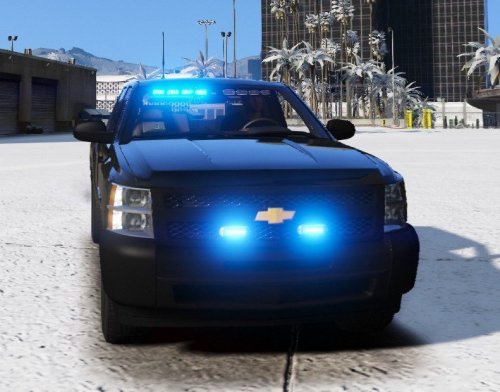 You'll need to download the actual model and just rename the xml I downloaded the addon version, and there's a radio playing. I can't shut it off.
- 31 comments
- 15 reviews
-
 Yeah, what advantages did old gen have?

.png.8c26bc4be4143b97cb5bd1b9641be1a0.png)