Twurtleee
Members
-
Joined
-
Last visited
Everything posted by Twurtleee
-
Been longer than I wanted it to take. But #integrityReleaseToday 😏
-
 I've never had anyone have any sort of crashing issues, so it has to be something you have done to the bar, if it is indeed the source. Or, you may also have a base value set on the chassis dummy of the vehicle itself. Check to see if you do, if you don't then i'd try reimporting the valor, don't touch anything, just position it, make your light pattern, and see if you crash then.
 -
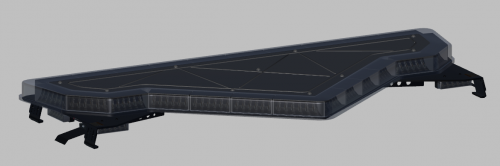
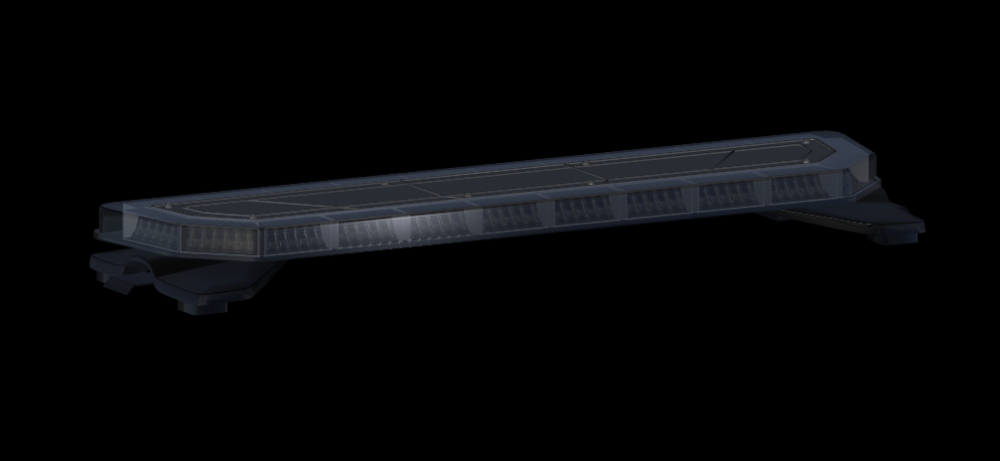
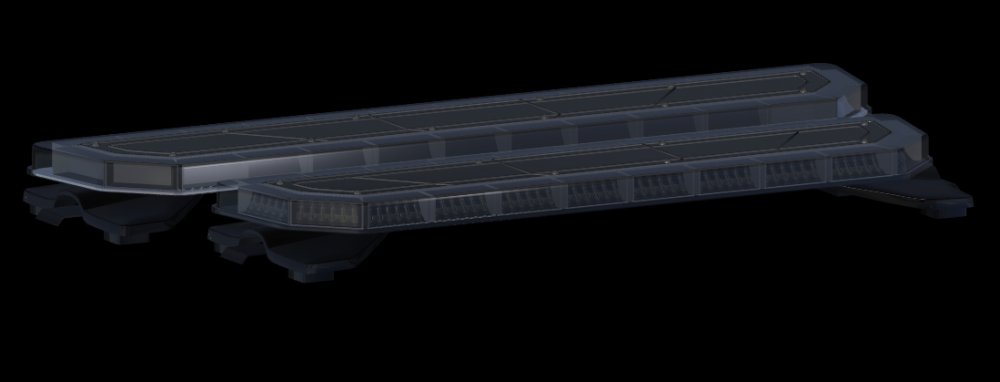
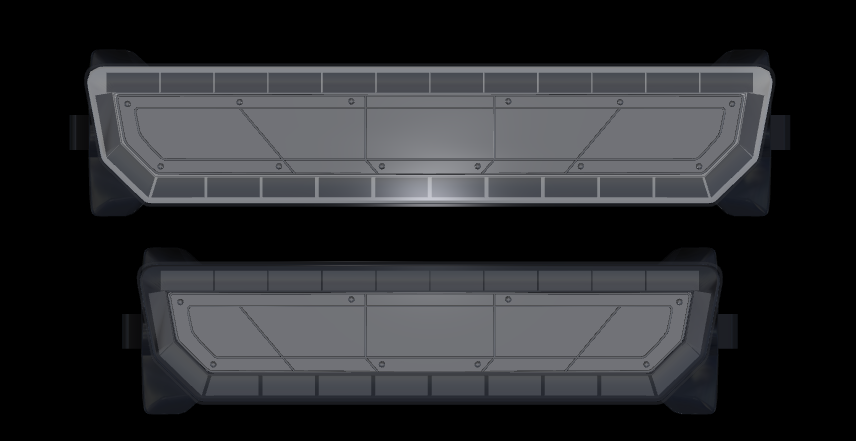
44 Inch textured (Minus the emissives) All that's left is emissives for both and finishing textures on the 51 Inch Integrity Top one is the one that's not finished
-
Oh, no lol. If your in any of the discords im in, I post a lot in them than lcpdfr. Pictures of stuff im doing, etc
-
@ISPfan12 lol, I posted an update a while back about it 😂
-
Both sizes of the integrity are done, needs texturing and they should be released. With them will be the 55 Inch Valor as well that has been done for 48374538 years I just never released it lol


-
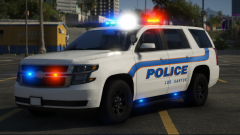 Ayeee, welcome back cutie
 -
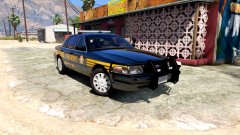 Sure..
 -
Good god will you shut up. You comment on everything "This needs fixing, this needs this, blah blah blah" Go back to GMC and 'Break the internet' again We get your mad cause Walters said something about your car or whatever it was, stop being childish about everything and grow up
-
-
Finished up the integrity for the most part, still need the mounts under the feet, afterwards, gonna texture it and get it all set up, lods, etc. Also going to release the 55 inch Valor after I release the integrity. It's been a while since I finished the second Valor, just never got around to releasing it


-
This has now turned into an argument if I must butt in here. It would save everyone the time to stop arguing about what staff does and doesn't do, what happens and doesn't with lspdfr. To clear things up with lspdfr post about it and give some more updates to be honest. People won't lose hope in it and think there is nothing going on, little has been done over the past year and half or so, etc. Everyone will have their opinion of staff, lspdfr, mods, gta as a whole, etc. Just accept it. You guys are gonna sit here going back and forth for hours if you keep up. Best to let it go, or lock the post. :/ And bye t0y. It was fun while it lasted Hope to see you again IF the community improves, etc
-
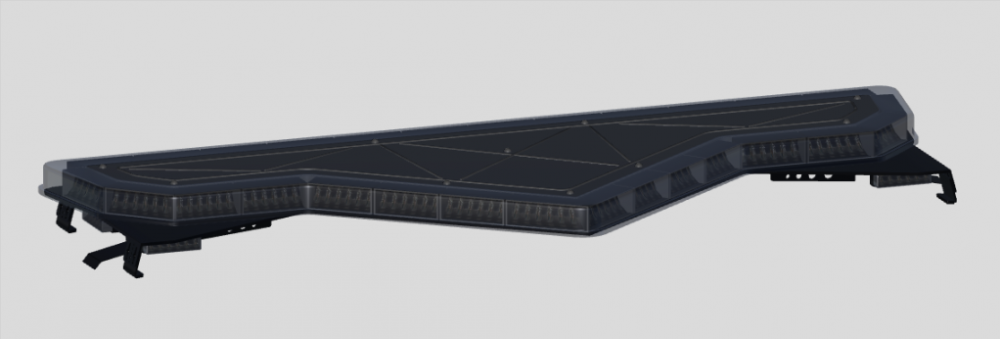
55 Inch Valor Soon™
-
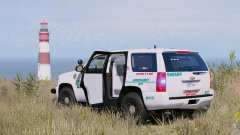 Si Si Si mucho fuego papi
 -
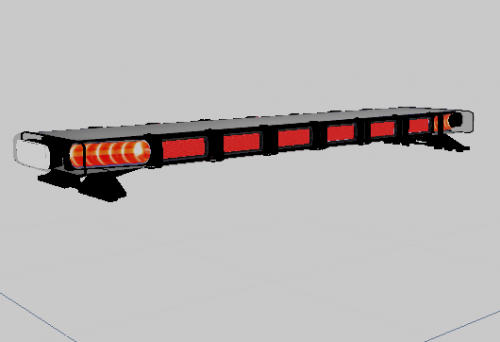 It isn't as simple as drag and drop to add to a fire engine..... We aren't installing cars You can't just make a yft file, and expect it to fit the cars in game... Ohhh, nvm. There is this cool menu that pops up if you put lightbars and other parts in your mods folder. It will pop up and give you the option to add it to whatever car you want. Give the game a few seconds and it will fit it and set everything up for you, you don't have to touch a thing. Nvm, wow I feel stupid, I forgot about that feature
 -
Valor is all done. Now it's on to texturing. I'm gonna be using the emissives, sticker things, and hotfeet/mount, etc from the first valor


-
So, as everyone knows I still haven't released the 55 inch valor yet. I said I would and never did. Mainly because of lack of motivation, I didn't feel like going through the trouble of doing it, etc. Well..... I am now, I'm making the second version tonight, texturing, etc. Expect a release of it tomorrow as well as a minor update to the original valor The start of the second valor

-
You have to download the alpr's you would like to use, put them in your gta directory. When you go in game a menu will pop up and ask you which car you would like to put them on and the game will fit them to the vehicle for you. lol, jk
-
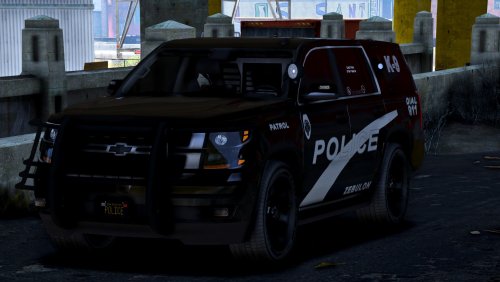 @tonesnaps I'm commenting about your review. There is only one Tahoe base model for everyone to use, this is the same Tahoe that everyone else has used that you call a suburban. It's exactly the same as the rest.
- 22 comments
- 7 reviews
-
-

- 2
-
-
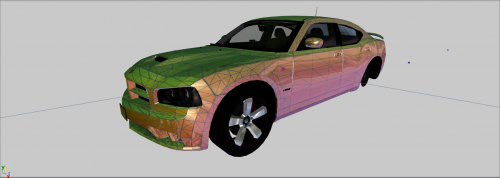 I don't think you quite understand what he's saying. What he means is, go ahead and make whatever you like with it. But if your going to release the model to the public be sure it is locked, people say this for many reasons, one being claiming someone else's work. If your not sure what locking is, when you export the model from zmodeler as the proper gta format, there is a option to lock the model. In doing such no one else can open your model in zmodeler because it is locked and potentially steal your work, etc.
 -
.
-
@krazzy You need to be using the latest version of Zmodeler3 to be able to open the file. 3.1.5 is the current version on 3 that's up to date I believe Trying to use Zmodeler 2 will get you no where, and the file wont open period If you don't have the money for 3 they have a trial for 10 days or something that you can use I believe. Afterwards you'll need to pay for a license
-
Does Zmod crash? Or does it just give you an error message and the program stays up? By any chance, your probably not but figured i'd ask are you trying to merge it in Zmod2 or 3?
-
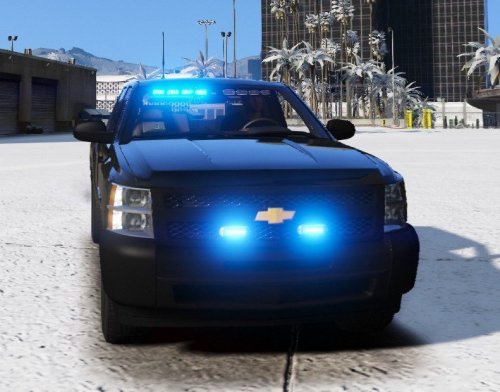 There is a lot wrong with this truck that needs fixing. First.. -The seat organizer is inside of the seat, you need to move it back some and reposition it -Almost all of your lights are way too big -Lights in the windshield are scaled on the Y axis for whatever reason. Need to go back in and fix the scaling, as well as positioning -Console needs to be scaled down -Dashcam is inside the ceiling -Toolbox is floating -Laptop is inside of the stand, needs to be rotated some and moved up I would suggest actually downloading parts from gta-mod-center, and lcpdfr instead of using the big pack of parts on gta5mods. Half of them aren't textured properly, console has holes, dashcam has holes, etc Pretty much looks as if you rushed to be the first person on the silverado bandwagon thats coming up. Don't rush, take your time, and do things the right way. In general lack of effort is the main issue with this. Could have done much better :/
- 31 comments
- 15 reviews
-
-
- 9
-
-
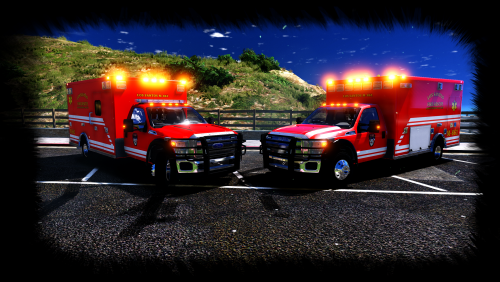 This looks really good! Keep up the good work. Only thing I noticed is you might want to tone down the chrome some on the truck, fix the stretchy texture on the seat, and do a few edits to the dashboard. Other than those things it looks great
- 53 comments
- 17 reviews