




Trp. Keaton
-
Joined
-
Last visited
Everything posted by Trp. Keaton
-
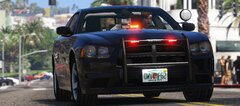
From the album: Miami-Dade Police
© 2021 Trooper Keaton
-
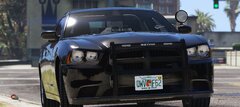
From the album: Miami-Dade Police
© 2021 Trooper Keaton
-
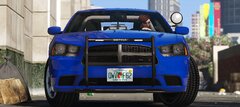
From the album: Miami-Dade Police
© 2021 Trooper Keaton
-
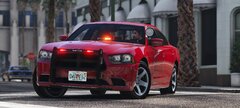
From the album: Miami-Dade Police
© 2021 Trooper Keaton
-
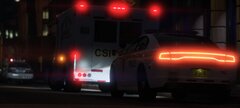
From the album: Miami-Dade Police
© 2021 Trooper Keaton
-
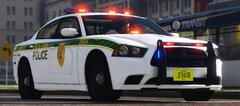
From the album: Miami-Dade Police
© 2021 Trooper Keaton
-
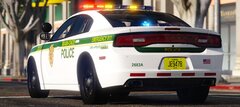
From the album: Miami-Dade Police
© 2021 Trooper Keaton
-
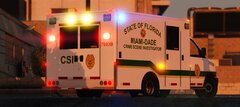
From the album: Miami-Dade Police
© 2021 Trooper Keaton
-
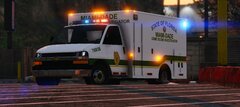
From the album: Miami-Dade Police
© 2021 Trooper Keaton
-
From the album: Miami-Dade Police
© 2021 Trooper Keaton
-
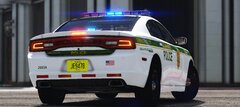
From the album: Miami-Dade Police
© 2021 Trooper Keaton
-
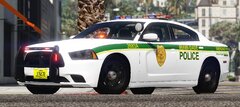
From the album: Miami-Dade Police
© 2021 Trooper Keaton
-
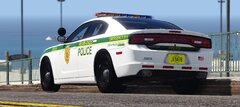
From the album: Miami-Dade Police
© 2021 Trooper Keaton
-
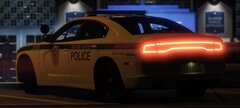
From the album: Miami-Dade Police
© 2021 Trooper Keaton
-
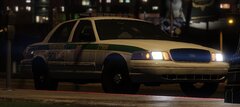
From the album: Miami-Dade Police
© 2021 Trooper Keaton
-
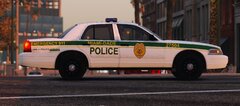
From the album: Miami-Dade Police
© 2021 Trooper Keaton
-
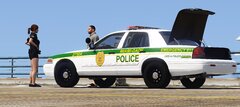
From the album: Miami-Dade Police
© 2021 Trooper Keaton
-
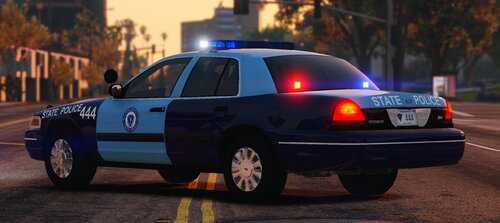 The Knowledge I has about Massachusetts was limited, so thank you for telling me this. When I go in to fix the Explorer, I will look in to adding those in as well.
 -
Thank you Thank you
-
I will look into this, thank you
-
Hello all, here is my pack, Massachusetts State Police that I worked hard on. This pack took me a bit longer to release then usual as I need to fix something, and I was super busy during a week of development. But it's finally here, I hope everyone enjoys the cars. The pack as usual contains cars that have multiple skins, all of the unmarked cars contain one skin that has a normal passenger plate, and another thing I did in this pack, that I haven't done before is all the passenger plates correspond with the year the vehicle was purchased. So if a car was bought in 2006, that plate number will in the format that Massachusetts used in the year of 2006. All the cars in this pack, have lighting that are extremely if not exact lighting to the real life counterpart. Most of the cars have red and amber lights in the back, just like in real life. With that being said, my next pack I am working on is Miami-Dade Police, and it's looking good so far, I really love Florida and I can't wait to share the car's with everyone. With that being said IF you have any issues with the cars, please report them in my discord, or if you want to come hang out with some awesome people, or see my new work coming to lcpdfr, you can join today, or join from my website *link in my profile*, or if you would like to vote/suggest on a department I should make in the future, you can also do that on my discord as well. https://discord.gg/w2gvrTN
-
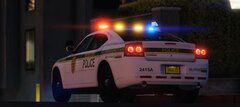
From the album: Miami-Dade Police
© 2021 Trooper Keaton
-
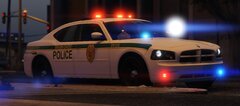
From the album: Miami-Dade Police
© 2021 Trooper Keaton
-
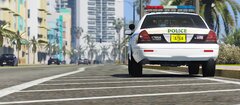
From the album: Miami-Dade Police
© 2021 Trooper Keaton
-
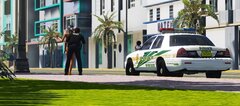
From the album: Miami-Dade Police
© 2021 Trooper Keaton



