



SilentEagle
Members
-
Joined
-
Last visited
Everything posted by SilentEagle
-
-
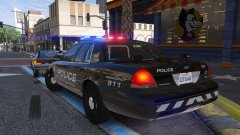 20180731223351_1.jpg
-
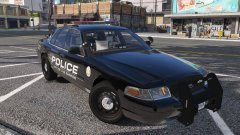 20180731220153_1.jpg
-
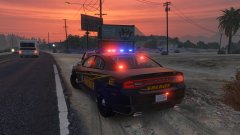 20180625210316_1.jpg
-
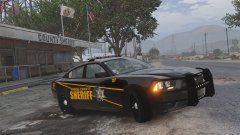 20180625205637_1.jpg
-
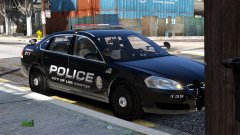 Impala
-
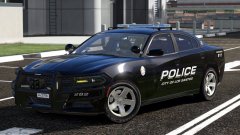 Charger LSPD
-
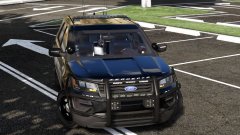 FPIU LSPD
-
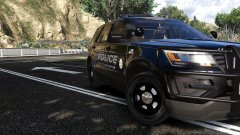 FPIU LSPD
-
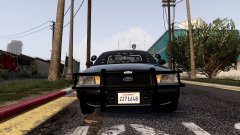 CVPI
CVPI
-
 20180316205911_1.jpg
-
 Now THAT'S impressive
-
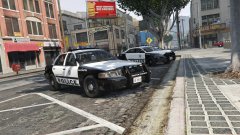 20180308194336_1.jpg
-
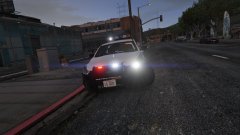 20180308185951_1.jpg
-
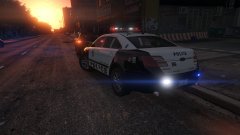 20180308185440_1.jpg
-
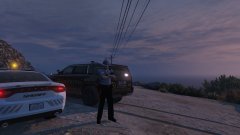 20180222134031_1.jpg
-
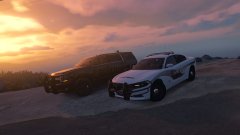 20180222133557_1.jpg
-
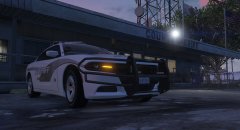 20180218200805_1.jpg
-
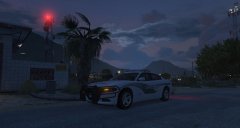 20180218200556_1.jpg
-
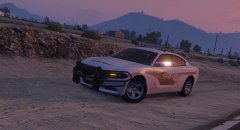 20180218200259_1.jpg
-
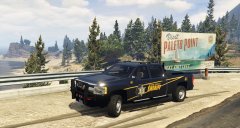 20180213212439_1.jpg
-
-
From the album: SilentEagle's Screenshots
-
From the album: SilentEagle's Screenshots
-
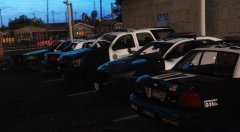 The pack was already released and he decided to take it down for his own reasons that we don't know. This is from his profile: "I've decided not to update the LA pack and to keep it hidden. I will not give it to anyone so please don't ask when it will be back up or if ya'll can have it, and yes you can use it in a clan for a FiveM server"
 -
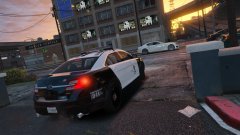 It's not the one in the picture but close enough with arjent lightbar
 -
Thank you so much! Where do I need to put the .wav files?

-
From the album: SilentEagle's Screenshots
From the album: SilentEagle's Screenshots
From the album: SilentEagle's Screenshots
From the album: SilentEagle's Screenshots
From the album: SilentEagle's Screenshots
From the album: SilentEagle's Screenshots
From the album: SilentEagle's Screenshots
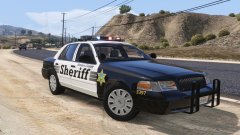
From the album: California
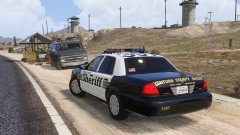
From the album: California
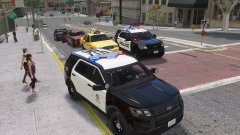
From the album: California
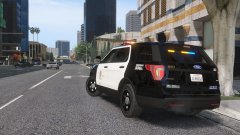
From the album: California
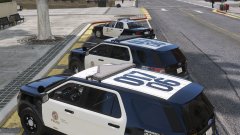
From the album: California
Haven't tried it myself, but this could be it?




