


JiggyJinjo
Members
-
Joined
-
Last visited
-
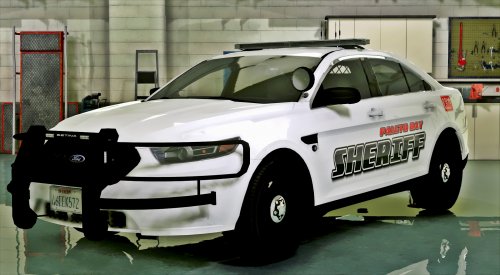 Hi is there any way to have it as police4 ? I renamed the els file ytd/ytf ones to police4. Then I changed theses attributes in the vehicles.meta file : <modelName>police4</modelName> <txdName>police4</txdName> <handlingId>POLICE</handlingId> <gameName>POLICE4</gameName> and then replaced my police4 item with yours and it crashes. When I use your car without any .meta it works fine except it spawns with black tainted glass (I don't mind it's because of the slot)
- 51 comments
- 17 reviews
-
-
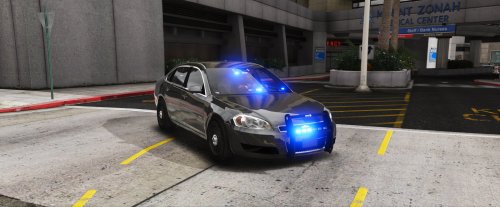 Model is great but I can't give more than 2 stars with that handling, when you oversteer, the car just flips over instead of slipping. A vehicle meta would be great, I'll update my review if it is fixed
- 34 comments
- 13 reviews
-
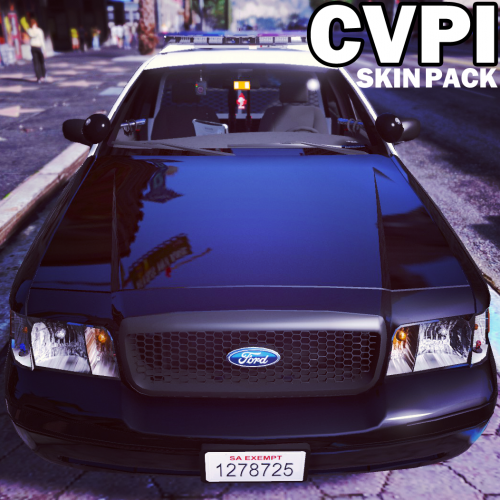 Hey guys, i'm using the bxbug's cvpi 1.9l and I installed the 6 liveries from LSPD. However openIV crashes everytime (ouf of memory error) when I try to add 1 more livery (I tried LSPD alternate and LSPD alternate 2). Is there anyway to avoid the out of memory error ? I tried running it on admin mode
- 64 comments
- 18 reviews
-
.thumb.jpg.53e6566fc11617e23f7fb13f2792cbbe.jpg) btw, how come people have black and white liveries in the comment section ? I can't find it there. I'm looking for the car in this video but the link in the description leads here but it is definitely not the same car. Yours doesn't have the black/whote livery that I want so much nor the little devices on top of the trunk. Do you know where I can find thoses please ? Thanks in advance
btw, how come people have black and white liveries in the comment section ? I can't find it there. I'm looking for the car in this video but the link in the description leads here but it is definitely not the same car. Yours doesn't have the black/whote livery that I want so much nor the little devices on top of the trunk. Do you know where I can find thoses please ? Thanks in advance- 132 comments
- 63 reviews
.thumb.jpg.53e6566fc11617e23f7fb13f2792cbbe.jpg)
