.jpeg.2ae4860653362bec0da2f2616a806fb8.jpeg)

OkBuddyDraper
Members
-
Joined
-
Last visited
Everything posted by OkBuddyDraper
-
 Amazing mod. I'd recommend this to anyone who's looking to add some more immersion and make the game feel more alive. Do you plan on adding more audios in the future? If so, could you add more audios based on day-to-day police work such as traffic stops and normal dispatch audio? I love the ones you have, but having more variety would make this mod even better.
- 22 comments
- 2 reviews
-
 What graphics mod?? Looks amazing
 -
-
-
 love it; i'm using it with Argg's GSP livery pack and it's amazing. Only two things; there's some clipping with the rain coat variant 1 and with the aviation uniform. Aside from that, it's great!
- 19 comments
- 2 reviews
-
-

- 1
-
-
-
 I agree, every callout pack has the same set of 4-5 callouts. For the creator, could you try making some callouts along the line of: - Police Escort; could be for an important politician, dangerous goods, sports teams, etc - Noise Complaints/Shut down a party - Dispute at Burger Shot because someone got a cold burger - Search and Rescue - Gruppe6 Truck Robbery (callout could either spawn a pursuit or a shootout at the scene of the robbery)
- 158 comments
- 8 reviews
-
-

- 6
-
-
They only appear when I stand right on top of them. It seems like some texture loss. The only mods I have installed is VisualVanilla, Forests of San Andreas, AllenKennedy's pistol and shotgun model mods, TrafficPlus+, and EUP My specs are: i7-4770 MSI Gaming X GTX 1080 16gb ddr3 ram How do I fix this?
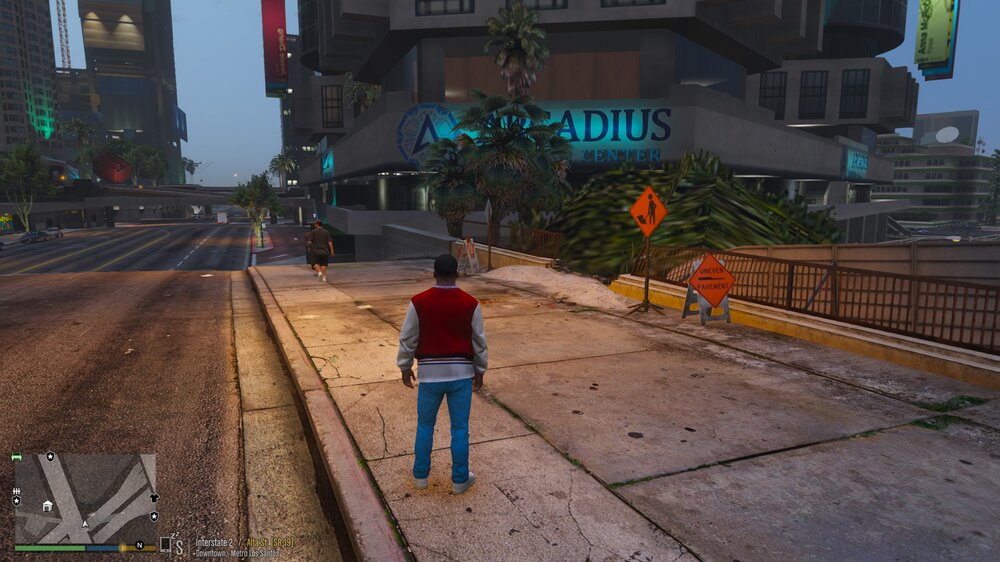
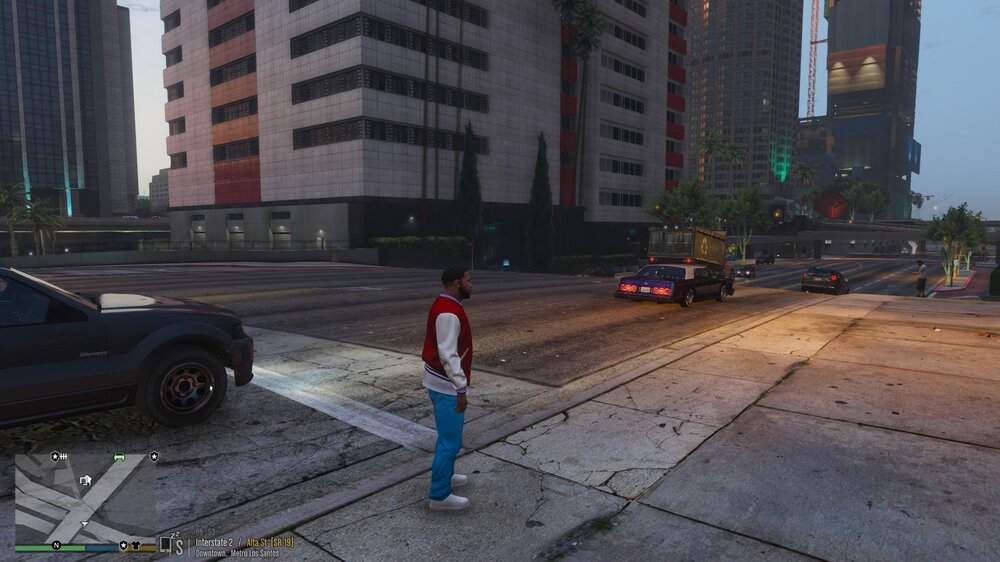
-
I'm using Jacobmaate's SAHP pack and the proper DLS configs. The lights are only messed up for the AI; whenever I use the same vehicle, the lights are fine. My plugins are: 686Callouts ALPRLite Attempted Crime Callouts CalloutInterface CalloutsT ChaosCallouts CompuLite Custom Pullover Deadly Weapons Definitive Callouts HWYCallouts LeroyCallouts LidarGun LoreCallouts Radio Realism Prowler Radar Section 136 Callouts StopThePed SuperCallouts Ultimate Backup XScanner Yobbin Callouts
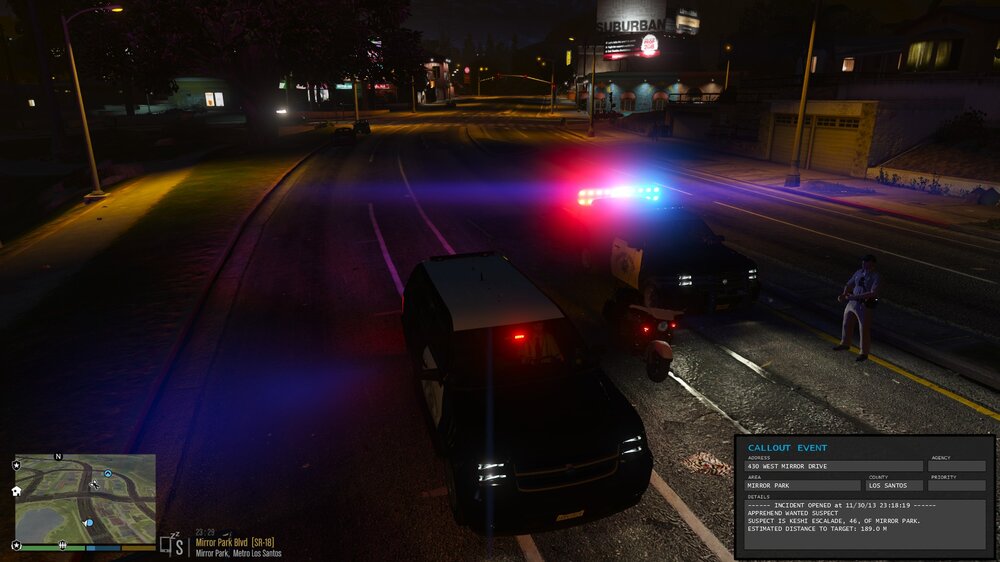
-
Thanks, works now
-
Whenever I go into the menu to change the character I play as, the LSPDFR plugin crashes. Any idea what it could be?RagePluginHook.log
-
Specs: i7 4770 @ 3.4ghz MSI Gaming X GTX 1080? 16GB DDR3 RAM 1TB HDD Settings: FXAA On MSAA Off Population Variety 100% Population Density 100% Distance Scaling 100% Texture Quality Very High Shader Quality Very High Shadow Quality High Reflection Quality Very High Reflection MSAA Off Water Quality High Particle Quality High Grass Quality High Soft Shadows Softer Post FX Ultra Anisotropic Filtering x16 Ambient Occlusion High Tesselation Normal I also have Natural Vision Evolved installed Without RPH, I could get solid 60FPS; I play with V-Sync on since I have a 60hz monitor. When I play LSPDFR, I get roughly 50ish FPS, is there something wrong with my system or is there some trouble shooting I could do? If NVE is too intense for my specs, what other graphics mods are there that still make the game look good
-
 Great mod! Makes the game a lot more realistic imo. But AI vehicles turning is a bit weird with this mod on. They brake way too early before making a turn and cruise at around 5-10mph before turning.
- 366 comments
- 32 reviews
-
Fixed it! I was missing a specific game config file.
-
Sorry, I took one of the mods that I suspected was causing the crash out of my mods folder last night. I put the mod back in and the crashing resumed. I installed 11john11's BCSO and LSSD pack, and Jacobmaate's SAHP pack. Here is the log with the mods installed. Sorry about the confusion! RagePluginHook.log
-
Here it is! RagePluginHook.log
-
Hi, My game is crashing 15-20 seconds into the loading screen, what is the problem? Here is the crash report: https://pastebin.com/MMfUTdr9
-
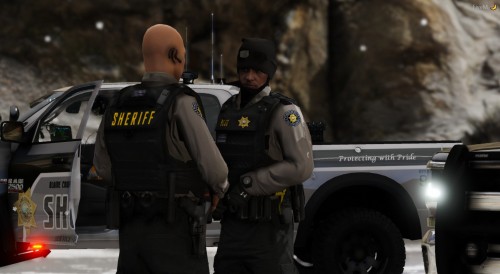 I've replaced the textures in the .ytd, how do I access them in game? Whenever I go to "BCSO" and select a uniform, it's the vanilla one.
- 159 comments
- 7 reviews
-
Hi, I've recently installed RDE and VisualV but whenever I try to use those two mods with EUP, my game crashes with the error "ERR_FIL_PACK_1". The game works perfectly fine without EUP but the problem only comes when these three are installed. Anyone have any suggestions on what to do or a solution?
-
Heya, I can't seem to get VisualV working with RDE and EUP, so are there any alternatives to VisualV that I could use?
-
SPECS -i5 2500k -GTX 750ti ((OCed)) -Nvidia 600w Power Source -8GB Ram PROBLEM I've been getting an unsteady FPS on these specs, sometimes I average 30-38, other times 45-50. I've seen videos of people getting 70ish FPS on these same specs and they're on higher settings. I have no visual mods installed, I only got EUP, RDE, LSPDFR, and a couple of callout scripts. Is there anything I can do to bump up my FPS to a steady 60?
-
-
 I recently installed RDE on a fresh copy of GTA V, along with EUP and a visual settings modification. Whenever I try starting up GTA, it crashes whilst loading, is there something else that I need to download that allows me to use RDE alongside EUP?
- 1,521 comments
- 85 reviews
-
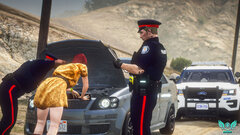
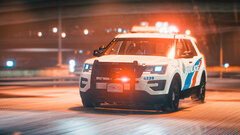
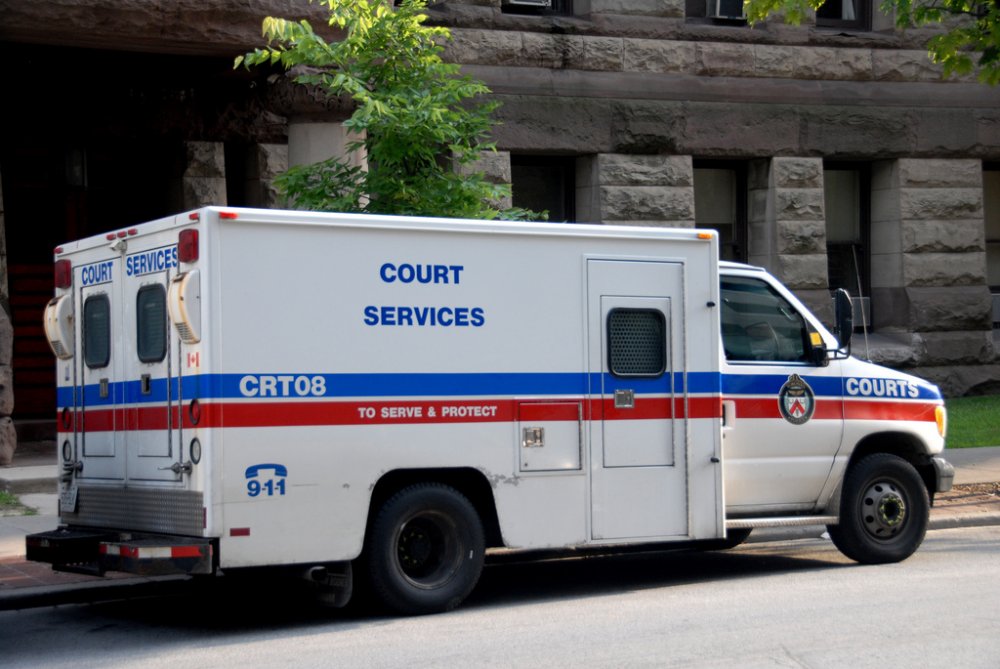
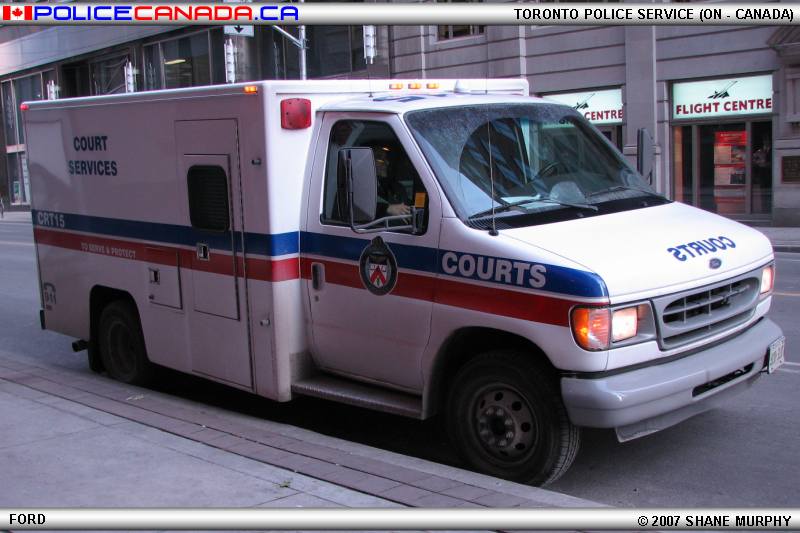
A CS vehicle for either the F-550 or E-450, they would go well with Harrison's LSPD Pack (Toronto Police Service Pack). It could serve as a prisoner transport van or for role play purposes
-
-
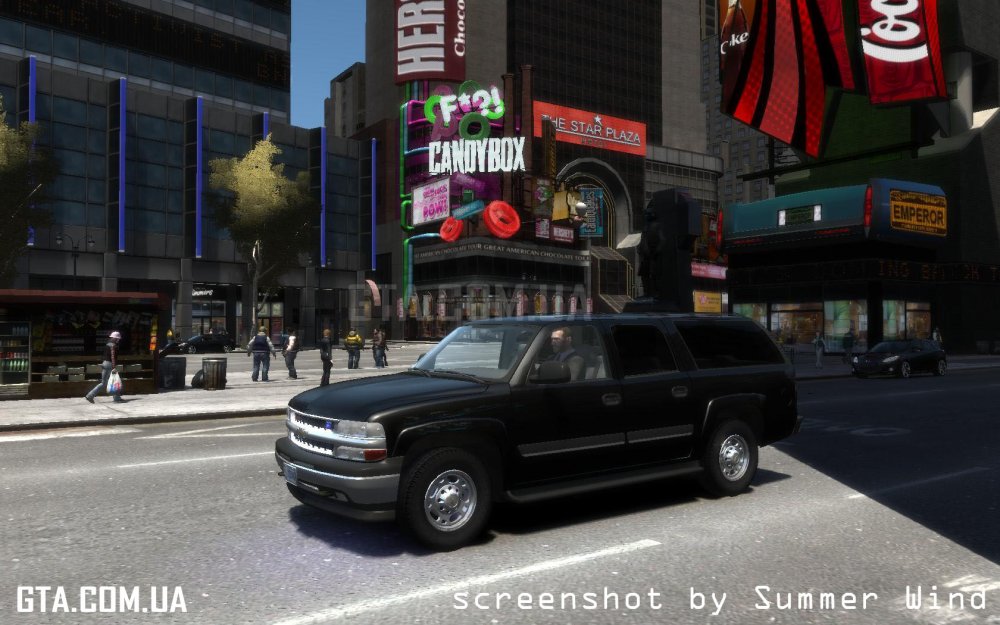
Anyone currently working or can convert a model from GTA IV? I'm pretty sure the player base would love to see some 2000's era police vehicles like the '03 Suburban.