




GameandChill
Members
-
Joined
Everything posted by GameandChill
-
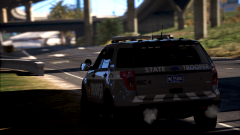 Looks good! What kinda graphics mods are you using?
 -
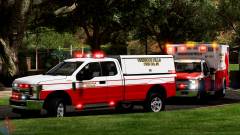
From the album: Screenshots of GTA V
-
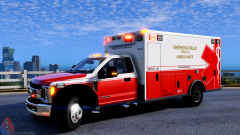
From the album: Screenshots of GTA V
-
 This should help you with the running out of memory bs https://www.gta5-mods.com/misc/gta-5-gameconfig-300-cars
- 61 comments
- 27 reviews
-
-
 Dude, I believe it's this one.. Prophets Whelen 295 Not 100% positive though, I have way to many different versions of Whelen sirens saved lol.
- 168 comments
- 35 reviews
-
Just a beautiful plugin, by my man Sebo. Great job buddy, really helps with immersion!
- 168 comments
- 35 reviews
-
-

- 1
-
-
There's no Online mode for the mod. All GTA Mods are Single player only mods.
-
Open up OpenIV go to Mods/Update/Update.rpf/Common/Data Scroll down and find dlclist.xml right click on it, and click edit. Scroll to the bottom, and under the last item, which should be <Item>dlcpacks:\patchday19ng\</Item> add <Item>dlcpacks:\MODDING\</Item> Click save, and you should be good.
-
Have you edited the dlclist.xml to re-add the albo modding dlc back into after updating the update.rpf?
-
Mods/Update/Update.rpf/Common/Data
-
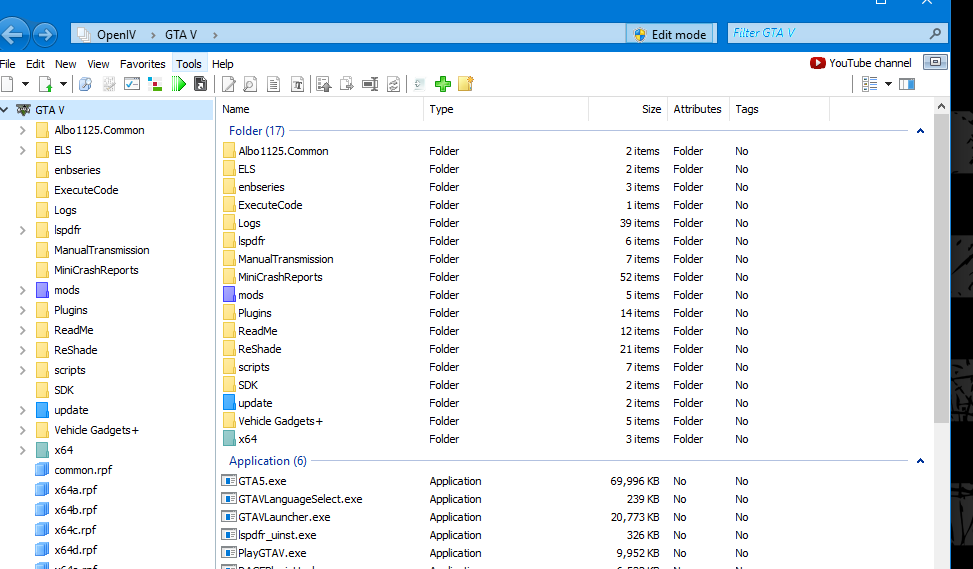
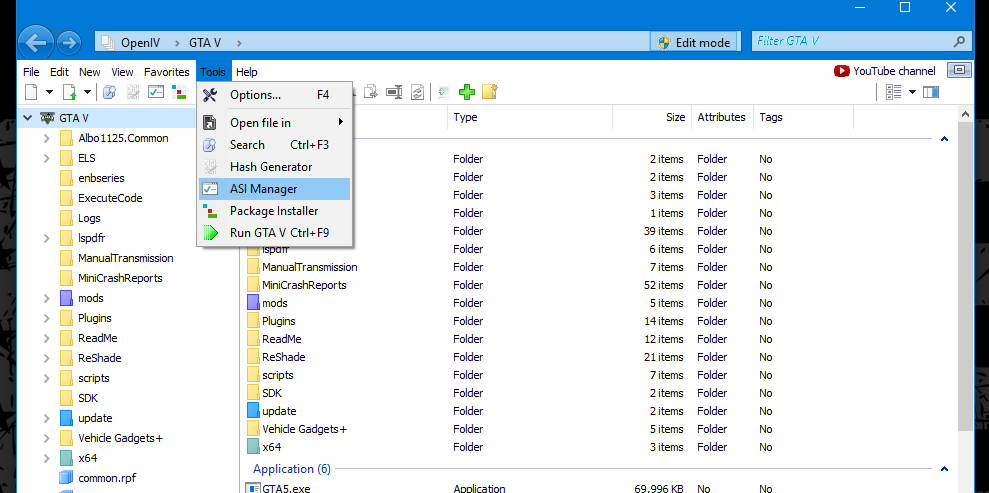
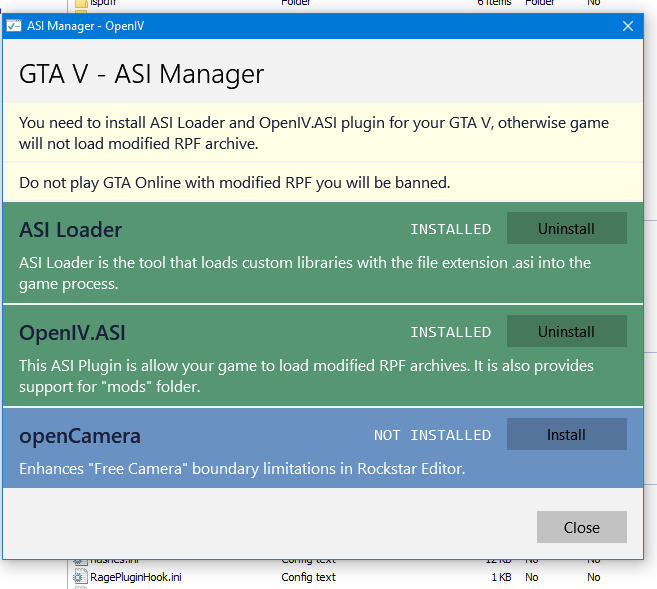
Make sure you have OpenIV.ASI installed. To do this Open up OpenIV on the top bar Click on Tools, then ASI Manager. IF you don't see the top bar press F10 and it'll pop up.
-
Simple Fix, it's inconvenient but, Launch GTA 5 Normally, Load into Story Mode, alt-tab out of the game then start up Rage and you should be good to go.
-
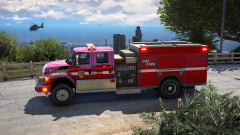
From the album: Screenshots of GTA V
Coming Soon....... Maybe? -
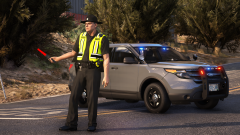
From the album: Screenshots of GTA V
BCSO closed down Union Road in Grapeseed for the fatal mva. -
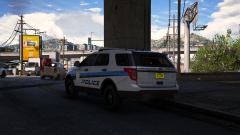
From the album: Screenshots of GTA V
-
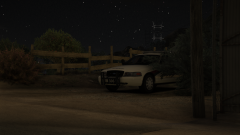
From the album: Screenshots of GTA V
....Sneaky...Sneaky -

From the album: Screenshots of GTA V
-
Sounds like a Code 3 RLS series to me.
-
Not positive what year the charger is in this pack is, but has the same lightbar lol.. You should be able to change the lightbar textures to make it all clear like the pic you posted.
-
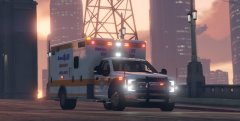 Jesus Medic. That's beautiful.
 -
Whelen 295SSA I believe.
-
I believe it's this model
-
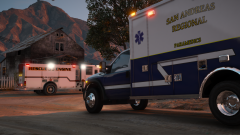
From the album: Screenshots of GTA V
Medic 30, and Rescue Engine 33 on scene of an early morning structure fire. The building was abandoned, no one was hurt in the blaze. The State Fire Marshalls are currently looking into the cause of the fire. -
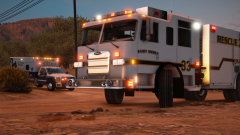
From the album: Screenshots of GTA V
Medic 30, and Rescue Engine 33 on scene of an early morning structure fire. The building was abandoned, no one was hurt in the blaze. The State Fire Marshalls are currently looking into the cause of the fire.


