BlueGhost
Members
-
Joined
-
Last visited
Everything posted by BlueGhost
-
 Yes, to both.
 -
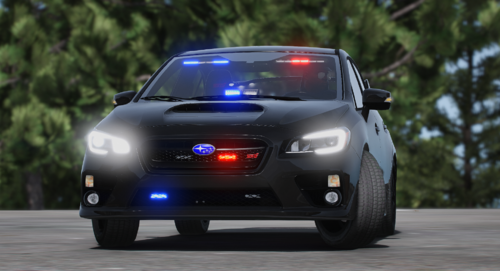 I have an unmarked pack that uses ELS. Drop the resource folder in your stream folder and add it to your server.cfg to load it up. As for single player installation, drop it in your dlcpacks folder and add the dlc folder name to the dlclist.xml
 -
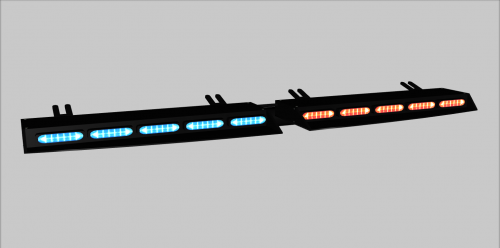
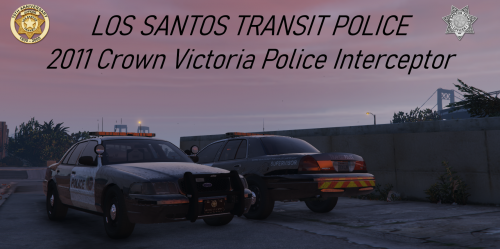 I fixed it! I changed the spotlight emissive object to extralight_1, and changed the other extralight to 3, and it works flawlessly.
- 39 comments
- 6 reviews
-
-
Hey, I'm setting up my own vehicle with a spotlight. How did you get your spotlight emissive to activate with the spotlight key? Mine activates the extralight in the headlight housing, not the spotlight extralight. I have the spotlight set to extralight_3, but I'm at a dead end. Can you provide some insight for me? 😄
- 39 comments
- 6 reviews
-
Post your solution, guy.
-
-
 Ok. Unpack the OIV file itself using 7Zip, and look into the assembly.xml with Notepad++ or a text editor to see what the problem might be. I just tried installing it, and it worked just fine.
- 485 comments
- 78 reviews
-
Use 7Zip to unpack the OIV, and open the assembly XML. This is the only report that I've had regarding the OIV installer failing. Ah, upon further reading, if I'm not mistaken, you're installing the actual .zip file. The OIV file is located further inside the archive
- 485 comments
- 78 reviews
-
-
I'm no good at determining crash sources, but I'll see what I can find. You're absolutely sure that you installed the required mods and scripts BEFORE you installed the OIV, correct?
- 485 comments
- 78 reviews
-
-

- 1
-
-
 Around 7-12%
 -
If there isn't a template in the Templates folder, then you cannot add a livery to it.
- 485 comments
- 78 reviews
-
-
- 1
-
-
You might need to change your graphics mod. I see this all the time. I use NVR, and I never have an issue with it
- 485 comments
- 78 reviews
-
-
- 1
-
-
-
-
-
-
-
-
-
-
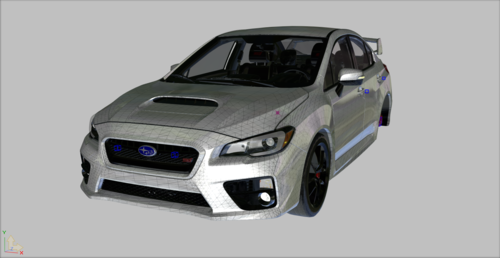 May wanna look into importing the YFT. I can open the Z3D just fine 🙂
 -
Each vehicle has its own ELS VCF in the archive. The issue does not lie with ELS or the compatibility of the vehicles to work with ELS. I've put each vehicle through strenuous testing. I do not have any issues with what you're describing. What graphics mod do you use? I've had reports of vehicles not working due to certain graphic enhancers. Check the names of your livery texture. There are 33 vehicles that accept templates. Seven do not. Double check which vehicle you're applying liveries to. It may not accept it.
- 485 comments
- 78 reviews
-
-
- 1
-
-
No. Gresley is the best handling for it

.thumb.jpg.951cc71e0307f299817ac38ce6a22c2d.jpg)