




Empire
-
Joined
-
Last visited
Everything posted by Empire
-
You should not Delete you last account in the first place. So thanks for you good work that you have done for over a year know, so while you are reading this check out my you-tube channel (have been doing LCPDFR episode and BF2 as well) http://www.youtube.c...53?feature=mhee - I like to have more subscribers and video view - so what do you think of my LCPDFR episode
-
so this only work if you are playing online then. so what about the people that aren't online or that does not have the internet
-
:geek: Hi Every one on LCPDFR.com I have been doing video recording, been doing it for 1 mouth know. And that I have made 22 episodes all up. At the moment I only have 3 subscribers and over 1100video reviews, one of my episode has 152 views. Any way I like to share my videos with you and h I hope that you enjoy all of my episodes. http://www.youtube.com/watch?v=KkOKd6t0VVg And the play list link: https://www.youtube.com/playlist?list=PLEE9925FFF396E6B0 so thanks for reading and Subscripted to me with thumps up
-
HI xapkpax, and other people on this site, how do you get speed mph on the right top sceen??????????
-
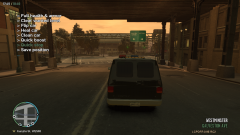
From the album: Hands up LCPDER
-

From the album: Hands up LCPDER
-

From the album: Hands up LCPDER
-

From the album: Hands up LCPDER
-
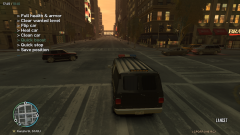
From the album: Hands up LCPDER
-

From the album: Hands up LCPDER
-
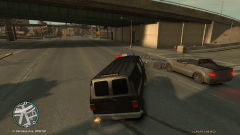
From the album: Hands up LCPDER
-

From the album: Hands up LCPDER
-

From the album: Hands up LCPDER
-
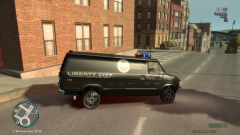
From the album: Hands up LCPDER
-

From the album: Hands up LCPDER
-
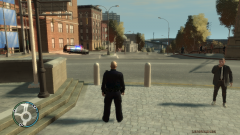
From the album: Hands up LCPDER
-
What the Hell, What do you mean that you have seen it!!!! the end of watch is not out yet,
-
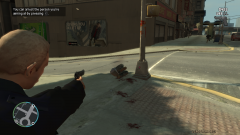
From the album: Hands up LCPDER
-

From the album: Hands up LCPDER
-
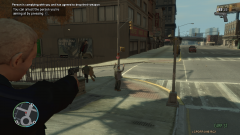
From the album: Hands up LCPDER
-
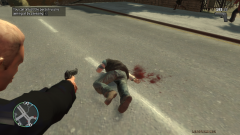
From the album: Hands up LCPDER
-
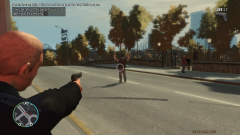
From the album: Hands up LCPDER
-
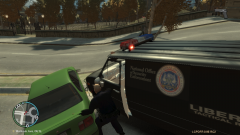
From the album: Hands up LCPDER
-
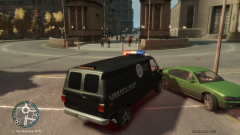
From the album: Hands up LCPDER
-

From the album: Hands up LCPDER


