
PoliceBoot
Members
-
Joined
-
Last visited
Everything posted by PoliceBoot
-
-
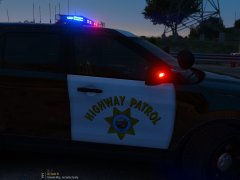
From the album: Patrol Pictures
-
-
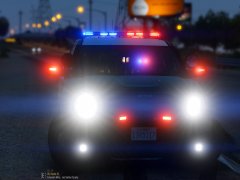
From the album: Patrol Pictures
-
-
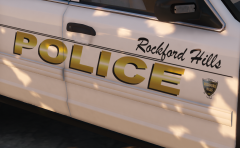 Let me know if you ever release this pack...I've been looking everywhere for a good Beverly Hills pack and a Laguna Beach pack!
 -
I have the same issue but for ALL of my cars. The wig-wags are the only thing that work and the lightbars won't light up or anything.
-
Hi! Thanks for getting back to me, I tried that path as well, and the vest textures are showing up in OpenIV but not ingame for some reason? What can I do from here? Thanks
-
I have tried modifying the EUP vests with new textures, HOWEVER, it says to locate the models in the EUP folder in this path: Grand Theft Auto V\update\x64\dlcpacks\eup\dlc.rpf\x64\models\cdimages\eup_componentpeds I don't seem to have an eup folder in that path, and I tried the other path, which did contain an EUP folder. Despite replacing the textures on the vests, none of it is working, and I keep getting the same default EUP vest.
-
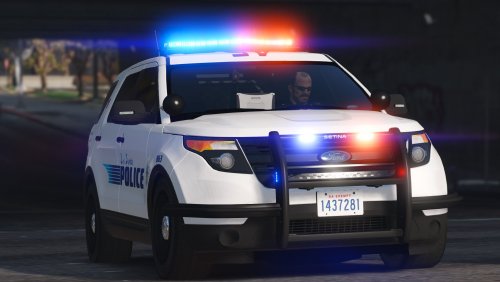 Beautifully made model, and great visuals on this! Only reason I didn't give this a 5-star rating is because there appears to be no ELS file with this model, or the CVPI pack, and it messed up ELS for me completely. Besides that, amazingly well done!
- 70 comments
- 16 reviews
-
Any ELS file come with these models? I also installed the CVPI pack and now all of my ELS is messed up.
- 70 comments
- 16 reviews
-
I tried replacing vest textures in that path but none of them pop up ingame. Are some of these retextures compatible with 7.4?
-
-
-
 I've got a fairly big problem. Is there a way to modify the key to toggle this computer? The default key is E, and if I hold it down, all it does is toggle the airhorn, and when initiating traffic stops, that makes the subjects drive off. I almost cannot access it at all due to this. Can I change the default key to this or somehow change the key for airhorn?
- 1,743 comments
- 172 reviews
-
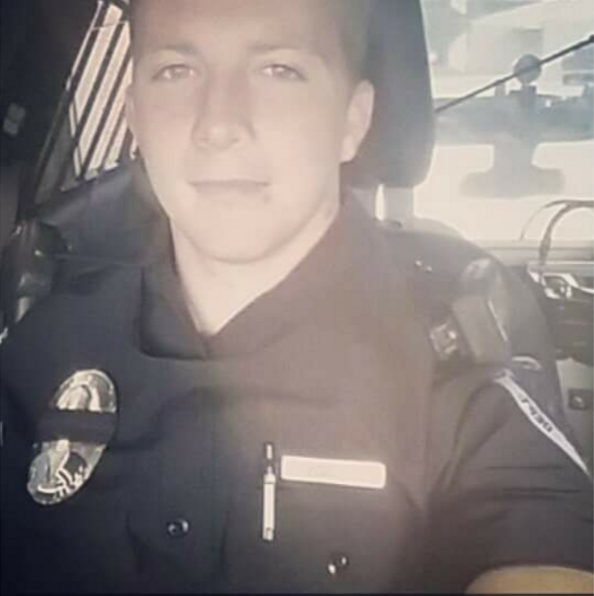
Please pray for Officer Justin Terney's family. He was fatally shot on a traffic stop late Sunday night, and succumbed to his injuries Monday morning. He was 22 years of age, working for the Tecumseh Police Department in Oklahoma. He was the friend of a friend, and any show of love would be greatly appreciated.
-
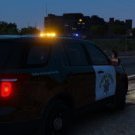
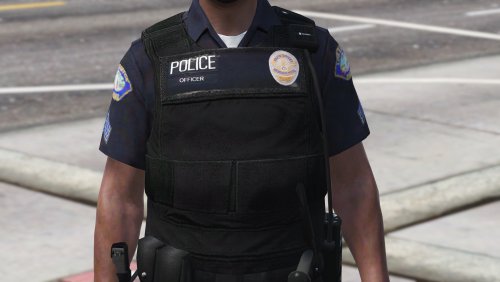
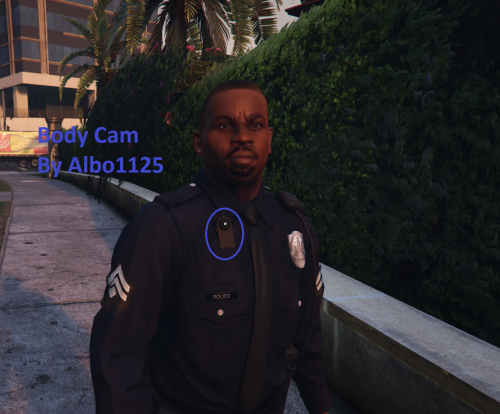
Hey, guys. Just wanted to start up a little discussion about your thoughts on the uniforms and peds in GTAV. With the exception of EUP (which is the closest thing to realism and/or similarity to the real world), I feel like Rockstar is progressively getting more lazy with their ped work. The duty belts aren't too bad, but I still feel like the developers could've put more effort into them. Sad to say, I feel like the GTAIV police peds are much better than the current GTAV police peds, with a few exceptions of course. (Kind of leaves you to wonder when Rockstar is finally gonna get it right). I also wanted to know if anyone could point me in the right direction as to how to start modifying these peds? I've figured it out for vehicles, but can't find a damn clue to start. Here are some pictures:
-
 Help me please! I installed the ELS and it works just fine (for some of my vehicles). For the others, it just lights up wig-wags, for example, and the rest doesn't work. As for another issue, the lighting isn't like it seems in most LSPDFR videos/demos. I've installed every mod there is from RadianceV to BrighterLights using OIVs/Manuals, etc. I haven't gotten jack squat, even through following the instructions carefully. Please help!
- 2,700 comments
- 241 reviews
-
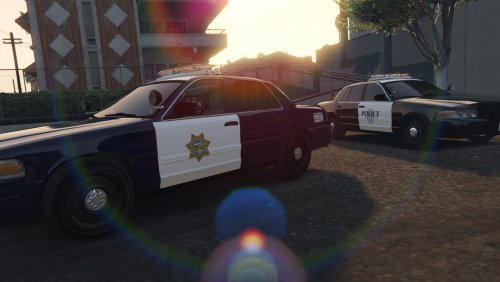 Absolutely amazing. The realism on each of these cruisers is stunning, and I love it. Great accuracy to detail on the specific CVPIs.
- 8 comments
- 3 reviews