sheepdog6024
Members
-
Joined
-
Last visited
Everything posted by sheepdog6024
-
I just updated everything and now when I launch GTA V before I even launch rage for lspdfr GTA V crashed on the loading screen, any recommendations to fix this?
-
-
worked thanks
-
Just like the title says, it updated and I was forced to install the "rockstar games launcher" on my desktop now when I go to launch rage it loads regualr GTA V. Any ideas?
-
I would just update everything so its all working on the same version.
-
Try installing "Arrest manager". Also try holding E for a few more seconds and make sure your standing fairly close or it wont pick up that you are trying to arrest them.
-
Did you install any other uniform mods besides EUP?
-
Yea i have to go through my key bindings too, pain in the a** lol
-
Same thing happened to me. Updated RPH and OpenIV. Also had to reinstall EUP and fix my settings again but in the end worked.
-
has it started to work again or still having the same problem?
-
Remove the cars you put in try again, if it works fine install one at a time. If it still crashes there is an issue with a plugin.
-
Sometimes I have to restart my computer a couple times as well especially after switching from FiveM
-
-
1 problem is when I hold R3 down to look back it works and sometimes it doesnt. 2 is if I press any button at all when a call pops up it accepts it even when I dont want to accept it, any help on these?
-
Basically what the title says, either responding to calls or regular patrol random abandoned vehicles spawn in the middle of the street. Any idea how to fix it?
-
-
What would I have to do to install the belts over the default belts?
-
I am working on my 0.4 and I would like to know if I were to put this in https://www.lcpdfr.com/files/file/20723-eup-replacement-belt-holsters-v10/ if anyone knows where to find it in the police locker while getting my officers uniform. Would I find it under component?
-
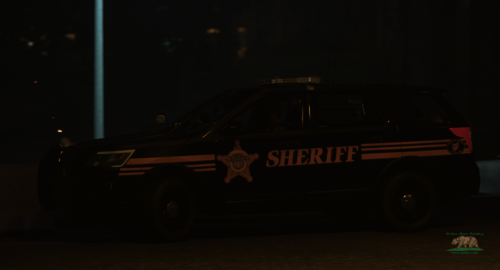
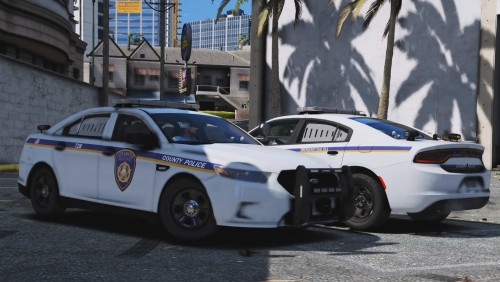
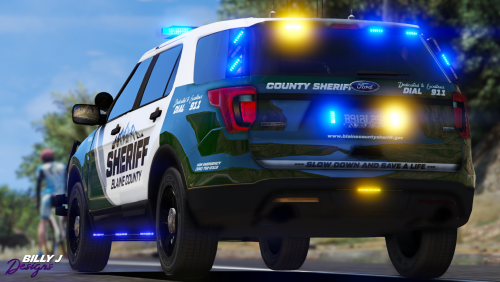
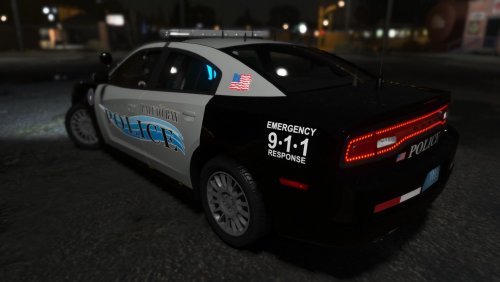 I tried to put this skin pack on the vehicles put both skins overlap eachother. I installed them correctly, any idea on a fix?
- 20 comments
- 12 reviews
-
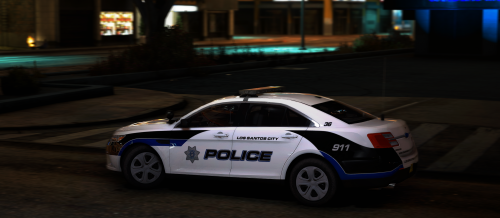 I put these skins on the PBPD pack but the 2 skins overlap eachother. Anyone else run into this problem or know a fix ?
- 14 comments
- 1 review
-
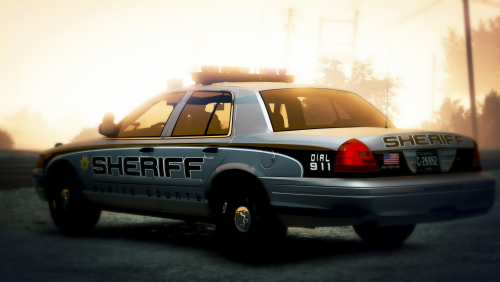 Not a problem, enjoy your skins man keep up the good work! Will leave a review once I throw them in my game.
- 16 comments
- 4 reviews
-
-

- 1
-
-
-
I installed Natural Vision Remastered and noticed that my headlight and taillights wig wags and strobes are barely visible, they were a lot more before installing NVR. Long story short I believe I only need to adjust the brightness of them in the visual settings but don’t know the name of them, I know the red and blue lights are “car.default” does anyone know the name(s) of the ones I am talking about?
-
-
Could I install NaturalVision Remastered while having VisualV installed? Would that enhance my graphics even more or would it not work?