


2Telos
-
Joined
-
Last visited
File Comments posted by 2Telos
-
-
I needed this kind of mod!I usually use a trainer to delete cars to clear traffic...I will try it!!!!Thank you
-
Edited by 2Telos
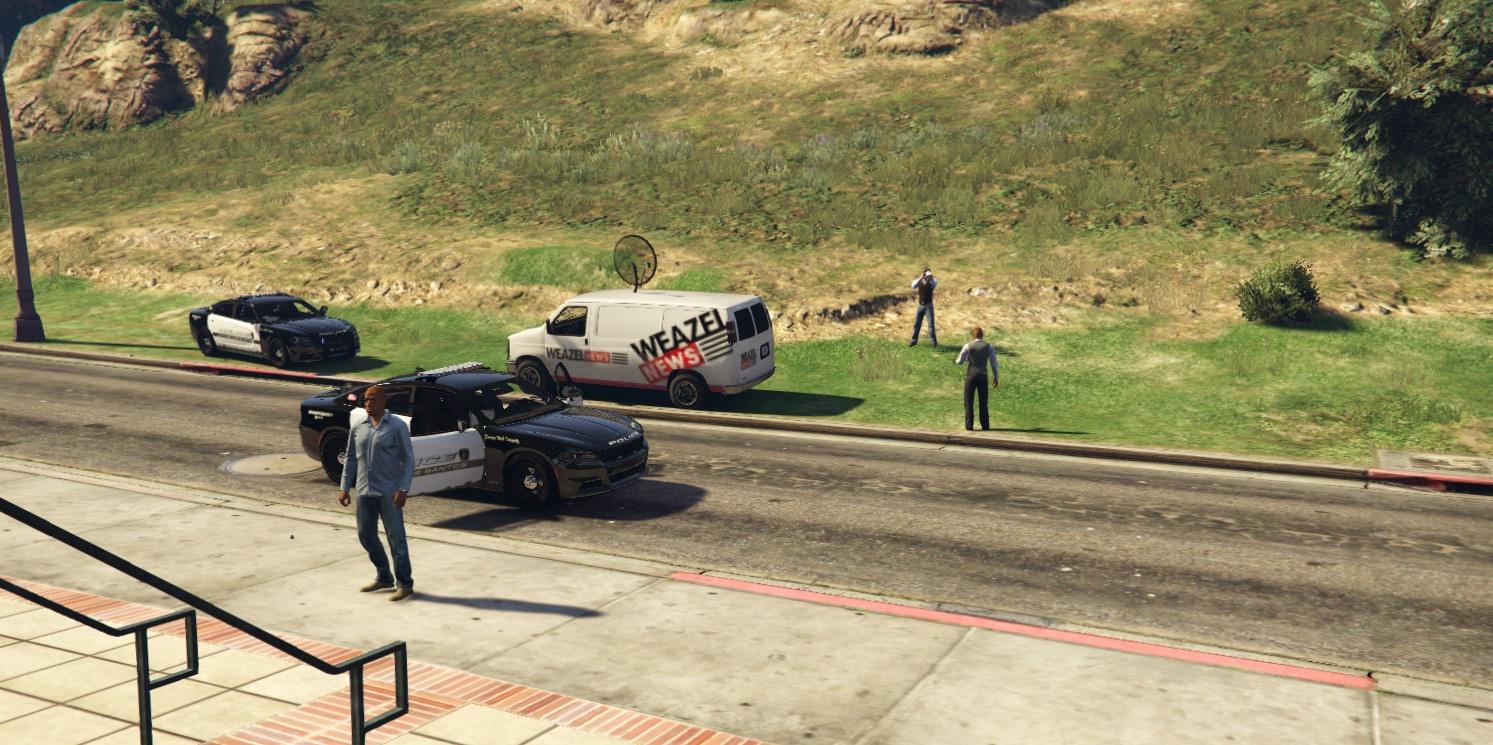
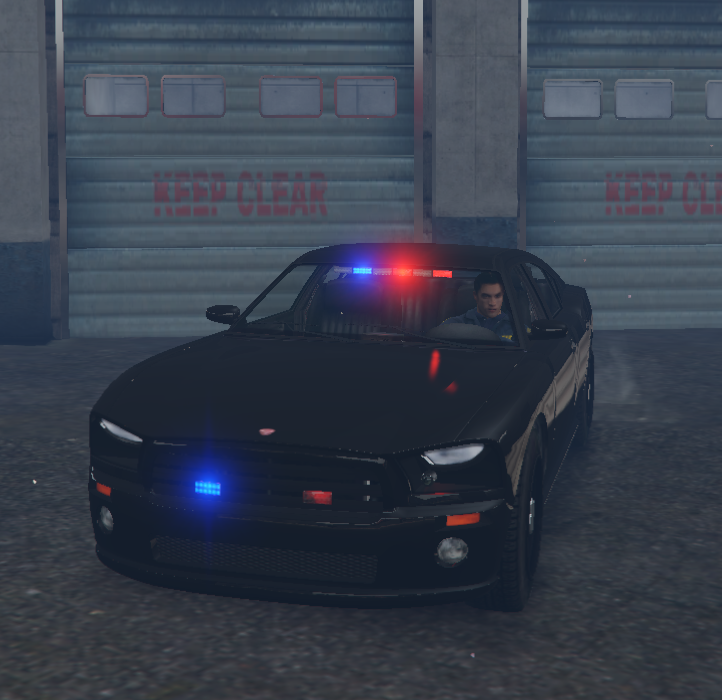
I like it!!BUT!!!Tail lights and the front ones i think are a little bit brighter for my taste..Look these pics.First are with another visualsettings second are yours
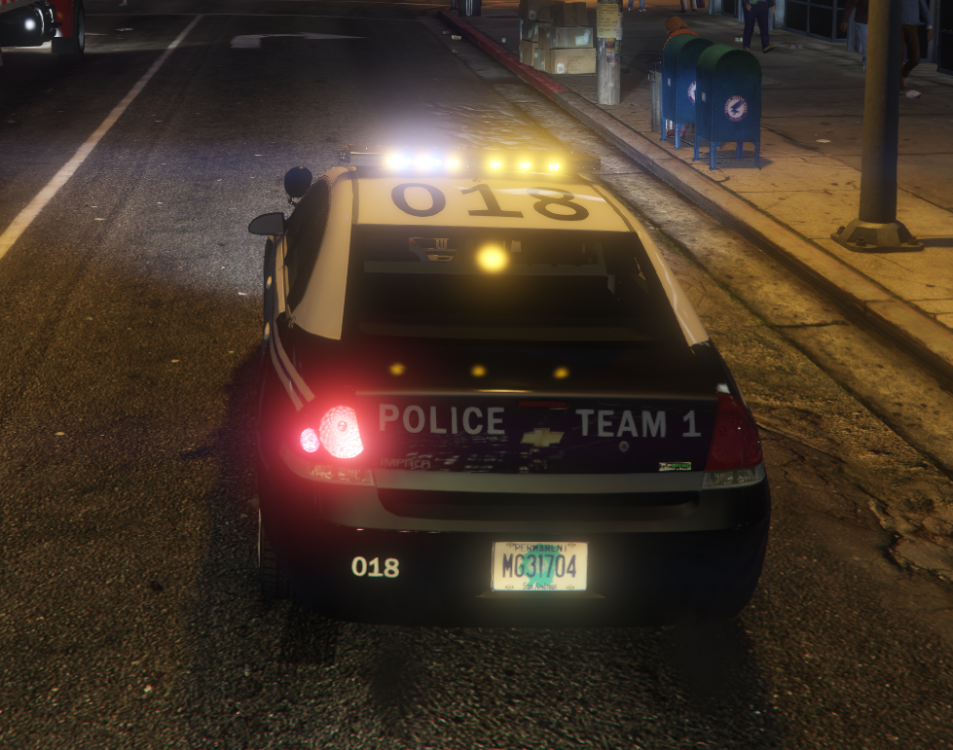
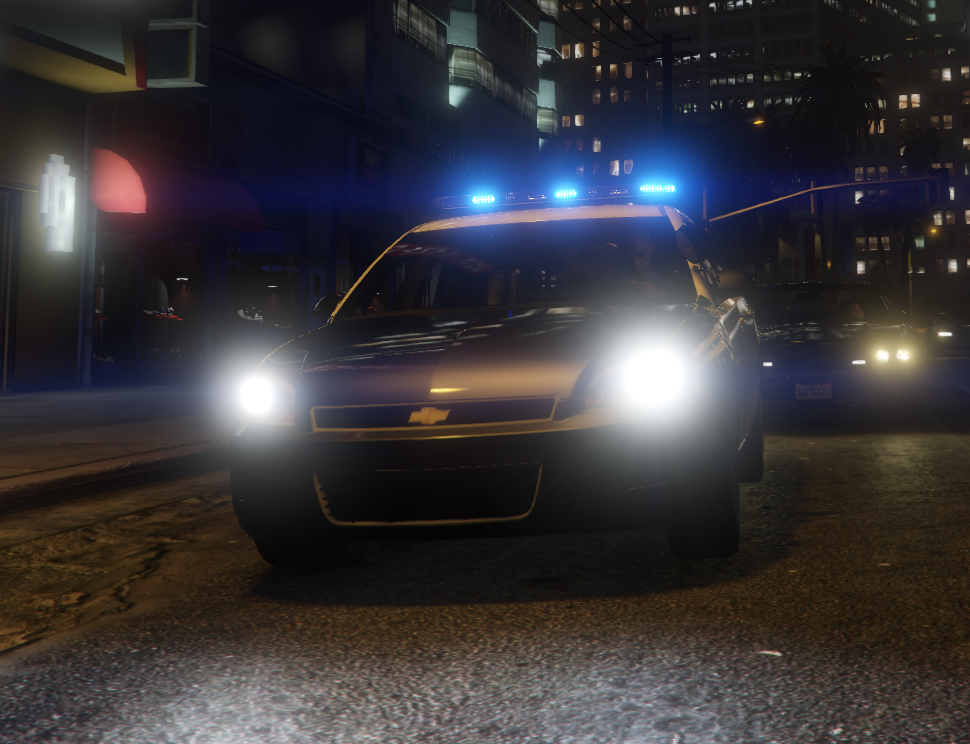
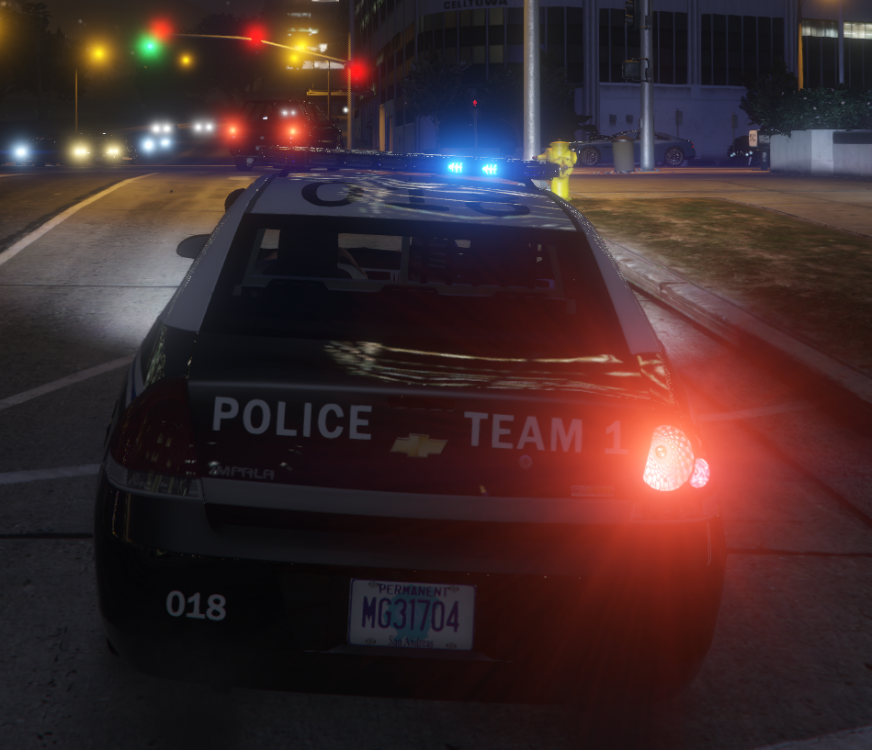
The last pic is here http://prntscr.com/nqm7xg
- RyanFinnigan and Junijii
-
 2
2
-
-
 On 3/2/2019 at 8:40 PM, OfficerGameOverJordi said:
@gmantonzFor ID ask through the 0.4-vanilla way. Also, download gameconfiq optimized for LSPDFR to increase in-game memory preventing 90% of the crashes through Computer+. Hope it works 🙂
can you suggest one?I am at the latest version of gta and both game configs that are on gta5mods cause my game to crash
-
Edited by 2Telos
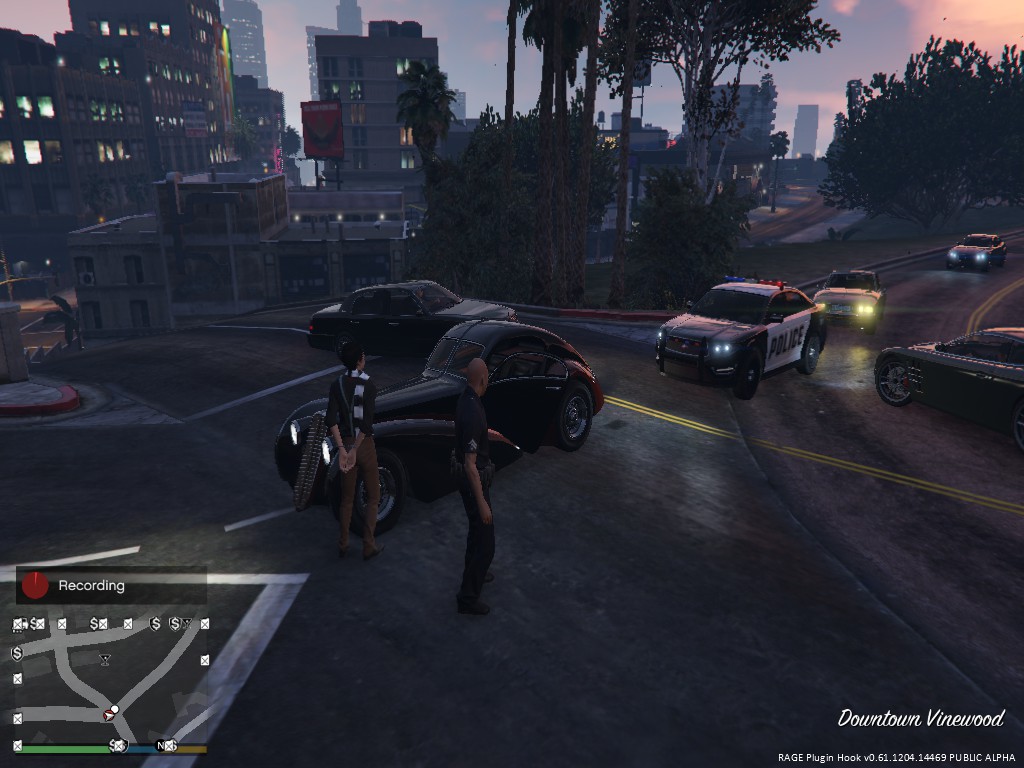
Hello thnx for the update!!!I would like to report that when i used the updated version, traffic control crashed..I removed it and then STP crashed.I removed the updated interaction+ and all mods working fine.Something is causing crashes to other mods 😉
EDIT!!!
So, the mod is working on 0.4!I think that the reason that caused the crash is that i used your stop the ped items.I used STP items again and everything is working 😉
-
-
-
- Jack Hammer and sinusphi
-
2
-
-
-
-

-
-
-
-
-
-
-
-
-
-
-

-


.png.13fa6922e96a54de77796acb7a07afc2.png)


SuperEvents
in Script Modifications & Plugins
I was especting a mod like this!!!!Plzzz add more events to traffic stops too if you can!Thank you for your work