killer288
Members
-
Joined
-
Last visited
Everything posted by killer288
-
-
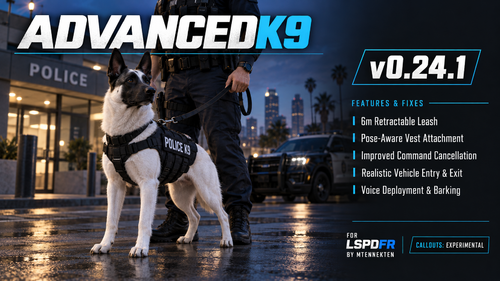 its not work i have put this api key in but its say thing like tjek rage pluginhook.log all other things work but not voice command
- 75 comments
- 6 reviews
-
-
is it there where its say apikey i need to put this groq key i have put this key in but it still say ai voice fail look ragehook.log
- 75 comments
- 6 reviews
-
my voice recognition doesn't work it says something with check rageplungin hook.log what do I do there
- 75 comments
- 6 reviews
-
-
-
-
-
 When I press the i key, it starts to lag and then the officer doesn't do anything I tell him.
- 146 comments
- 1 review
-
-
-
-
after i push safe and launch and rage is starting its stop work its say try again or run safe mode
-
-
-
are there a list were you can see what u can speek to this VocalDispatch i dont no what i need to say only Request backup and Request transport so if some one can find a list to what i can say it will be nice
-
 why it not work its say i missing the following file lspdfr+ dll what is that and are there a video to install this mod
- 202 comments
- 29 reviews