12am21
Members
-
Joined
-
Last visited
Everything posted by 12am21
-
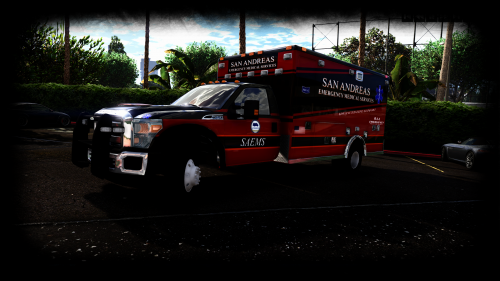 I love the vehicle and I appreciate the work you've put into it, but is there any chance you can make it support multiple liveries?
- 209 comments
- 40 reviews
-
-
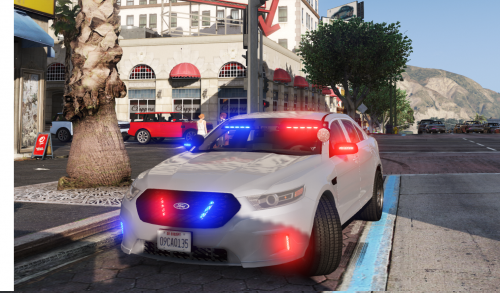 I love the model and the lights look amazing, especially at night. It's a great car for undercover and gang patrols. However there is a bug when a door comes off, the shell of the car appears. Other than that bug, its a great car.
- 47 comments
- 24 reviews
-
PDaniels, specifically what settings for brightness did you use to dim the ads on the taxis on paint.net? I have some custom taxi ads that I want to fix and so far I haven't been successful.
-
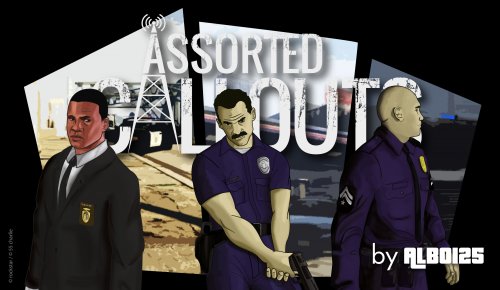 Whenever I go to the Pacific Standard Bank to start the heist, it cuts to the end dialogue and ends the call. Does anyone have a solution for this?
- 1,081 comments
- 166 reviews
-
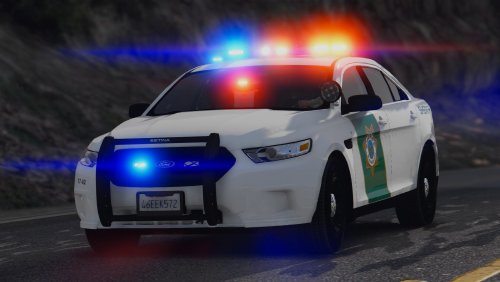 These skins are so well made! They look great while doing patrols up in Paleto Bay. However, could you post links in the description for the vehicles? It took quite a while to find the exact vehicles, especially for the interceptor.
- 18 comments
- 7 reviews
-
-

- 1
-