
Oxide
Members
-
Joined
-
Last visited
Everything posted by Oxide
-
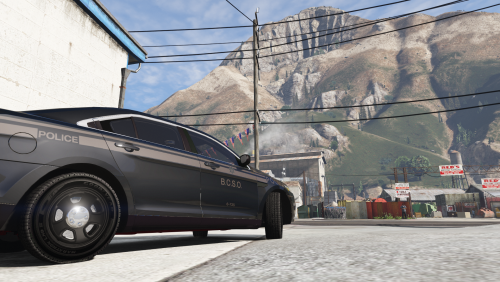 Thanks for checking out my second skin, feedback and suggestions are welcome! This skin is based off the Ontario Provincial Police department's stealth decals for the ford police interceptor sedan. The pack currently includes 2 versions of the skin, one with BCSO markings and another with OPP markings. I plan to add more agency markings in the next update with an end goal of including LSPD, SAHP, and also LSSD variants. HUGE THANK YOU TO: Bueno - http://www.lcpdfr.com/profile/124129-bueno/ With out him this skin would not be possible. INSTALL 1. First, install MattJeter's 2015 Ford Police Interceptor Sedan: http://www.lcpdfr.com/files/file/11448-2015-ford-police-interceptor-sedan-lspd/ 2. Open your new.ytd file from MattJeter's 2015 Ford Police Interceptor Sedan in OpenIV (edit mode). 3. Select the import option in the top left. 4. Import either the OPP variant or the BCSO variant to the .ytd file (or both im not your dad, do what you want) 5. Save the file. 6. Open GTA 5 and check out your new stealth unit!
 -
Some pictures of my current works in progress (ALL VEHICLE SKINS)
-
 OPP inspired Stealth FPIS Skin
-
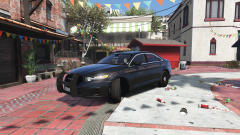 OPP inspired Stealth FPIS Skin
-
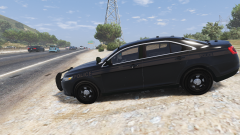 OPP inspired Stealth FPIS Skin
-
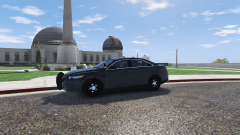 OPP inspired Stealth FPIS Skin
-
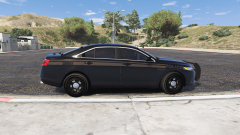 OPP inspired Stealth FPIS Skin
-
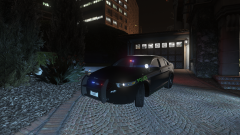 OPP Inspired Stealth FPIS Skin
-
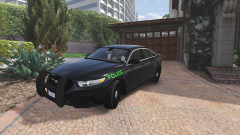 OPP Inspired Stealth FPIS Skin
-
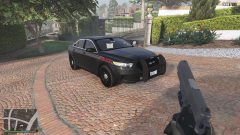 OPP Inspired Stealth FPIS Skin
-
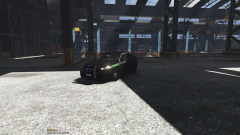 OPP Inspired Stealth FPIS Skin
-
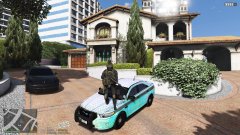 OPP Inspired Stealth FPIS Skin
-
-
From the album: Oxide's WIPS
Done the BSCO variant, more agency's to come. -
From the album: Oxide's WIPS
Almost everything is in place now just need to add the roof numbers and also re-scale a few things, should be done tomorrow. -
I will post updates to all of my current projects here. Check out the latest image post on this topic by me for the most recent updates on my projects. _______________________ Requests welcome, also if you have any suggestions to improve any of my WIP projects please leave them here. _______________________ Here is a list of all my released projects. Currently working on a stealth skin inspired by the O.P.P. for MattJeter's 2015 Ford Police Interceptor Sedan This is the look I am going for. i will also release the skin with each in-game police departments badge and text abbreviations. This is currently what I have in game. Its missing a few things and others need to be scaled properly but that will hopefully be done soon.
-
From the album: Oxide's WIPS
Finished working on the crown for the opp version, placement still needs some tweaking. Also planning to add stealth variations of the in game department logos to tie it in with the GTA universe. -
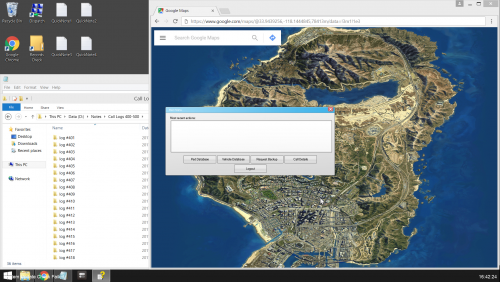 Thanks for checking out this quick texture replacement i threw together that aims to de-clutter the typical police screen but still maintain some features. Feedback and suggestions are welcome. There are 3 different map sections i have included for now (more to come) Downtown Los Santos, San Andreas and Blaine/San Andreas County. I aim to add all of the districts in the game in future updates for those who wish to patrol a specific area or multiple areas that are packed close together. Since there is no script that will change your Computer+ backgrounds on the fly you would have to restart you game to change the image but the option will be there for people who want it. INSTALL INSTRUCTIONS: 1. This texture requires LSPDFR Computer+ get it here it you havent already http://www.lcpdfr.com/files/file/11453-lspdfr-computer/ 2. Open My Computer or File browser and navigate to steam\steamapps\common\Grand Theft Auto V\Plugins\LSPDFR\ComputerPlus\backgrounds 3. Replace the agency specific images with those of your choosing from this download ( there are currently 3 different map images Downtown LS, San Andreas County, and all of San Andreas. you could set the LSPD background to Downtown LS, SAHP to a map off all of San Andreas and so on this way ) 4. Open GTA 5 and open Computer+ in game
 -
From the album: Oxide's WIPS
Another one of the stealth color during the day this time however is an angle the shadows. Also added the rear "police" text and smoothed out the lines some more. -
From the album: Oxide's WIPS
I honestly thought this would have taken longer but i have settled on a color for the stealth graphics for now. Here is a picture in the daytime with the sunlight reflecting off it. Also added the rear "police" text and smoothed out the lines some more. -
From the album: Oxide's WIPS
Not happy with the color of the stripe during day or night, gotta find a new color. Bear with me there happens to be near endless amounts of shades out there, finding the right ones going to take some time. -
From the album: Oxide's WIPS
Removed white lines, thanks to Bueno - http://www.lcpdfr.com/profile/124129-bueno/ -
From the album: Oxide's WIPS
Separated the solid line to make 2 stripes on the side, I have to figure out how to remove the white lines before i can advance. -
From the album: Oxide's WIPS
Figured out the correct placement of the word police above the front wheel -
From the album: Oxide's WIPS
Made my first stripe that actually curves with the vehicle! -
Many thanks, solved everything. Ill be sure to give credit when its released.
-
2048x2048, the template was provided with the car
-
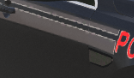
So I am currently working on a project but after i add the texture to my game files and load up GTA to check on it there are white lines added from nowhere that look to be about 1 pixel worth of space (see img. for example). When i check on the file in photoshop these lines do not exist on their respective layers or any others. Could somebody please tell me how to get rid of these lines?
-
 Thanks, uninstalling custom sirens worked. Any idea why there was no issue with the custom siren for a few days?
- 852 comments
- 108 reviews
-
Hello albo i have a game crash i feel i should report to you. This is the first time i have experienced this type of crash and have played with yours and others modifications working successfully. The crash occurred almost right away after loading siren mastery. Log attatched RagePluginHook.log
- 852 comments
- 108 reviews
-
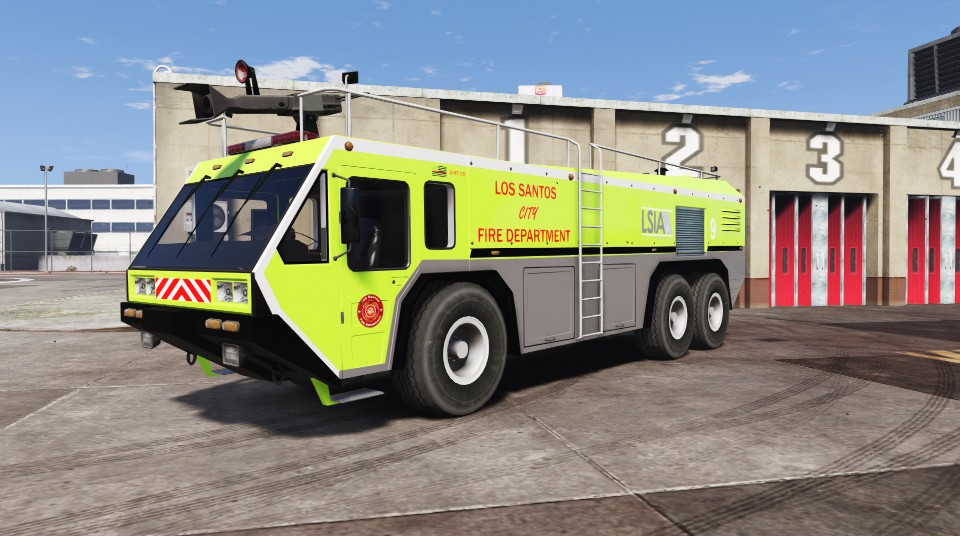
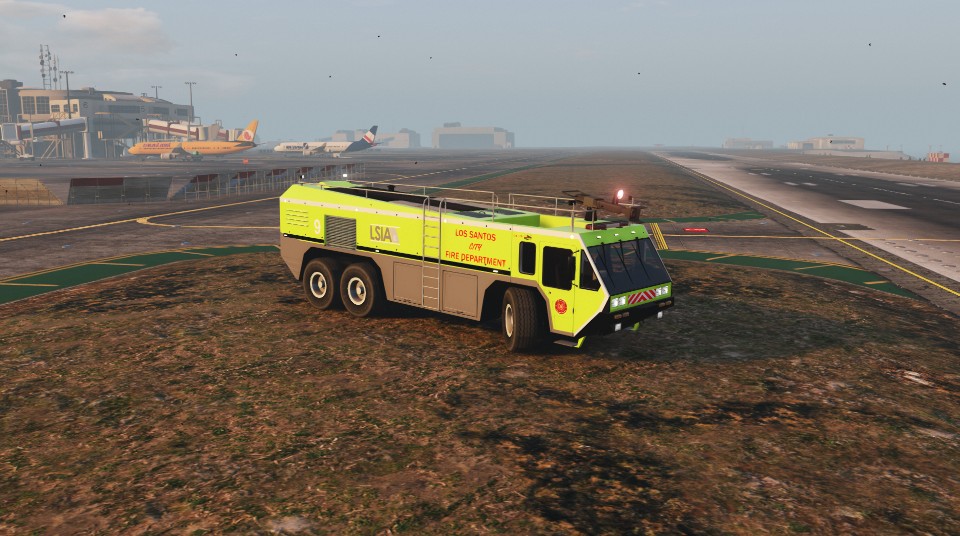
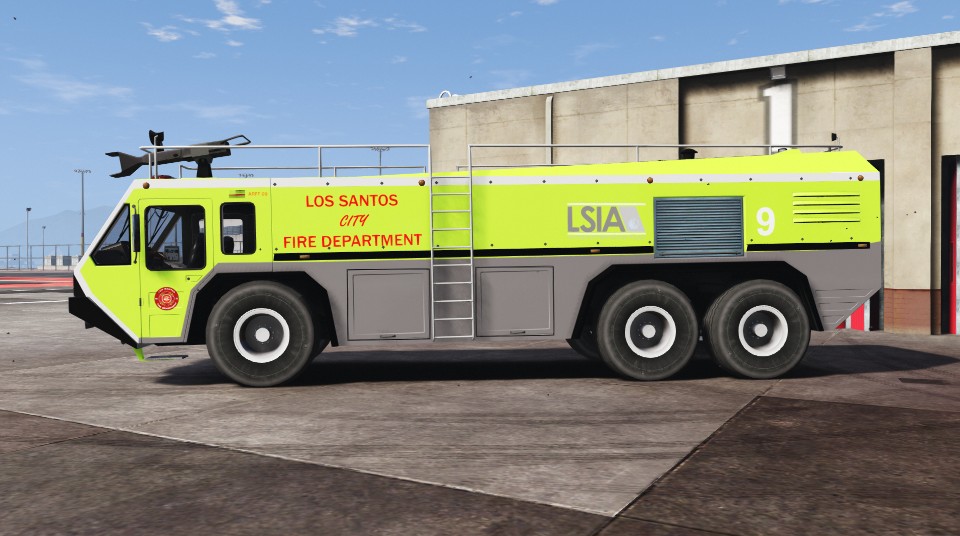
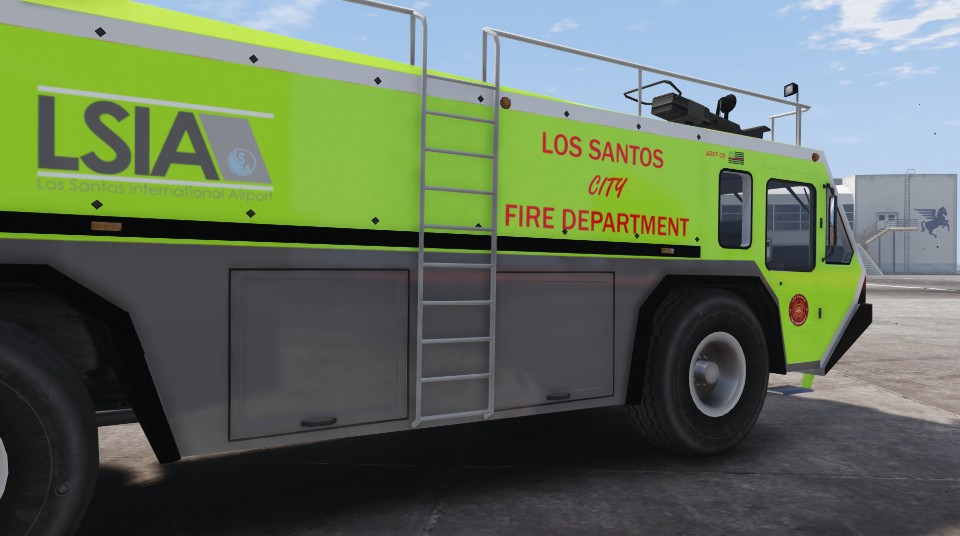
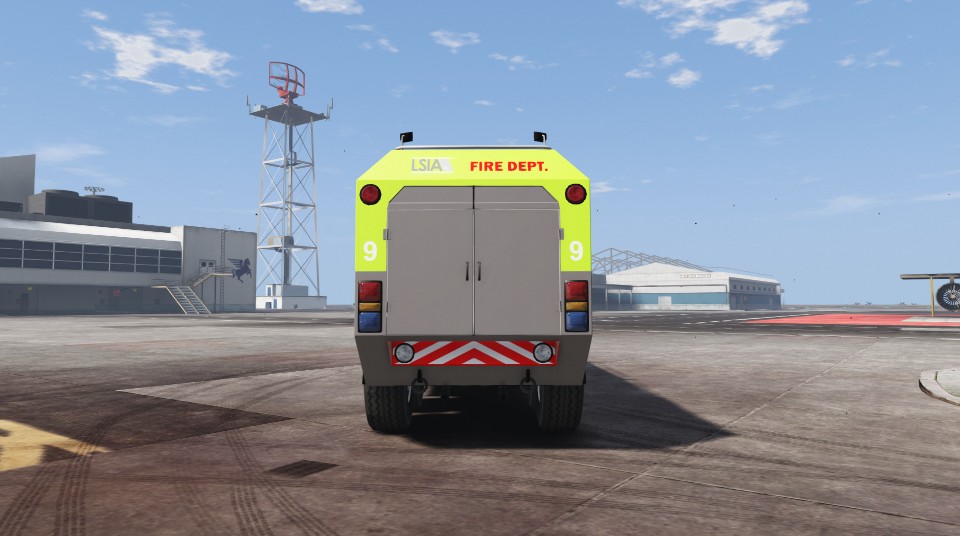
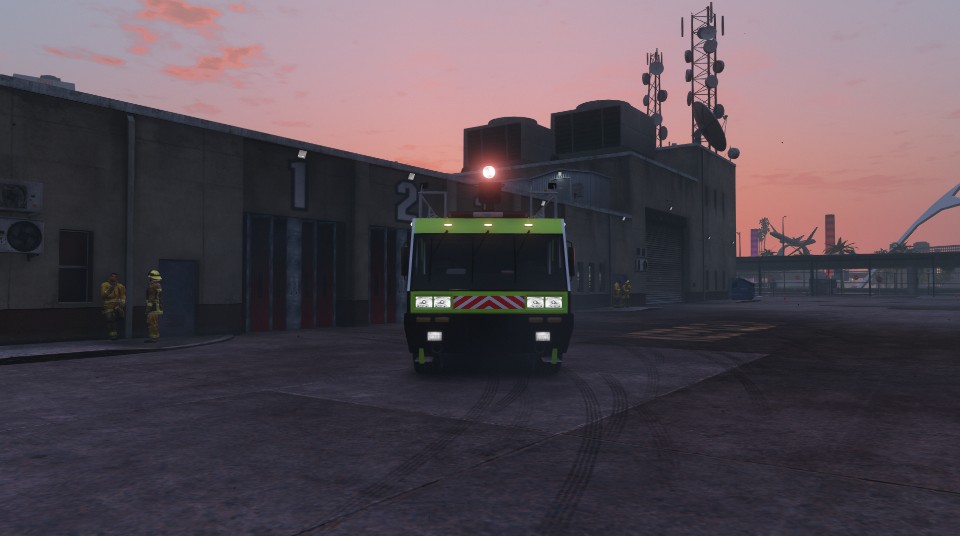
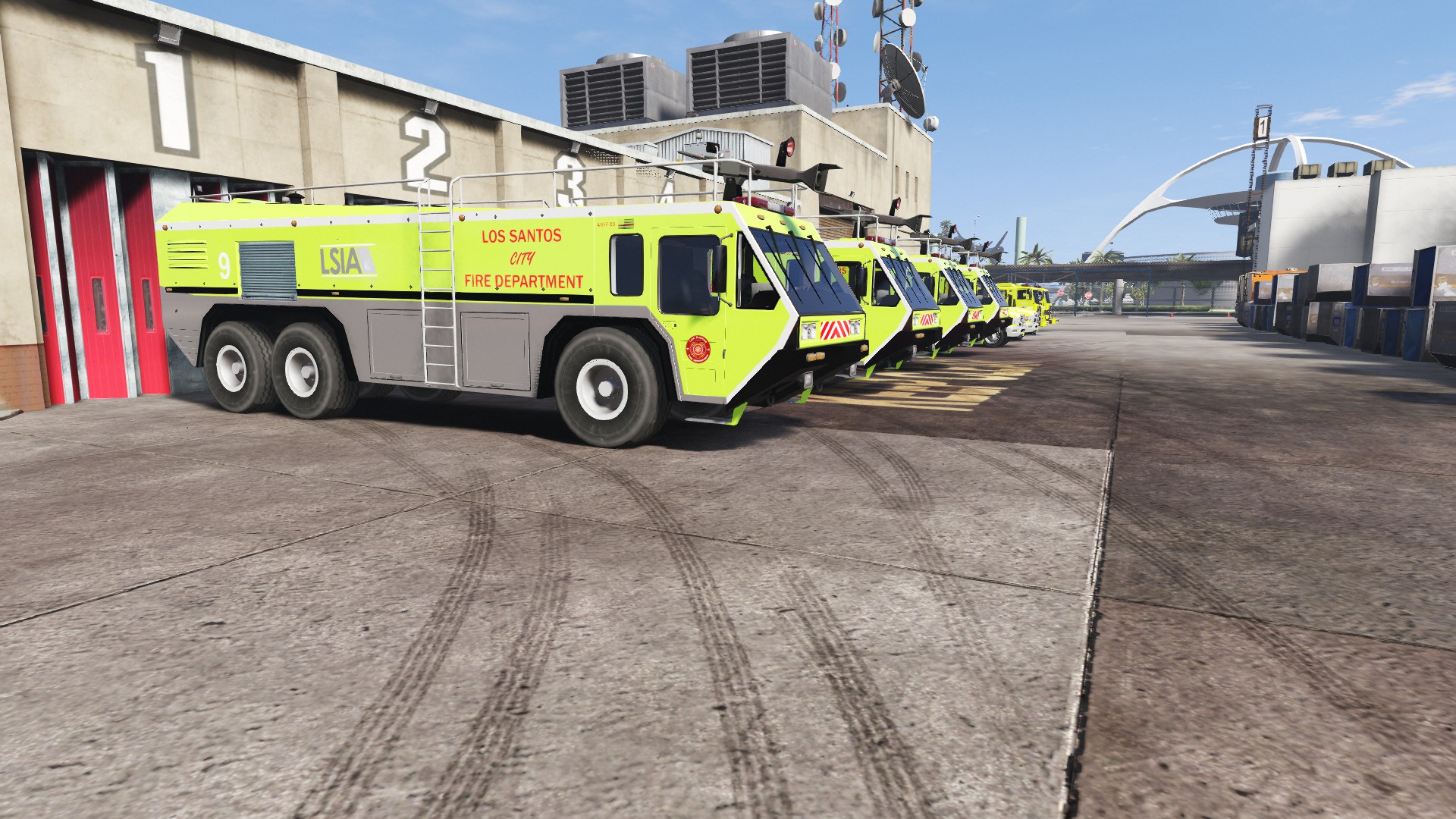
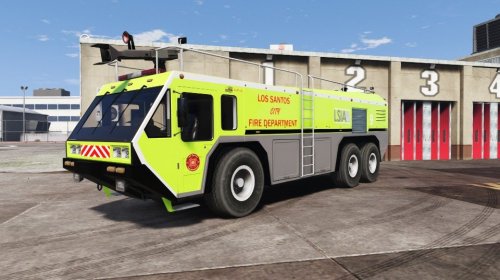 Thanks for checking out my first skin! Suggestions and feedback is always appreciated. This skin was inspired by the real life LA-X fire trucks and uses in-game logos for Los Santos International Airport and the Los Santos Fire Department. Check out the real life inspiration if you so choose _______________________ Thanks to Game68240 for the original model of this truck. Check out his other files on http://www.lcpdfr.com/profile/289284-game68240/ and also https://www.gta5-mods.com/users/Game68240 Also thanks to Kizacudo for the original template. Check out his other work here https://www.gta5-mods.com/users/kizacudo _______________________ Install 1. First, download the skin 2. Download and install Game68240's HydraMax AERV http://www.lcpdfr.com/files/file/11670-hydramax-aerv-5-skins-template/ 3. After you have installed the HydraMax, in OpenIV (edit mode) open the new .ytd and +hi.ytd for the HydraMax and replace aerv_sign_1 with the image in the download 4. Save the file. 5. Launch GTA V and check out your new vehicle skin _______________________
- 2 comments
- 1 review
-
-

- 1
-
-
Thanks for checking out my first skin! Feedback is always appreciated. This skin was inspired by the real life LA-X fire trucks and uses in-game logos for Los Santos International Airport and the Los Santos Fire Department. Check out the real life inspiration if you so choose _______________________ Thanks to Game68240 for the original model of this truck. Check out his other files on http://www.lcpdfr.com/profile/289284-game68240/ and also https://www.gta5-mods.com/users/Game68240 Also thanks to Kizacudo for the original template. Check out his other work here https://www.gta5-mods.com/users/kizacudo _______________________ Install 1. First, download the skin at the bottom of the page or here: Download 2. Download and install Game68240's HydraMax AERV http://www.lcpdfr.com/files/file/11670-hydramax-aerv-5-skins-template/ 3. After you have installed the HydraMax, in OpenIV (edit mode) open the new .ytd and +hi.ytd for the HydraMax and replace aerv_sign_1 with the image in the download 4. Save the file. 5. Launch GTA V and check out your new vehicle skin _______________________ Screenshots LSIAfiretruck.zip