FrenZie v2
Members
-
Joined
-
Last visited
Everything posted by FrenZie v2
-
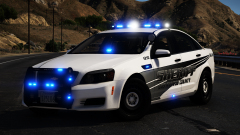 Is this the good base?
 -
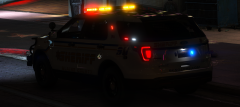 Needs back window lights. But shes a beaut
 -
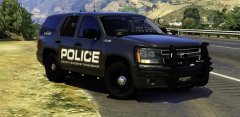 Nice alpr placement
 -
Awsome as always For that first charger, maybe passenger side visor bar maybe
-
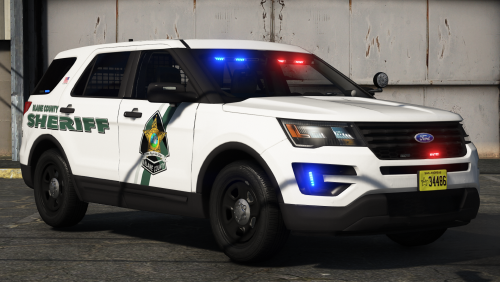 tahoe rear has something weird going on. the tail lights looke doubled up and the black trim sits off of the bumper
- 13 comments
- 9 reviews
-
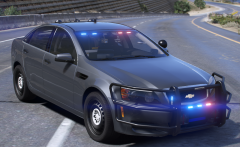 Youre litterally giving us the caprices we all needed 😍 Id love to see some hub caps
 -
 yesss !
 -
-
-
 love the pack. id like to seee some more rear lights on the f150, and more models passenger side visor lights since no one seams to do that
- 75 comments
- 19 reviews
-
-

- 1
-
-
-
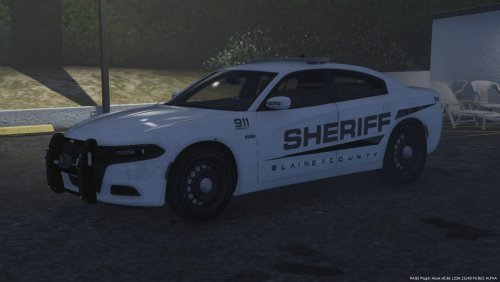 some radar, alprs would really set these models off. especially the slick tops
- 13 comments
- 15 reviews
-
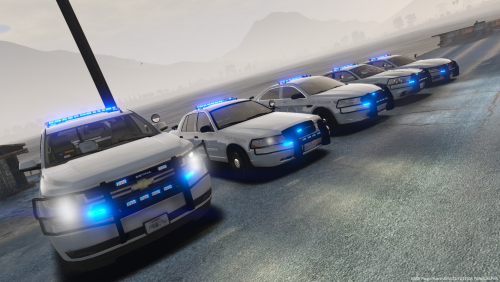 models look great. my only gripe is the light patterns for the valor are disappointing. if more extra slots were utilized , itd look better
- 5 comments
- 7 reviews
-
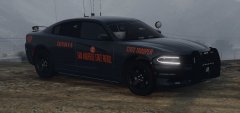 I cant take the wait any longer
 -
-
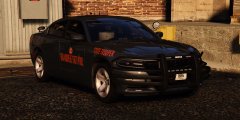 YESSS
YESSS -
-
-
-
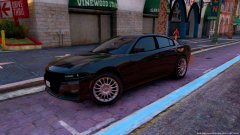 Huge rear wheel 😞
 -
-
-
-
hope to see more gsp themed units, maybe mccd also
-