
Curiosity Rover
Members
-
Joined
-
Last visited
Everything posted by Curiosity Rover
-
 Interesting shift huh?
 -
 Eyy
Eyy -
Nice, haven't seen much indiana emergency service items.
-
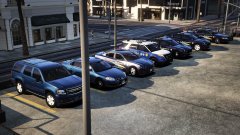 Nice, making vehicle for my district now
 -
I don't think so
-
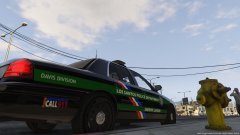 Interesting..
 -
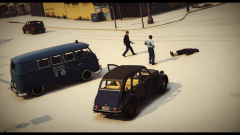 The keep in the background photobombed you.
 -
-
Would be better if there was less cut out, edited portions like the old episodes.
-
Variety of Emergency Service screenshts.
-
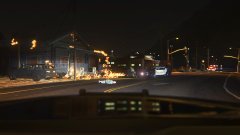 Hero officer
-
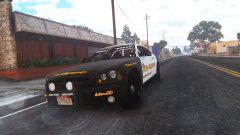 Paleto bay
-
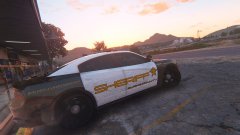 Sandy shores office
-
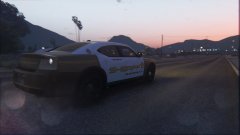 Starting the early morning shift in sandy shores.
-
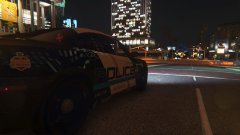 Grave yard in LS
-
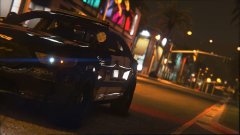 Graveyard in NLS
-
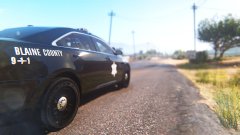 Grapeseed province patrol.
-
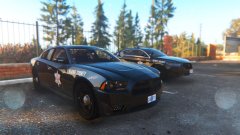 Paleto station
-
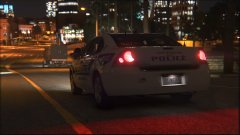 City Patrol
-
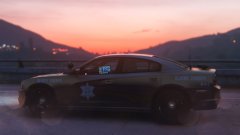 Moring Radar
-
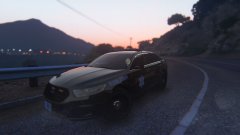 Morning Patrol
-
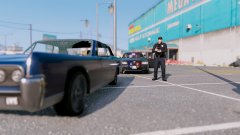 Suspicious vehicle and circumstances.
-
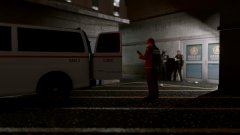 Booking inmates
-
 Booking inmates
-
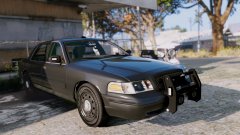 Sandy shores office
-
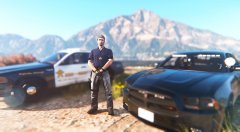 Task force
-
 County shots fired, officer down!
-
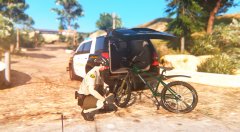 Deputy preparing for bike patrol.
-
 Christmas early this year?
-
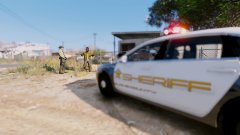 Sir, you're causing abit of a.. BAM BAM YUR DEEAD!
-
-
From the album: Emergency Services
Corporal J. Smith's dashcam displaying the heroic acts of deputy R. Karlenzig. The original call was a brush fire in the park North west paleto bay park by the beachhead. After expedited response by emergency services it was thought the fire burned it selfout, returning to the station Deputy Karlenzig spotted smoke, the fire had spread to a home behind the ron gas station and deputy karlenzig was first on scene, he arrived to a male in distress exclaiming for his children's welfare. The deputy ran in and located one, whom was handed off to a good Samaritan neighbor, the deputy can be seen running in again. The deputy faces severe burns, and was airlifted to a los santos ER. -
From the album: Emergency Services
Charger by JJ dawkins, also the skin. -
From the album: Emergency Services
Charger by JJ dawkins, as well as the sheriff skin. -
From the album: Emergency Services
Charge rby JJ dawkins, as well as the skin. -
From the album: Emergency Services
Vehicle by JJ dawkins, skin by rogue thunder. -
From the album: Emergency Services
Taurus by JJ dawkins, pd skin by roguethunder. -
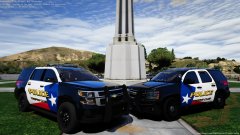 Nice, I like how there are so many Texas packs being released out of nowhere no complaints here though looks good.
 -
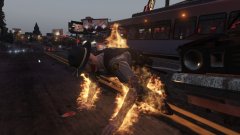 Poor guy
 -
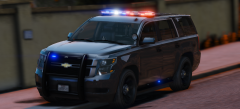 This looks good, will be cool if it's slicktop/ marked.
 -
Have you installed anything recently? do you have everything up to date, rage hook, script hook, script hook do net, try loading with safemode and with no plugins loaded.
-
Yeah, there's not much, there's a lot more LSPD stuff and some BCSO stuff. EUP Has the uniforms for it however.
-
From the album: Emergency Services
Car by JJ, in his new LSPD pack, skin by BradM. -
From the album: Emergency Services
JJ's Charger, Taurus, skins by bradM. -
From the album: Emergency Services
JJ's LSPD impala -
From the album: Emergency Services
Car by JJ, his unmarked/slicktop 2014 model, skin by BradM