


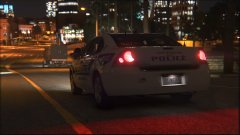
Hero officer

- 514 views
- View Curiosity Rover's images
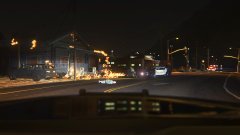
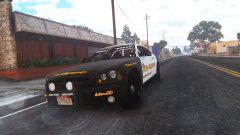
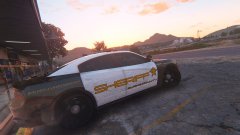
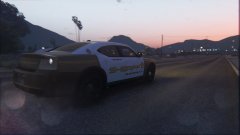
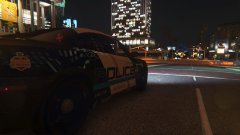
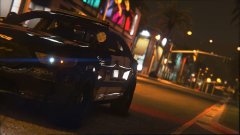
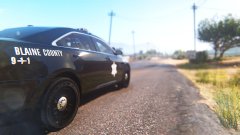
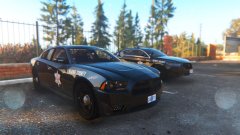
Corporal J. Smith's dashcam displaying the heroic acts of deputy R. Karlenzig. The original call was a brush fire in the park North west paleto bay park by the beachhead. After expedited response by emergency services it was thought the fire burned it selfout, returning to the station Deputy Karlenzig spotted smoke, the fire had spread to a home behind the ron gas station and deputy karlenzig was first on scene, he arrived to a male in distress exclaiming for his children's welfare. The deputy ran in and located one, whom was handed off to a good Samaritan neighbor, the deputy can be seen running in again. The deputy faces severe burns, and was airlifted to a los santos ER.
Recommended Comments
Join the conversation
You can post now and register later. If you have an account, sign in now to post with your account.