



Operation
Members
-
Joined
-
Last visited
Everything posted by Operation
-
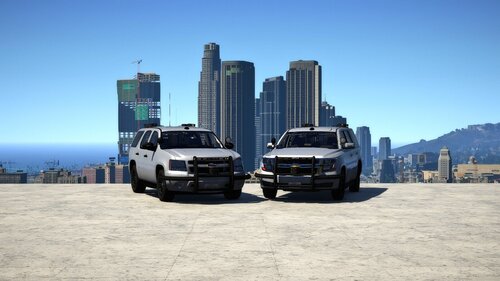 I know its really old now but the models still look amazing but i will point out the rear lights for fbi1 don't work and the top rear light is very dim even at night even with siren adjuster installed and would there be any way to get the fbi2 model without the bullbar? @Steve6645
 -
-
 RPH crashes game when it reaches the loading LSPDFR screen (this is after just adding this car by itself)
 -
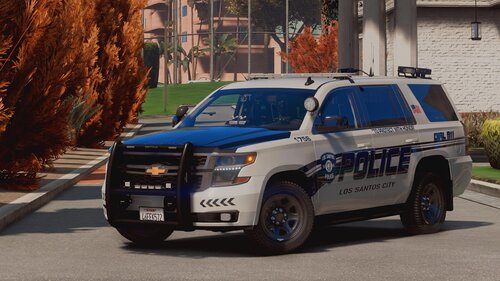 @Torz police3 replacement shows in OpenIV but ingame its showing default vanilla police3, any tips?
- 44 comments
- 11 reviews
-
 @Alex_Ashfold It says i am missing/update mpbattle but i have it in both dlcpacks and dlclist so i am very confused here
- 636 comments
- 75 reviews
-
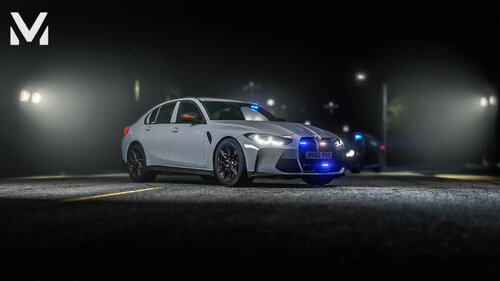 @mz45 I know this is an older upload but would it be possible if you could grace us with R/B version please?
 -
Still doesn't work but now that i am more experienced in installing textures/mods/addons i would actually prefer a clean slate at this point so i would like to know what is the best way uninstall everything and start from scratch? I assume a normal uninstall and reinstall of lspdfr + openiv plus deleting any leftover folders would suffice but just to be sure im asking
-
-
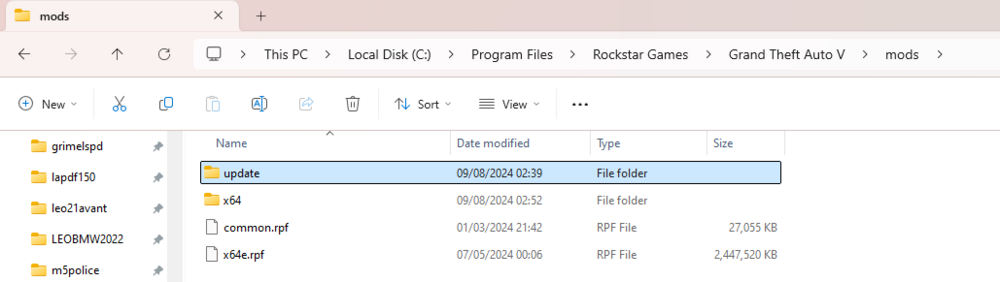
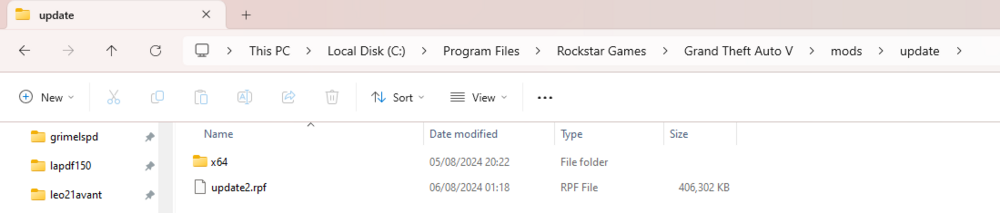
So i've been moving files around like a dummy and forgot what's the correct file path for dlcpacks because now my gta is not recognizing any of my addon cars, eup clothes or eup menu, this is the contents of my mods folder from explorer that i think i've muddled up, what i think i need is a example of what the folder should look like maybe? idk

-
Figured it out @Yasd it was my mods folder think it was corrupted or somehow the properties changed but to fix it i just renamed it, made a new mods folder and dragged and dropped everything but my dlcpacks and for some reason its fine now
-
-
Really late reply, i simply just dropped the game for a couple months out of frustration since nothing is working and cant find a fix it, this didn't work btw so im still puzzled as ever
-
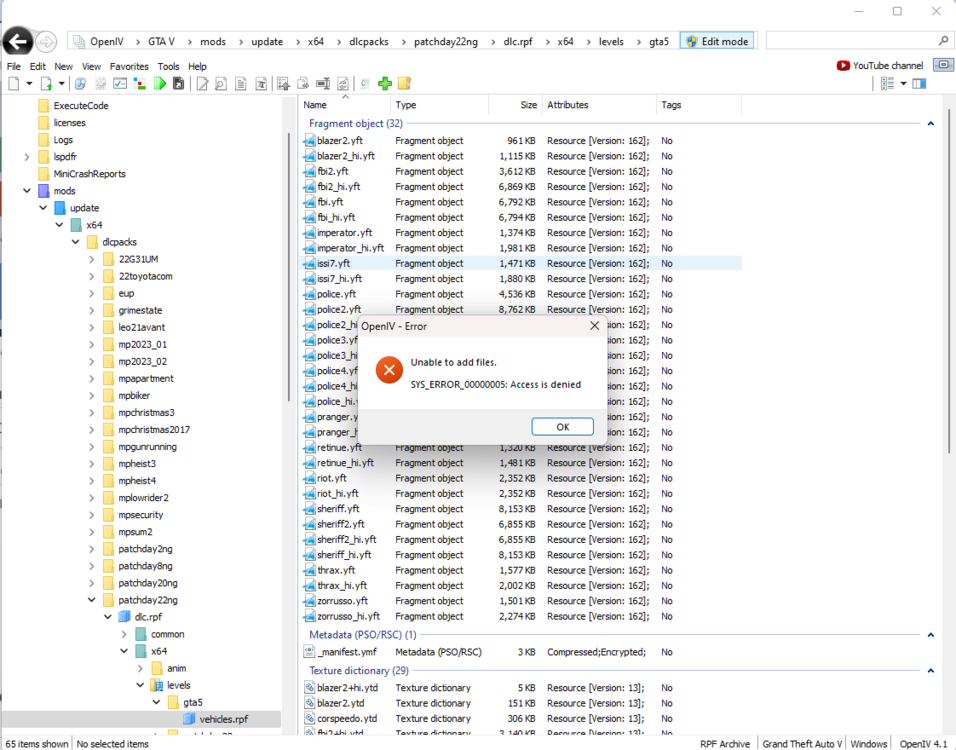
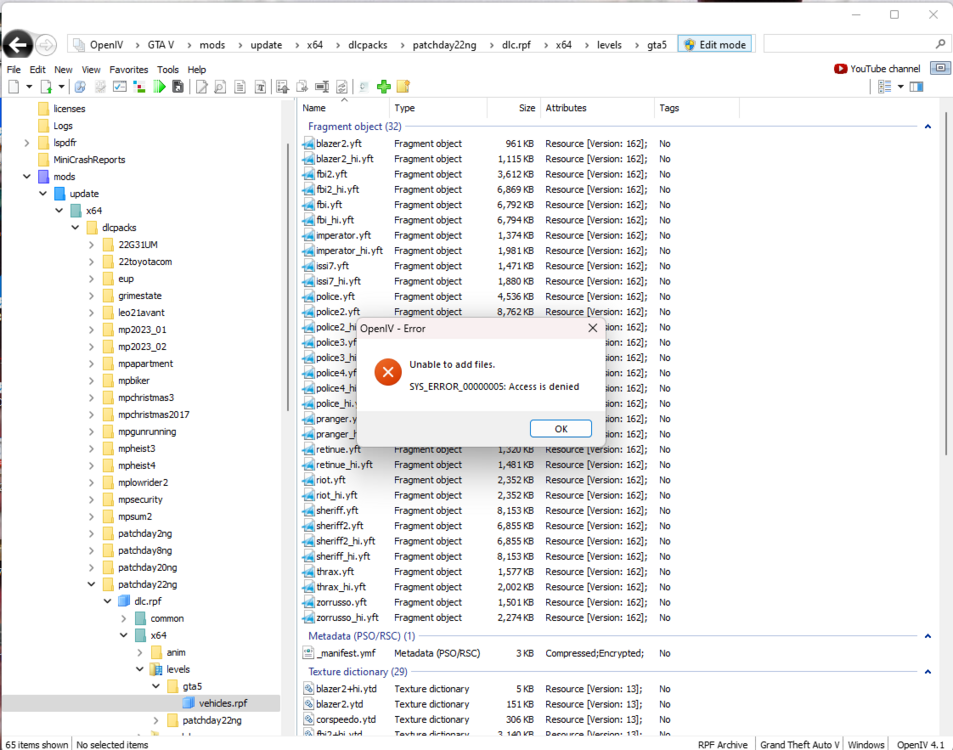
Whenever i try to replace a file it gives me this, im confused
-
So for some reason my openiv refuses to allow me to add or replace any new files and yes its coming up this this error when edit mode is enabled and yes i've already ran it in admin mode and it doesn't stop the error so im really confused what went wrong here
-
Not that but that looks cool actually mostly because i was considering downloading the bodycam mod and from that vid it looks really fun makes me think of Ready or Not a little bit
-
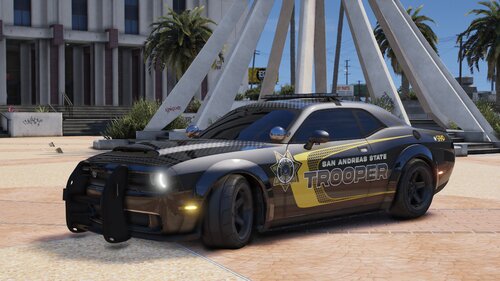 Great model, sounds good and looks good but would it be possible to make it perfectly replace polgauntlet? it seems to be a perfect fit to replace the model as there seems to be no issues with the livery but for some reason the steering wheel is glitched and seating position is slightly off
 -
 Models look amazing but i cant help but notice there's a small glitch in the player ride height it looks like we might be sitting slightly too high up above the steering wheel and the hands glitching through the steering wheel and i also was surprised why the explorer sounds like a v8 muscle car its throwing me off, is there any way to fix these?
 -
So I've been enjoying lspdfr for a bit now playing with lspd and bcso officers but i cant help but point out I've noticed there's a lack of swat and fib callout mods because i remember back in the day before i bought a gaming pc i would often see youtubers doing things like pacific standard bank heist responses but i cant seem to find anything today resembles those callouts
-
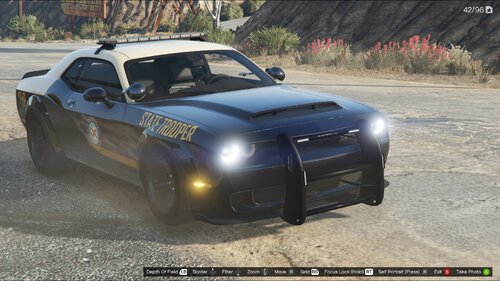 The model has been deleted any way you can upload it?
 -
Again i was saying these new cars don't seem to be listed anywhere as new mods despite being new DLC and that i couldn't find any formal vehicle model replacements, i'm only finding out this whole renaming strat after the matter because i assumed new models were floating around
-
So i know recently they added the riot, gauntlet interceptor, stanier le cruiser and vapid unmarked cruiser, besides the riot these new cars are annoying because they have been added in the game as frequent patrol vehicles that the npc's drive and due to me not having any replacement models for them yet its messing up my games aesthetic as the vanilla liveries on these new patrol cars aren't matching the ones i already have set for that certain agency and for the life of me i cant find any new free packs or even individual models to download anywhere for any of these cars especially the gauntlet because all of them are old mods that replace fbi2 instead of the new standalone gauntlet
-
-
-
Well i gutted my game folder and found a couple of route causes 1 was EUP was not functioning at all and was giving me in game errors apparently i was missing assets even though i previously had them installed and the other thing was dlcpacks, everything seems to have mainly started to work after i removed all of my addons
-
Tried and updated it a second time and now it loads now the game doesn't go past the changing loading screens so i renamed mods folder and it successfully loaded fully but without my mods functioning properly ofc, so i have here the crash report from the previous loading screen crash RagePluginHook.log




